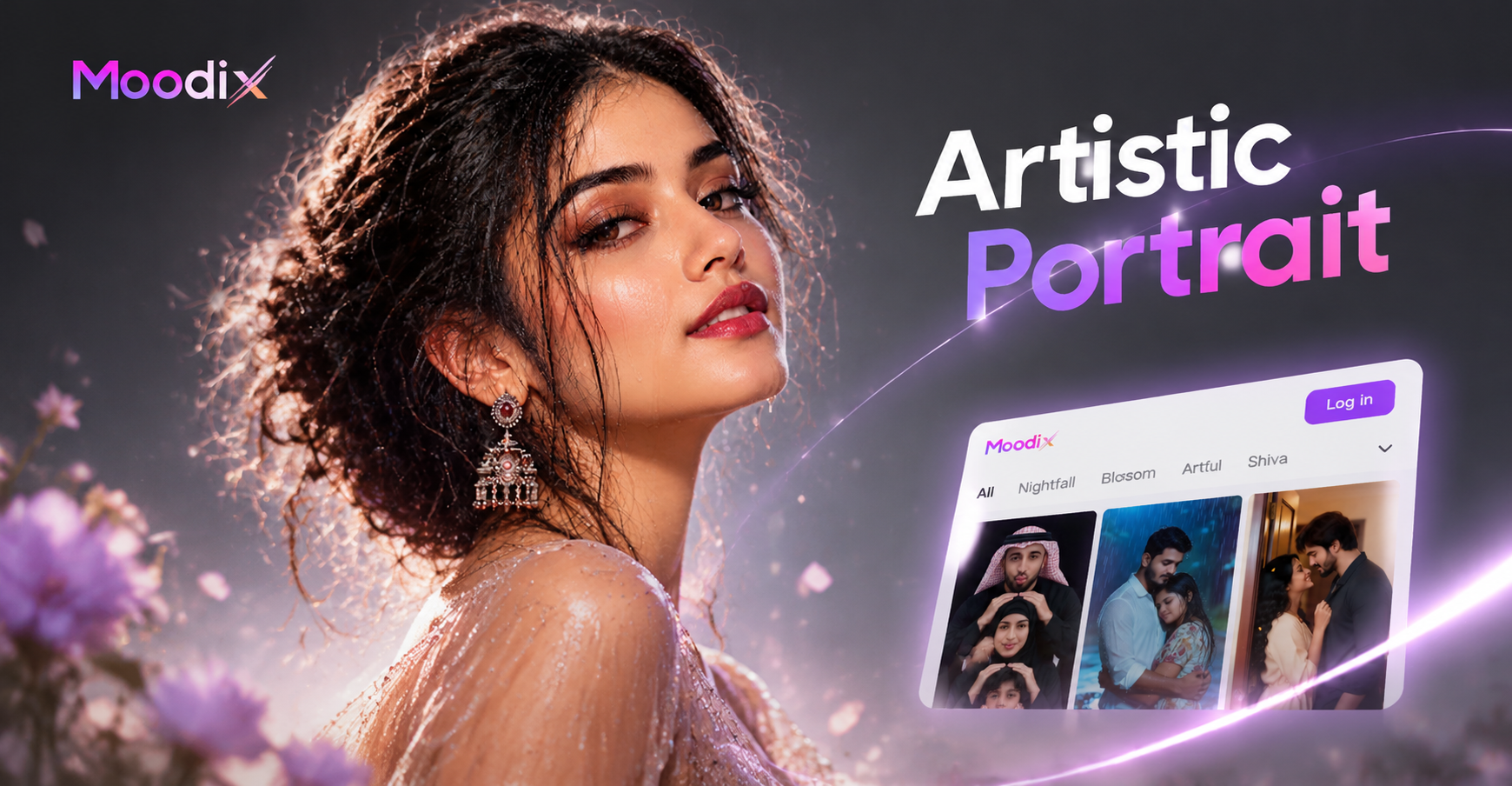
Why Artistic Portraits Work So Well with AI
Artistic portrait AI prompts give you a fast way to turn an idea into a gallery-worthy image. Instead of spending hours in front of a canvas or learning complex photo editing, you describe a mood, a style, and a subject. The AI then produces an image that can look like an oil painting, a charcoal sketch, a film still, or a surreal dream. The key is writing prompts that are specific enough to guide the AI but open enough to allow creative surprises. In this guide you will find more than thirty artistic portrait AI prompts you can copy, adapt, and use right away. We also explain how to fix common weak results and how to use the moodix app to bring these prompts to life with minimal effort.
5 Core Ingredients of an Artistic Portrait Prompt
Before you copy the prompt collection below, it helps to understand what makes a portrait prompt work. Strong prompts usually include these five elements.
1. Subject Description
Start with who or what is in the portrait. Include gender, age, hair, expression, clothing, and any unique features. Instead of writing a woman, write an elderly woman with silver braids, deep laugh lines, and a calm smile.
2. Artistic Style or Medium
Tell the AI which art form to imitate. You can name a painter, a movement, a medium, or a combination. Examples include impressionist oil painting, charcoal study, 35mm film still, watercolor wash, digital art, or surreal collage.
3. Lighting and Mood
Light defines the emotional tone. Words like golden hour, dramatic chiaroscuro, soft diffused window light, neon glow, or candlelight push the image in a specific direction.
4. Composition and Framing
Describe the shot. Use terms like close up, profile view, three quarter view, full body, head and shoulders, centered, or off center. Framing changes how the viewer connects with the subject.
5. Color Palette and Texture
Add color adjectives and texture hints. Think muted earth tones, vibrant jewel tones, pastel palette, grainy texture, smooth skin, rough brushstrokes, or glossy finish. These details separate a generic portrait from an artistic one.
35 Artistic Portrait AI Prompts to Try
We divided the prompts into seven style categories. Each prompt is self contained, so you can copy it directly into any AI image generator, including moodix.
Painterly and Classical Prompts
- Impressionist oil painting of a young woman with flowing auburn hair, soft brushstrokes, golden hour light, textured canvas, dreamy atmosphere
- Baroque style portrait of a man in a dark room, dramatic chiaroscuro lighting, deep shadows, rich velvet clothing, formal composition
- Watercolor portrait of a child laughing, loose wet on wet technique, soft pastel colors, white background with gentle splatters
- Classical oil portrait of an elderly woman with silver braids and deep laugh lines, Rembrandt lighting, dark background, fine detail
- Gouache portrait of a ballerina in profile, flat matte colors, simple shapes, warm neutral palette, elegant minimal composition
Surreal and Dreamlike Prompts
- Surreal portrait of a woman with butterflies emerging from her hair, soft focus, pale blue and gold color palette, ethereal glow
- Dreamlike double exposure portrait of a man and a forest, misty atmosphere, muted greens and grays, cinematic composition
- Portrait of a person with a cracked porcelain face revealing golden light inside, dramatic lighting, hyperrealistic texture
- Surrealist collage portrait of a teenager with a galaxy inside their head, vibrant colors, retro sci fi poster style
- Dreamlike portrait of a girl floating among clouds, soft pastel pink and lavender, flowing fabric, gentle light rays
Minimalist and Modern Prompts
- Minimalist portrait of a man in profile against a solid beige background, soft studio light, clean lines, uncluttered composition
- Modern minimal portrait of a woman with a bold red hat, single color background, crisp shadow, editorial photography style
- Line art portrait of a face on white background, single continuous line, black ink, elegant and simple
- Minimalist vector portrait of a young man with glasses, flat geometric shapes, limited color palette of black, white, and orange
- Clean studio portrait of a woman with slicked back hair, high contrast black and white, centered head and shoulders, fine grain
Vintage and Film Inspired Prompts
- Vintage 35mm film portrait of a woman with victory rolls and red lipstick, 1940s style, warm sepia tones, soft grain
- Faded polaroid portrait of a couple at sunset, warm golden light, nostalgic 1970s feel, slight blur on edges
- Retro film noir portrait of a detective in a trench coat, window blinds shadow, black and white, heavy grain, cigarette smoke
- Old hollywood glamour portrait of a man in a tuxedo, soft glamour lighting, silver gelatin print look, timeless elegance
- Vintage tintype portrait of a woman with lace collar, scratches and imperfections, sepia tone, formal 19th century pose
Abstract and Experimental Prompts
- Abstract portrait made of torn paper pieces, bold complementary colors, expressive composition, art journal style
- Experimental cubist portrait of a musician playing guitar, fragmented planes, earth tones with blue accents, Picasso inspired
- Abstract expressionist portrait of a screaming face, thick impasto brushstrokes, vibrant red and black, emotional intensity
- Glitch art portrait of a person in neon city, digital distortion, cyberpunk palette, fragmented pixels
- Collage portrait of a dancer made from vintage magazine cutouts, textures and patterns overlapping, mixed media feel
Dramatic and Moody Prompts
- Moody portrait of a soldier in rain, dark blue and gray palette, cinematic lighting, wet skin and fabric, intense gaze
- Dramatic portrait of a witch in a dark forest, green smoke, candlelight, leather and lace costume, mysterious atmosphere
- Low key portrait of a boxer with sweat and bruises, single hard light from side, black background, raw emotion
- Stormy portrait of a woman at a window, raindrops on glass, cool desaturated tones, quiet melancholy
- Portrait of a musician backstage, dramatic stage light beams, haze, silhouette and rim light, high contrast
Soft and Ethereal Prompts
- Soft ethereal portrait of a bride in a garden, morning mist, pastel floral tones, gentle backlight, romantic atmosphere
- Angel like portrait of a child with white feathers, soft glow, pale gold and cream palette, dreamy haze
- Ethereal portrait of a mermaid underwater, sunlight rays filtering through water, flowing hair, iridescent scales, fantasy feel
- Soft focus portrait of an older woman smiling, white linen clothing, sunlit room, airy and warm, peaceful mood
- Fairy tale portrait of a young girl with a flower crown, dewy skin, twinkling lights in background, enchanted forest setting
How to Adapt These Prompts for Your Own Photos or Characters
You do not have to start from scratch with a blank text prompt. If you want an artistic portrait of yourself, a friend, or an original character, you can combine these prompts with moodix image-to-image features. Upload a clear photo as a reference. Then choose a style template or paste one of the artistic portrait prompts above. The AI will preserve the subject identity while applying the artistic style, lighting, and mood from the prompt.
For example, take the impressionist prompt and replace a young woman with your own description, such as a middle aged man with gray beard and blue eyes. Keep the rest of the prompt intact. You can also adjust the color palette or composition words. Small changes often produce very different results, so do not be afraid to experiment.
Common Weak Results and How to Fix Them
Generic or Blurry Faces
If the face looks generic or unnatural, add more subject specific details. Mention eye color, skin texture, facial hair, expression, and age range. Use words like sharp focus on eyes, detailed skin texture, or asymmetrical face to guide the AI.
Style Does Not Match the Prompt
Sometimes the AI ignores the artistic style. In that case, repeat the style at the beginning and the end of the prompt. For example, start with Impressionist oil painting and end with visible brushstrokes, textured canvas, oil on linen. Repetition increases adherence.
Image Looks Too Busy or Noisy
If the portrait has too many competing elements, simplify the background and limit the color palette. Replace a detailed scene with plain background, solid color backdrop, or soft gradient. Fewer descriptors often create a stronger artistic effect.
Mood Feels Off
Mood comes from lighting and color words. If the image feels flat, add a clear light source and color temperature. Words like warm candlelight, cool blue hour, harsh noon sun, or soft window light will shift the emotional tone immediately.
Using moodix to Bring Artistic Portrait Prompts to Life
moodix is a mobile app designed to make AI image creation simple. Instead of spending hours learning complex prompt engineering, you can open the app, type one of the artistic portrait prompts above, and choose a style template that matches the mood you want. moodix offers more than one million style filters, covering realistic photography, anime, 3D clay, Ghibli style, watercolor, oil painting, cyberpunk, and many more. You can also upload an existing photo and use image-to-image to transform it into an artistic portrait while keeping the person recognizable.
Because moodix runs entirely on your phone, you can create and download a portrait in seconds. It is especially useful for social media creators, character designers, or anyone who wants a unique profile picture without drawing skills. The app also supports multi-person portraits, so you can apply an artistic style to a group photo without face blending.
Final Thoughts on Artistic Portrait AI Prompts
Artistic portrait AI prompts are not magic. They are a set of instructions that tell the AI what subject to show, which style to imitate, and what mood to create. The more specific you are with the five core ingredients, the better your results will be. Use the thirty five prompts in this guide as a starting point. Modify them, combine them, and test them in moodix to discover your own signature style. With a little experimentation, you can turn a simple text description into a portrait that looks like it belongs in an art gallery.