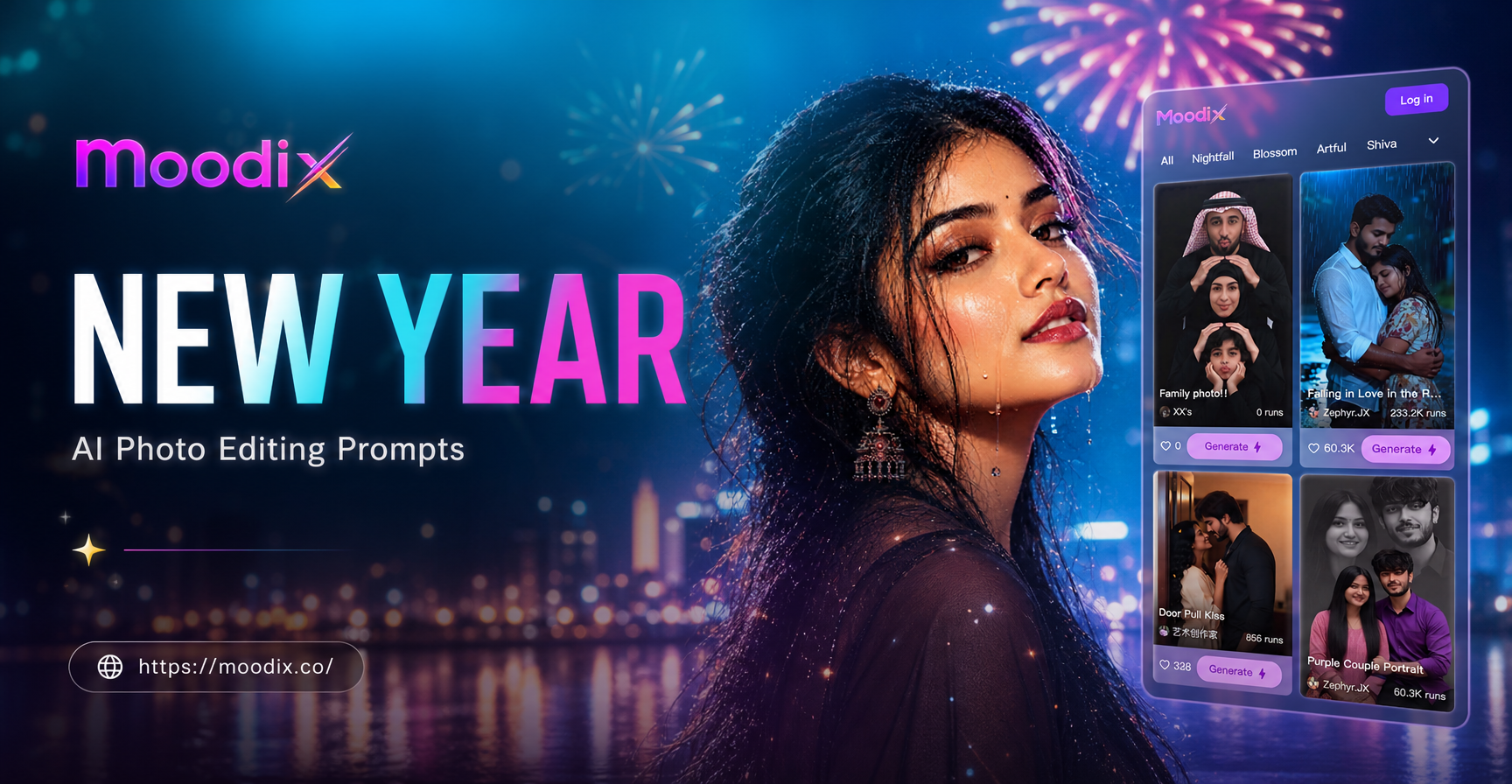
What Are New Year AI Photo Editing Prompts?
New Year celebrations deserve photos that match the energy. AI photo editing prompts let you transform ordinary snapshots into festive masterpieces without spending hours in complex software. Whether you want fireworks, glitter, countdown scenes, or elegant winter vibes, the right prompt guides the AI to deliver exactly the look you imagine. This guide shares a collection of New Year AI photo editing prompts you can copy and use right away in moodix or any similar AI image editing tool. Each prompt is designed to work with an image to image workflow, where you upload a photo and let the AI apply the described changes. Just add the prompt, adjust a few settings, and watch your celebration photos come alive.
Choosing the Right Base Photo
For the best results, start with a clear, well lit photo where the subject is in focus. Avoid heavy shadows or cluttered backgrounds that compete with the New Year elements you want to add. A simple background makes it easier for the AI to replace or enhance the scene. If you want a full scene replacement, choose a photo with a clean silhouette. For overlay effects like glitter and fireworks, any high quality portrait works. For group photos, add multiple people or group of friends to the prompt and specify that all faces should remain distinct.
How to Use These Prompts
Most AI photo editing tools accept a text prompt alongside your uploaded image. The AI reads the prompt as instructions for what to change, add, or enhance in the photo. For New Year edits, keep the subject recognizable while adding festive elements around them. Start with a clear description of the scene, then mention the style, lighting, and details you want. The prompts below are written to work with a portrait or group photo where the main person remains the focus. Always keep the original face and body if you want identity preservation.
New Year AI Photo Editing Prompts by Style
Fireworks and Celebration Prompts
- Prompt: Add a spectacular fireworks display in the night sky behind the subject, with golden and red bursts reflecting on their face, and confetti falling gently around them.
- Prompt: Transform this photo into a New Year's Eve celebration scene, with the subject holding a lit sparkler, surrounded by friends cheering, and a large digital clock showing midnight in the background.
- Prompt: Place the subject on a rooftop terrace overlooking a city skyline with fireworks exploding over the buildings, champagne glasses clinking, and bokeh lights everywhere.
- Prompt: Add a shower of golden confetti and streamers falling over the subject, with a blurred party background full of warm string lights and festive balloons.
Adapt these prompts by changing colors, number of people, or specific elements. If the fireworks look too small, add massive fireworks display or full sky filled with fireworks.
Glitter and Sparkle Prompts
- Prompt: Cover the subject's outfit with subtle glitter and metallic shine, add a soft golden glow around them, and scatter sparkling particles in the air for a magical New Year look.
- Prompt: Give the photo a dreamy New Year atmosphere with silver and gold glitter bokeh, a soft focus background, and the subject wearing a small party hat with a shimmering effect.
- Prompt: Enhance the photo with glittering text overlay reading Happy New Year in elegant gold script, with sparkles trailing from the letters and a subtle vignette.
Countdown and Party Scene Prompts
- Prompt: Insert the subject into a lively New Year party scene with a large countdown clock showing 10 seconds to midnight, people dancing, and colorful lights streaking across the frame.
- Prompt: Add a festive table with a champagne bottle popping, glasses raised for a toast, and the subject smiling at the camera, all in warm ambient lighting.
- Prompt: Create a cozy yet festive New Year setting with the subject sitting by a fireplace, wearing a warm sweater, and holding a mug with 2025 written on it, with subtle fairy lights in the background.
Elegant Winter and Snow Prompts
- Prompt: Add a gentle snowfall around the subject, keeping their face and clothing sharp, with a soft blue and silver color grade for an elegant winter portrait.
- Prompt: Blend the photo with a snowy New Year landscape, placing the subject in front of a frozen lake with evergreen trees dusted in snow and a clear starry sky above.
- Prompt: Give the photo a cinematic winter mood, with the subject wearing a stylish coat and scarf, breath visible in the cold air, and warm golden lights from a nearby cabin window.
New Year's Outfit and Glam Prompts
- Prompt: Change the subject's outfit to a glamorous New Year's Eve dress or suit with sequins, add elegant jewelry, and style the hair with soft waves, all in a studio lighting setup.
- Prompt: Add a festive party hat with 2025 on it to the subject, give them a glass of champagne to hold, and place them in front of a blurred dance floor with neon lights.
- Prompt: Enhance the photo with a luxury New Year aesthetic, using gold and black tones, adding a fur stole around the subject's shoulders, and framing the shot like a magazine cover.
Tips for Getting the Best Results
These prompts are starting points. Small changes can dramatically improve the output. If the AI makes the subject unrecognizable, add keep the original face and body or preserve the person's identity. If the background looks too busy, add clean background or minimal clutter. For a more realistic look, use photorealistic, detailed skin texture, natural lighting. For a stylized look, try cinematic, moody, film grain. Always review the result and adjust the prompt or the reference image if needed.
Common Problems and How to Fix Them
Sometimes the AI may add too many elements, making the photo look fake. To fix this, add subtle effects or realistic proportions. If the fireworks appear blurry, add sharp fireworks details. If the lighting seems off, specify the time of day or light source, like warm golden hour light or cool blue night light. And if the text overlay comes out misspelled, try elegant handwritten script and keep the text short.
Ready to Create Your New Year Photo?
Download the moodix app and start experimenting with these New Year AI photo editing prompts. The app includes a wide range of style filters that pair perfectly with your prompts, so you can achieve festive results in seconds. Whether you are editing a selfie, a group photo, or a landscape shot, these prompts give you a head start. Celebrate the New Year with photos that sparkle as much as your plans.