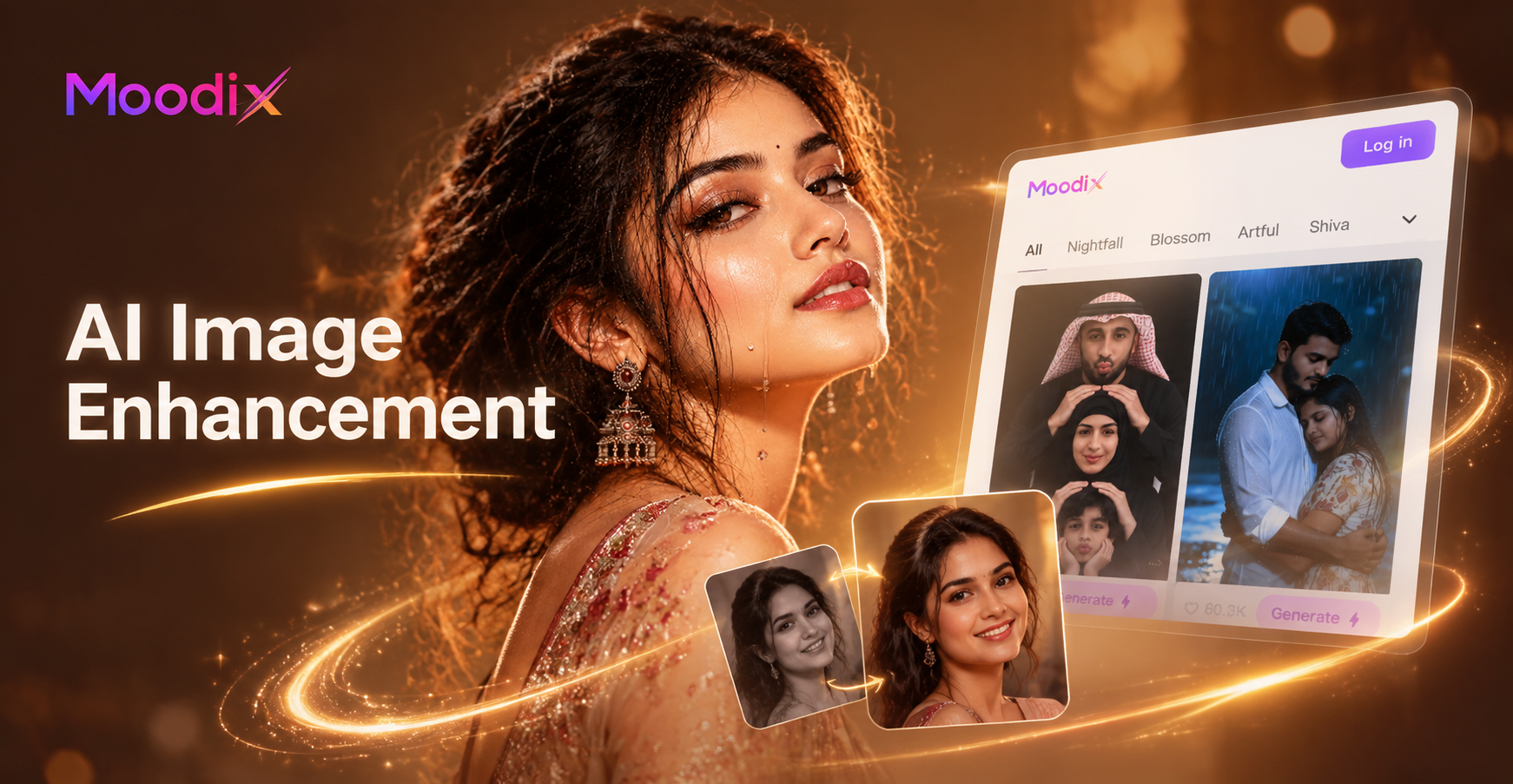
AI image enhancement prompts give you the exact instructions to improve photo quality without manual editing. Instead of dragging sliders, you describe the change you want, and the AI does it. Whether you need to fix bad lighting, remove noise, sharpen faces, or boost colors, the right prompt makes all the difference. In this guide, you will find 23 ready to use prompts organized by common photo issues. You can copy them into any AI image tool, including the Moodix app, and adapt them to your own photos.
Why Use AI Image Enhancement Prompts?
Photo enhancement used to require years of practice with software like Photoshop or Lightroom. AI changes that. A well written prompt can fix exposure, recover details, and correct colors in seconds. The main advantage is speed: instead of spending an hour on a single portrait, you type a sentence and get a professionally edited result. Another benefit is consistency. You can reuse the same prompt across multiple photos to maintain a uniform style for a brand, social feed, or client project. Finally, AI prompts lower the barrier. You do not need to understand curves, masks, or frequency separation. You only need to describe what you want.
How to Write Effective AI Image Enhancement Prompts
The quality of your output depends heavily on how you phrase your prompt. Vague instructions like improve this photo often lead to unpredictable results. Instead, follow three simple rules. First, be specific about the change. Say brighten the shadows and reduce highlights rather than just fix exposure. Second, mention the photo element. Tell the AI whether to focus on the skin, the background, the eyes, or the whole image. Third, include the desired outcome. Phrases like keep skin texture natural or avoid a plastic look help the model understand what to preserve. The prompts below follow these rules, so you can use them as templates and adjust the details for your own photos.
23 AI Image Enhancement Prompts You Can Use Today
Lighting and Exposure Prompts
Prompt 1: Brighten the entire photo while keeping the shadows natural and the highlights from clipping. Make the subject well lit but not washed out.
Prompt 2: Fix the underexposed areas in this portrait and recover detail in the dark background without introducing noise.
Prompt 3: Soften the harsh midday sunlight and create a golden hour glow with warm, even lighting across the face.
Prompt 4: Add a subtle rim light behind the subject to separate them from the background and improve overall depth.
Sharpness and Detail Prompts
Prompt 5: Increase overall image sharpness without creating halos or artifacts. Keep the skin texture smooth but make the eyes, hair, and fabric crisp.
Prompt 6: Sharpen the eyes and eyebrows in this portrait while leaving the rest of the face soft. Enhance eyelash detail and catchlights.
Prompt 7: Remove motion blur from this photo and restore fine detail in the moving subject. Keep the background stable.
Prompt 8: Enhance micro texture in the landscape: leaves, rocks, and water ripples should look detailed but natural.
Color and Tone Prompts
Prompt 9: Improve color accuracy and vibrance without making skin tones look orange. Keep the overall mood natural and balanced.
Prompt 10: Give this photo a cool, cinematic teal and orange grade. Deepen shadows with blue tones and warm up the highlights.
Prompt 11: Remove color cast from indoor lighting and restore true whites. Make the colors clean and neutral.
Prompt 12: Boost saturation in the clothing and background while preserving natural skin tones. Increase contrast slightly for a polished look.
Skin and Portrait Enhancement Prompts
Prompt 13: Smooth skin texture slightly while keeping pores and natural imperfections visible. Avoid a plastic look. Preserve facial features.
Prompt 14: Reduce under eye circles and blemishes on the face without changing the face shape. Keep the result realistic.
Prompt 15: Whiten teeth and brighten the eyes gently. Make the smile look natural and not overly edited.
Prompt 16: Improve the overall skin tone and add a healthy glow to the cheeks. Keep the hair and background unchanged.
Background and Object Cleanup Prompts
Prompt 17: Remove distracting objects from the background and fill the gaps with realistic textures. Keep the main subject unchanged.
Prompt 18: Blur the background more strongly while keeping the subject in sharp focus. Simulate a shallow depth of field.
Prompt 19: Clean up sensor dust spots and minor scratches from this photo. Preserve all original detail.
Prompt 20: Remove the clutter from the table surface and replace it with a clean, minimal background.
Upscaling and Resolution Prompts
Prompt 21: Upscale this image by 4x while preserving fine detail and preventing pixelation. Improve edge clarity and reduce compression artifacts.
Prompt 22: Enhance this low resolution photo to high definition. Recover facial features and text details that are currently blurry.
Prompt 23: Remove JPEG artifacts and noise from this compressed image. Make it look like it was originally shot in high resolution.
How to Adapt These Prompts for Different Photos
Each prompt above is a starting point. To get the best results, add context about your specific photo. For example, if you are editing a landscape, change the subject from face to mountains or trees and mention the season. If you are working on a product shot, replace skin with product surface and specify the material. You can also combine prompts. For instance, use a lighting prompt first, then a sharpness prompt on the same image. In the Moodix app, you can apply these prompts to any uploaded photo and then choose a style filter to further refine the result. The key is to keep the language clear and the desired outcome specific.
Common Mistakes That Hurt AI Enhancement Results
One common mistake is being too vague. A prompt like make it better leaves too much room for interpretation. Another mistake is asking for too many changes at once. If you request brighter exposure, smoother skin, and a new background in a single prompt, the AI may produce an inconsistent result. Instead, work in steps. A third mistake is ignoring the original photo flaws. If the image is severely underexposed or heavily compressed, tell the AI to fix that first before applying stylistic changes. Finally, do not forget to mention what to preserve. Saying keep skin texture natural or keep the face shape unchanged prevents over editing.
Enhance Your Photos Directly in Moodix
The Moodix app makes it easy to apply these AI image enhancement prompts without any technical knowledge. Download the app on Google Play, upload your photo, paste one of the prompts above, and let the AI do the work. You can also browse the app's large library of style filters to add a creative finishing touch. Whether you are restoring old family photos, polishing a portrait, or preparing images for social media, Moodix gives you the tools to get professional results in seconds.
AI image enhancement prompts are a practical, accessible way to improve photo quality. By using specific, well structured instructions, you can fix common issues and create polished images with minimal effort. Start with the prompts in this guide, adjust them to your needs, and watch your photos transform.