Vhs Photo Filter

Choose the VHS Filter That Matches Your Vibe
Browse a curated set of retro VHS presets, from subtle analog warmth to full glitch distortion. Pick one, upload a photo, and get a stylized result in seconds.
Key Features of Vhs Photo Filter
The Vhs Photo Filter recreates the analog warmth of 90s camcorder footage. It applies realistic film grain, horizontal scanlines, and color shifts while keeping your subject clear. No manual adjustments are required. Choose a preset, upload a photo, and get a retro result that feels authentic enough to share anywhere.
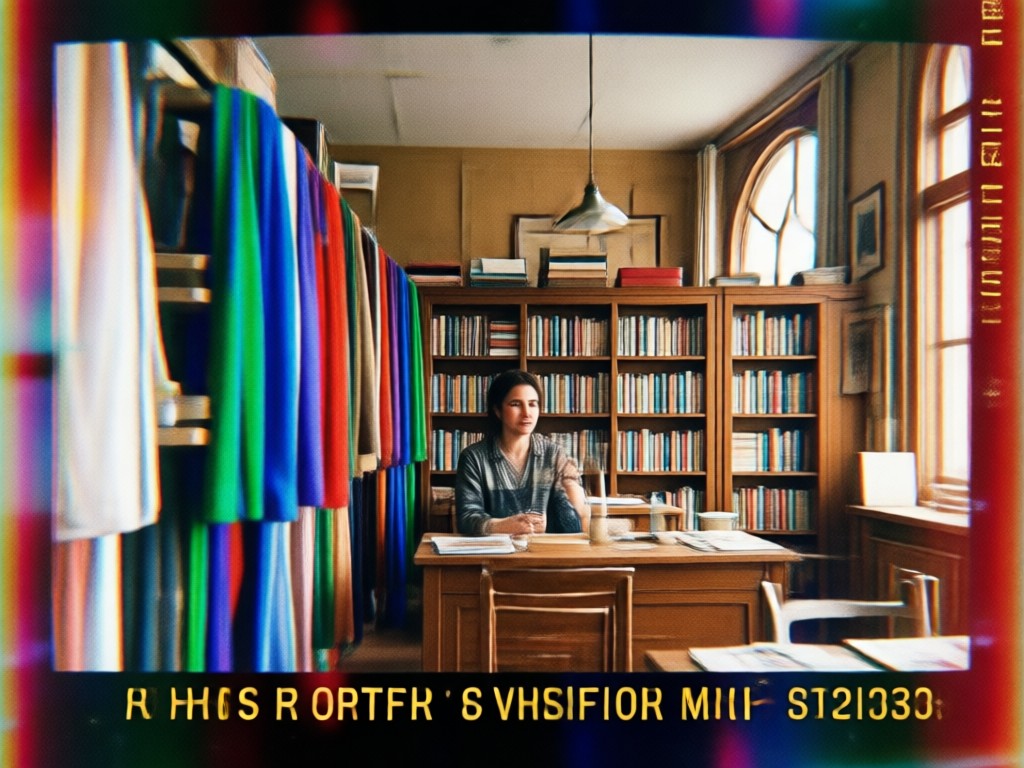
Authentic Retro Grain and Scanlines
The filter adds natural film grain and horizontal scanlines that mimic a worn VHS tape. Colors are slightly desaturated and softened, giving your image the texture of an old camcorder still without looking artificial or overdone.
Authentic Retro Grain and Scanlines
The filter adds natural film grain and horizontal scanlines that mimic a worn VHS tape. Colors are slightly desaturated and softened, giving your image the texture of an old camcorder still without looking artificial or overdone.
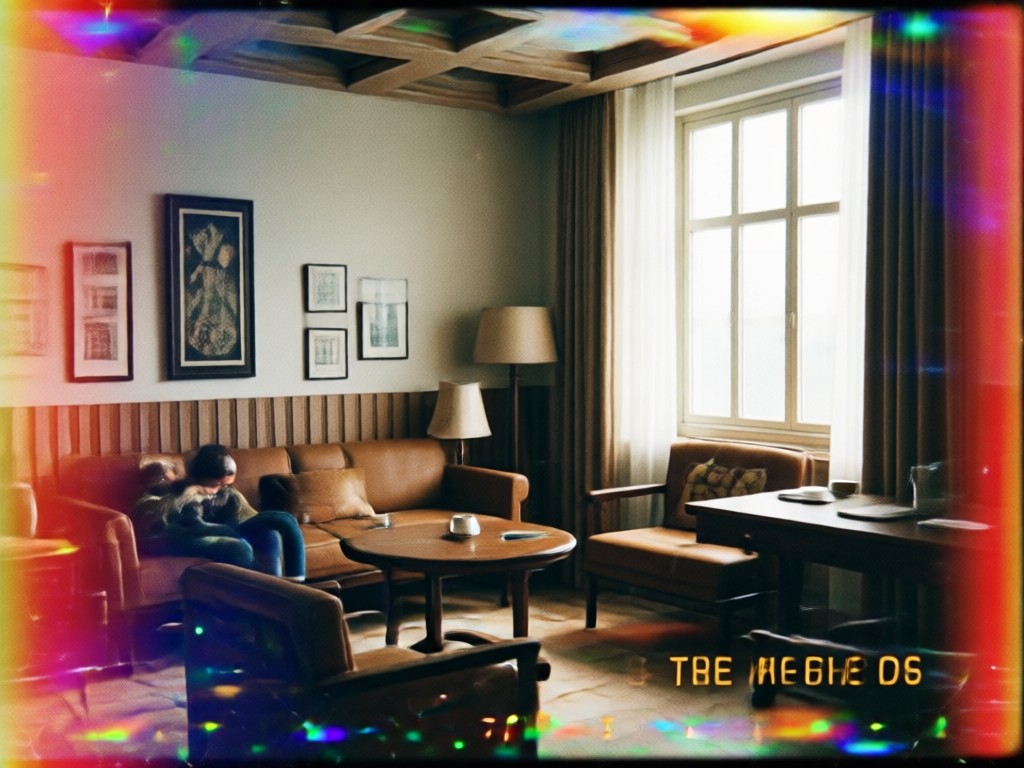
Analog Glitch and Distortion
Apply subtle tracking errors, chromatic aberration, and vertical distortion to your photos. These imperfections recreate the unpredictable analog feel of 90s home recordings while keeping faces and key details recognizable and sharp.
Analog Glitch and Distortion
Apply subtle tracking errors, chromatic aberration, and vertical distortion to your photos. These imperfections recreate the unpredictable analog feel of 90s home recordings while keeping faces and key details recognizable and sharp.
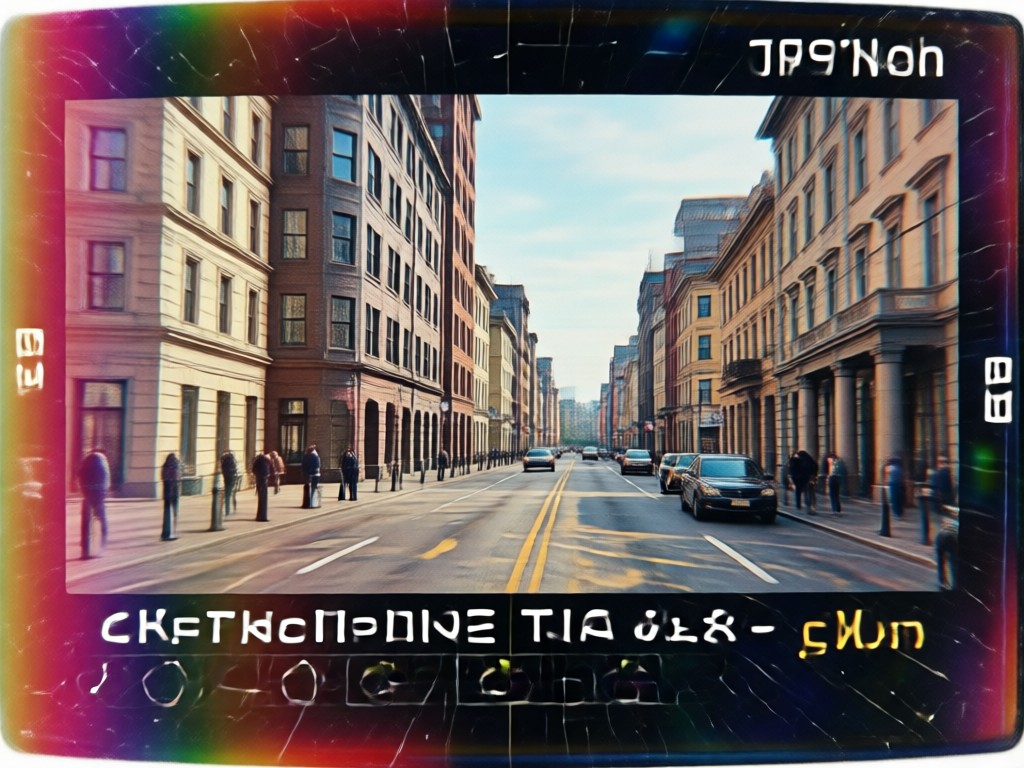
One Tap Style Templates
No need to adjust sliders or learn color grading. Each VHS template is pre tuned for portraits, city shots, or party photos. Pick a style, upload your image, and moodix handles grain, contrast, and color shifts automatically.
One Tap Style Templates
No need to adjust sliders or learn color grading. Each VHS template is pre tuned for portraits, city shots, or party photos. Pick a style, upload your image, and moodix handles grain, contrast, and color shifts automatically.
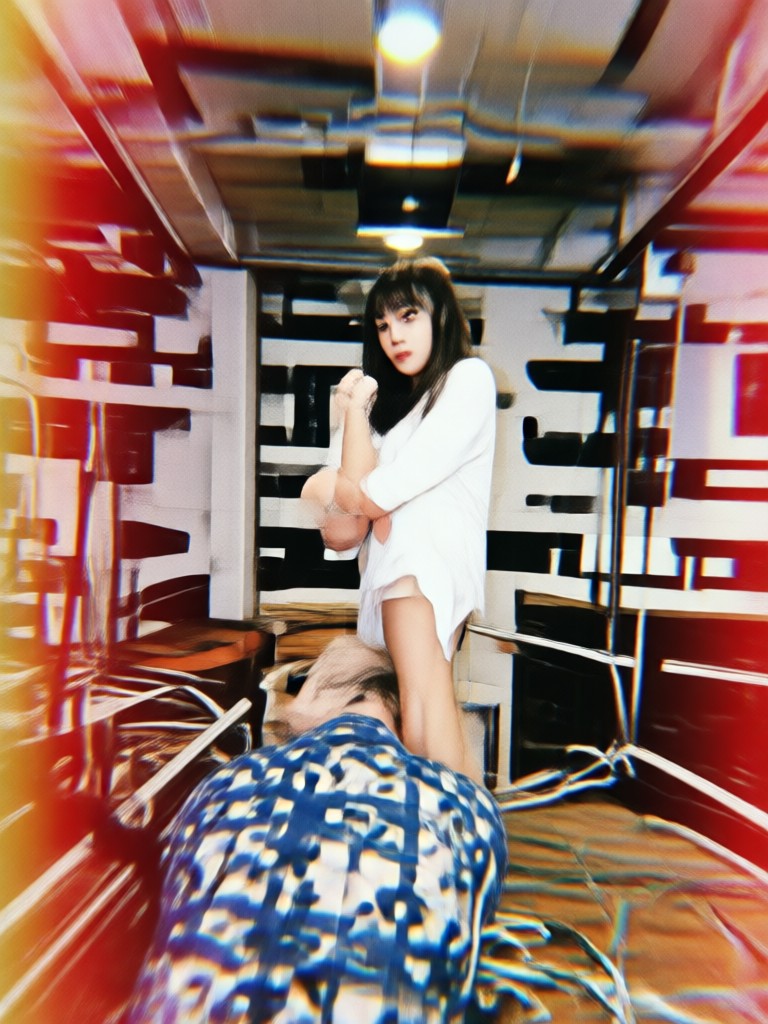
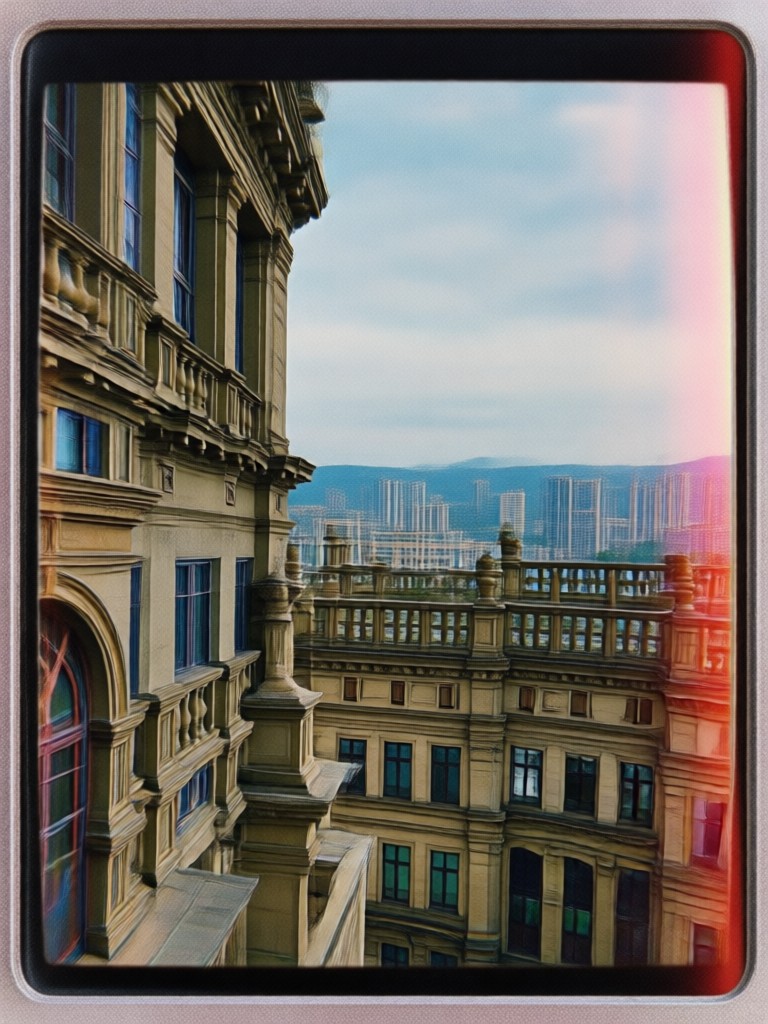
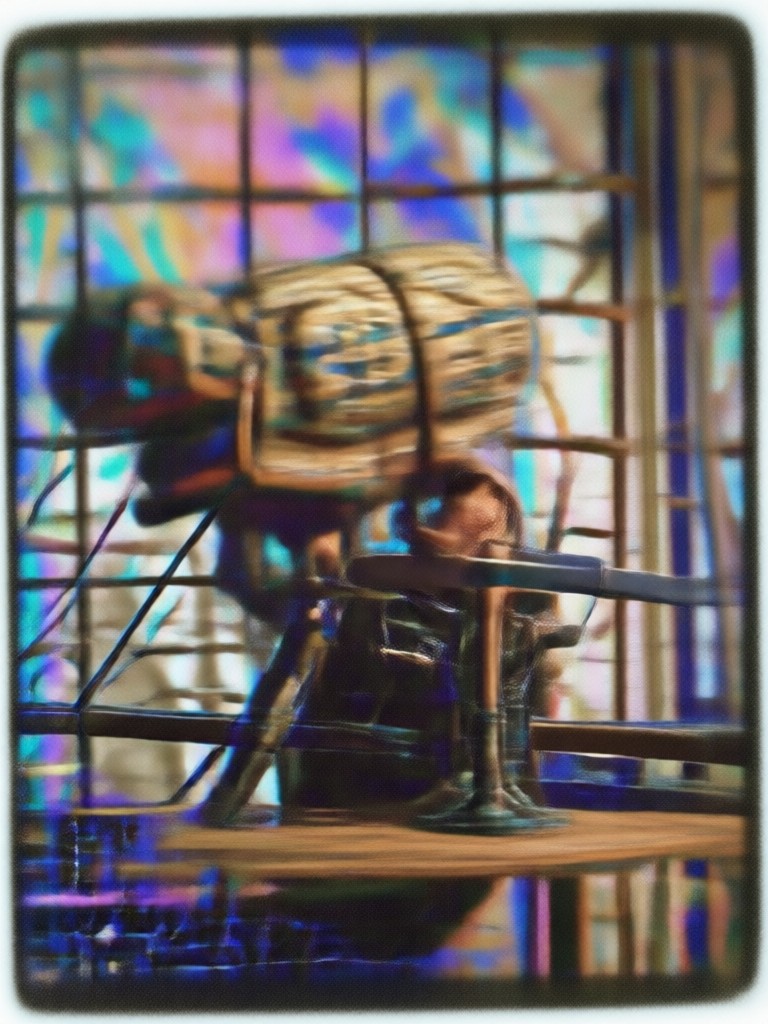
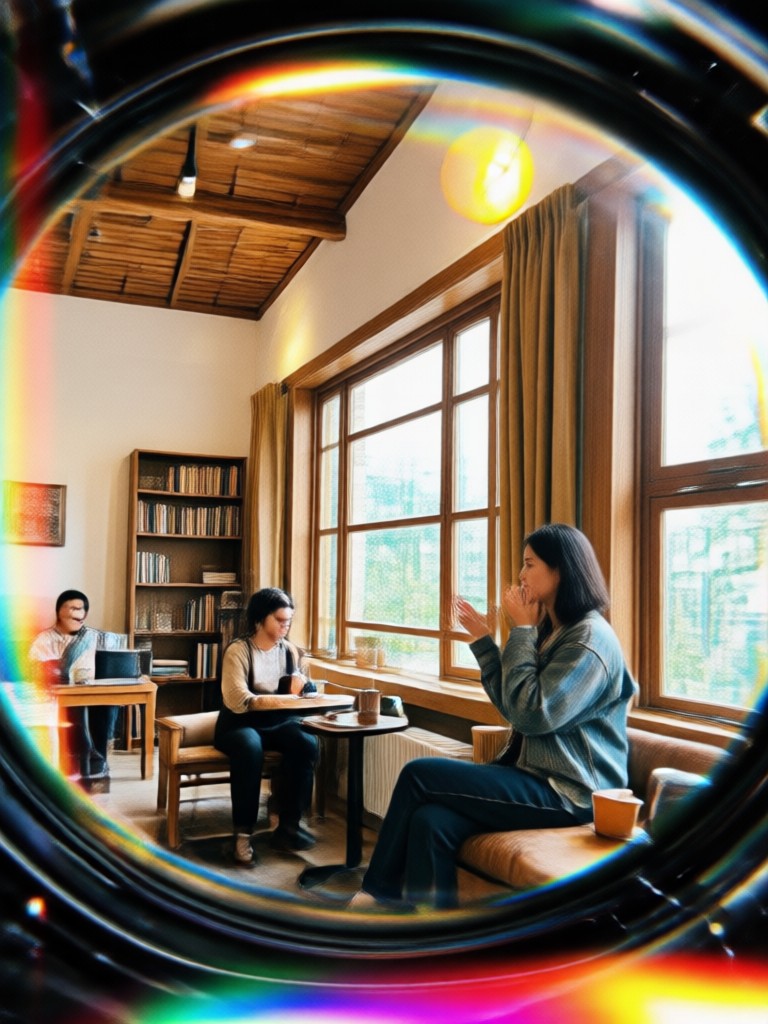
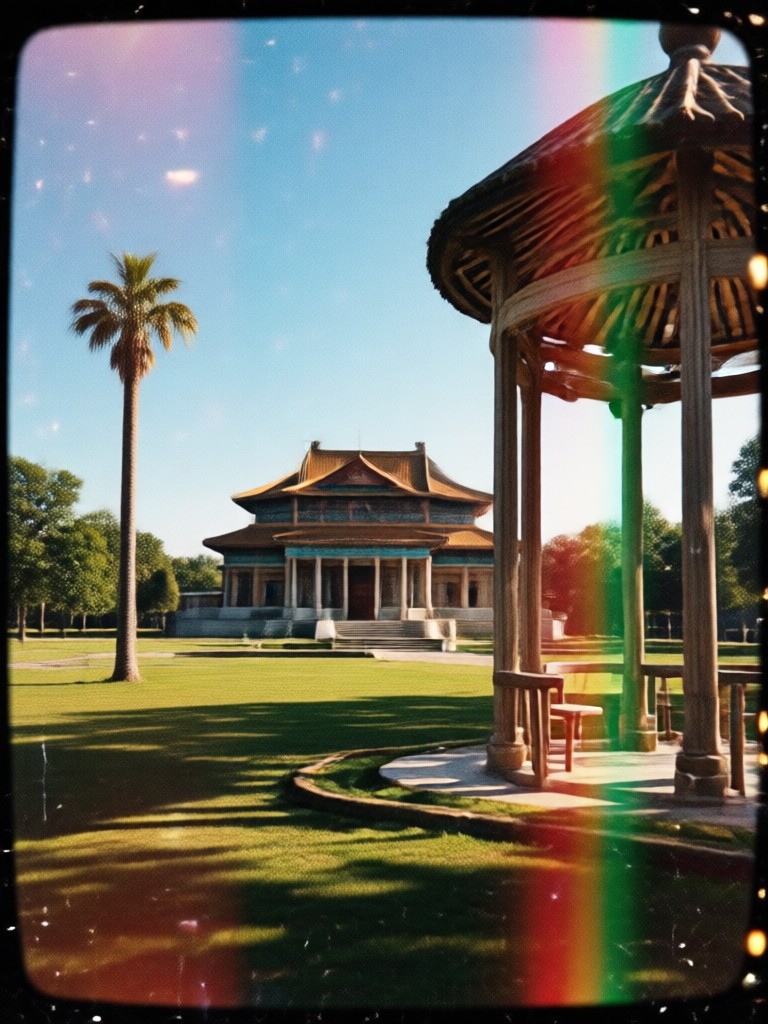
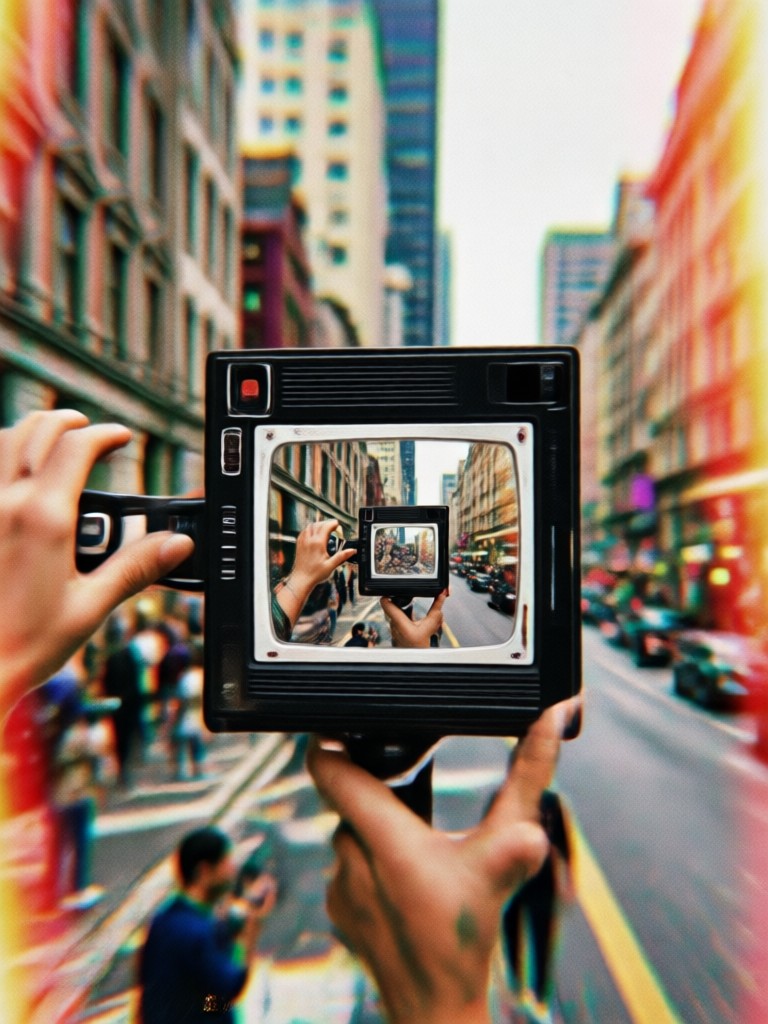
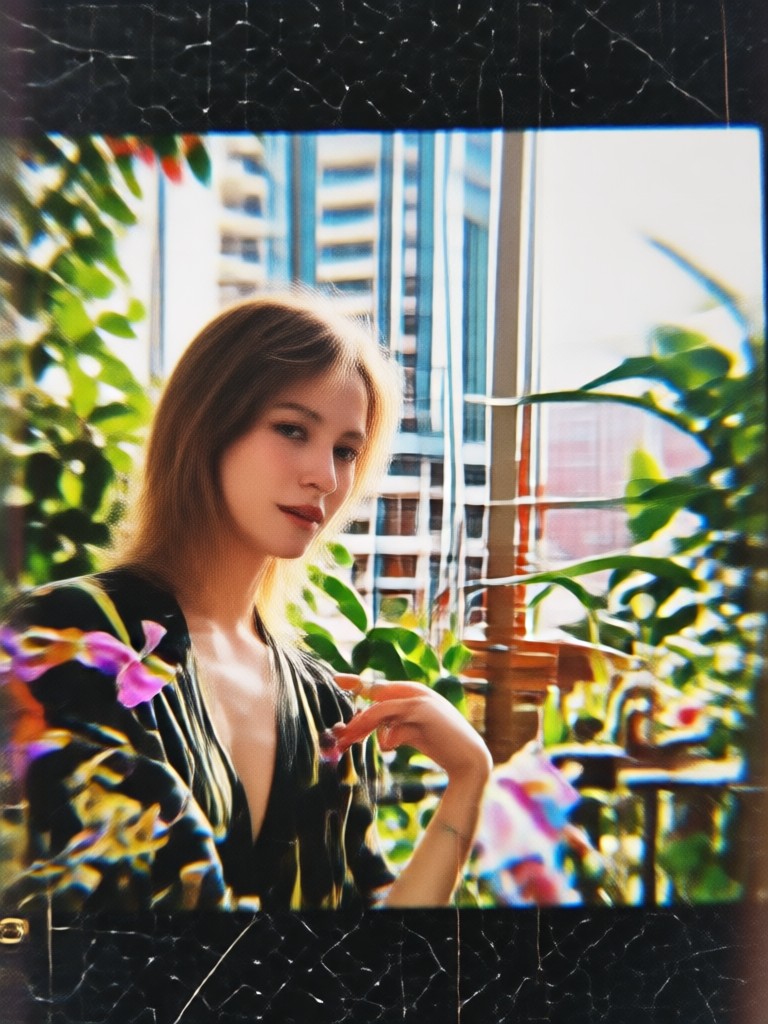
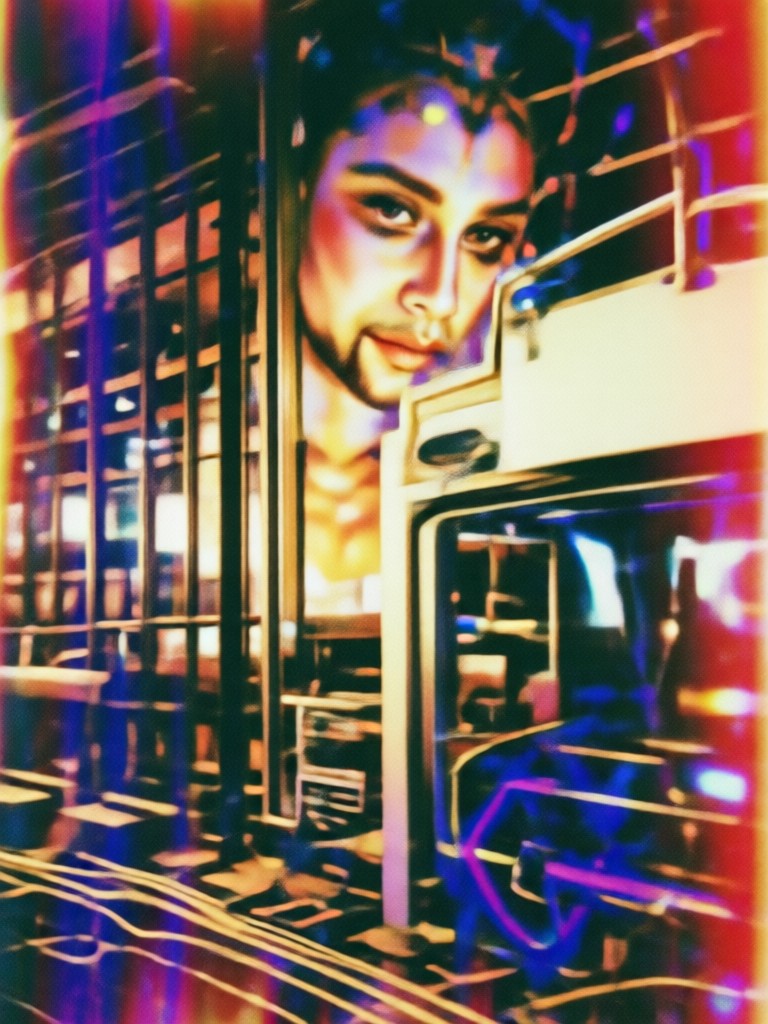
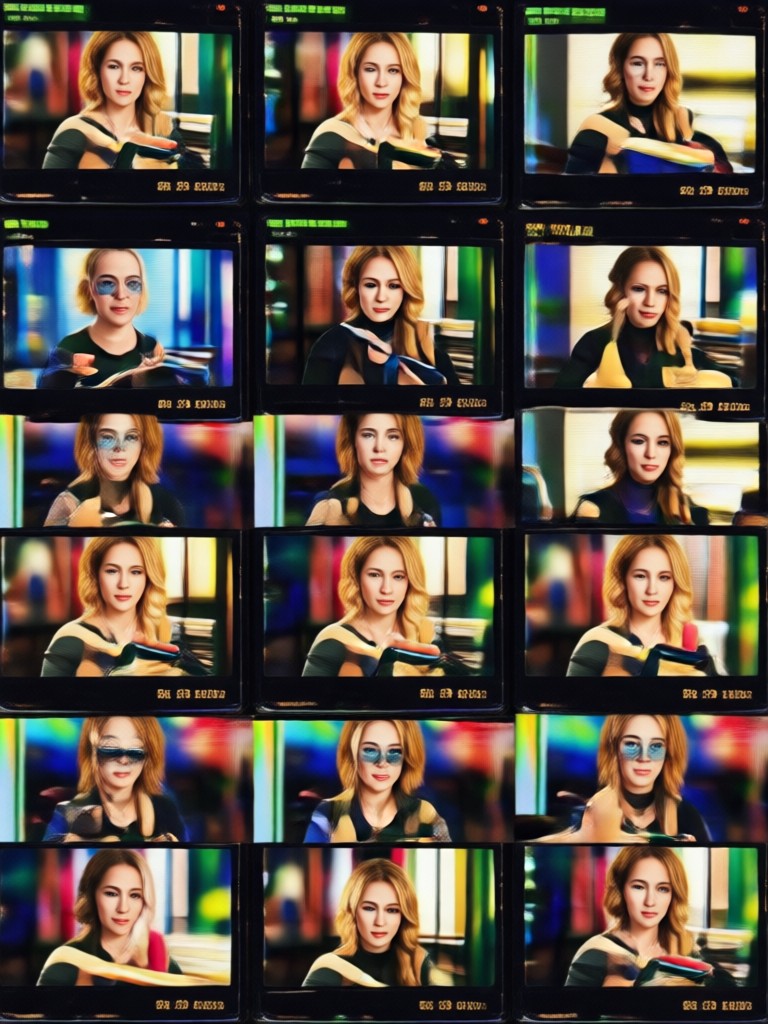
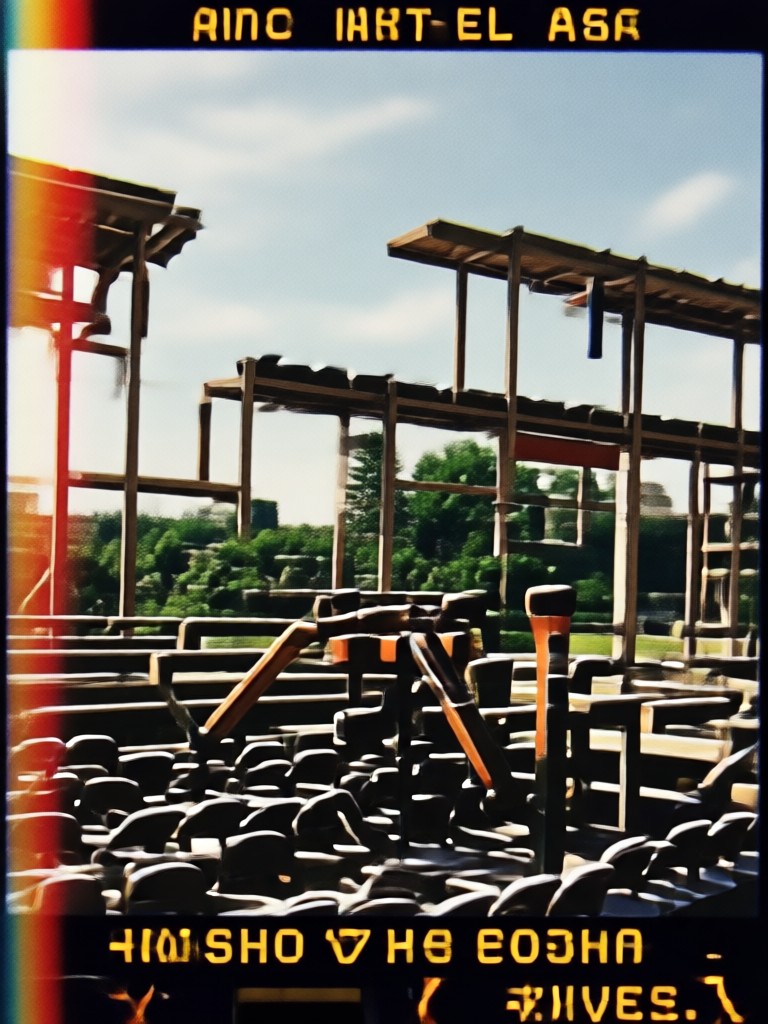
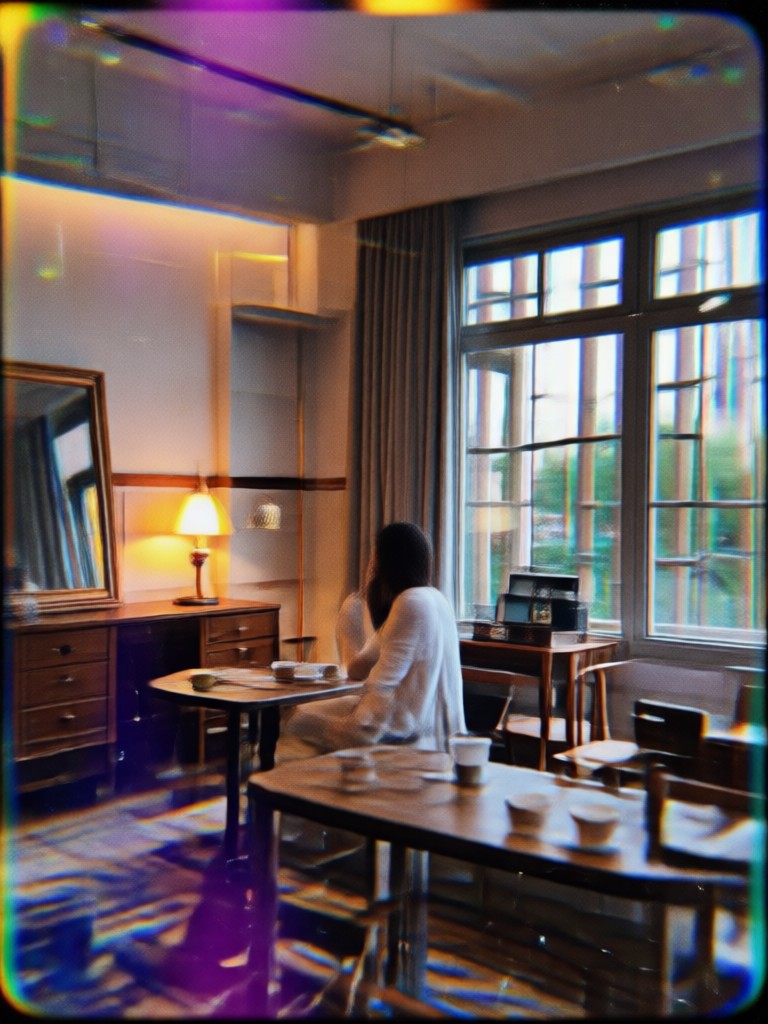
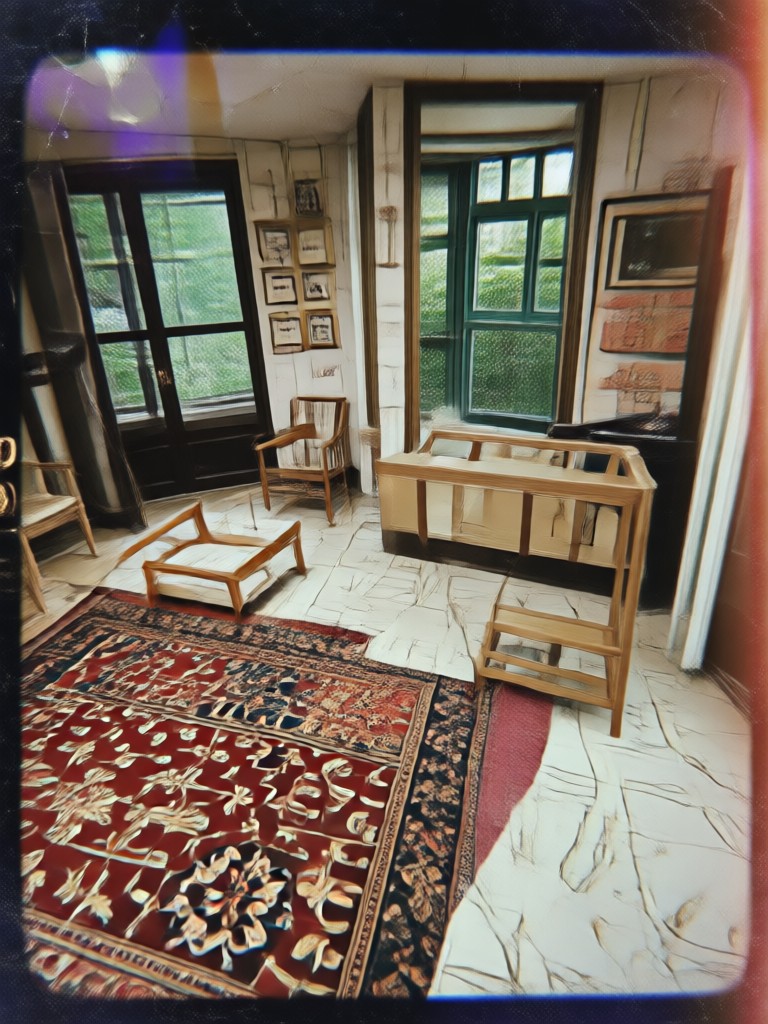
VHS Photo Filter Results Gallery
See how ordinary photos transform into retro analog snapshots with moodix. Browse examples of VHS grain, glitch effects, and 90s color styling created in the app.
How to Apply a Vhs Photo Filter
Create a retro VHS photo in three simple steps using the moodix app.

Step 01.
Download the moodix app from Google Play. The app is mobile only and works on Android devices. Open it and sign in to access all VHS photo filters.

Step 02.
Select a VHS filter from the style library. You can preview effects like grain, scanlines, and glitch before applying them to your photo.

Step 03.
Upload your image, tap generate, and save the result. Share your retro VHS photo to social media or use it as a profile picture.
Why Choose Vhs Photo Filter on moodix
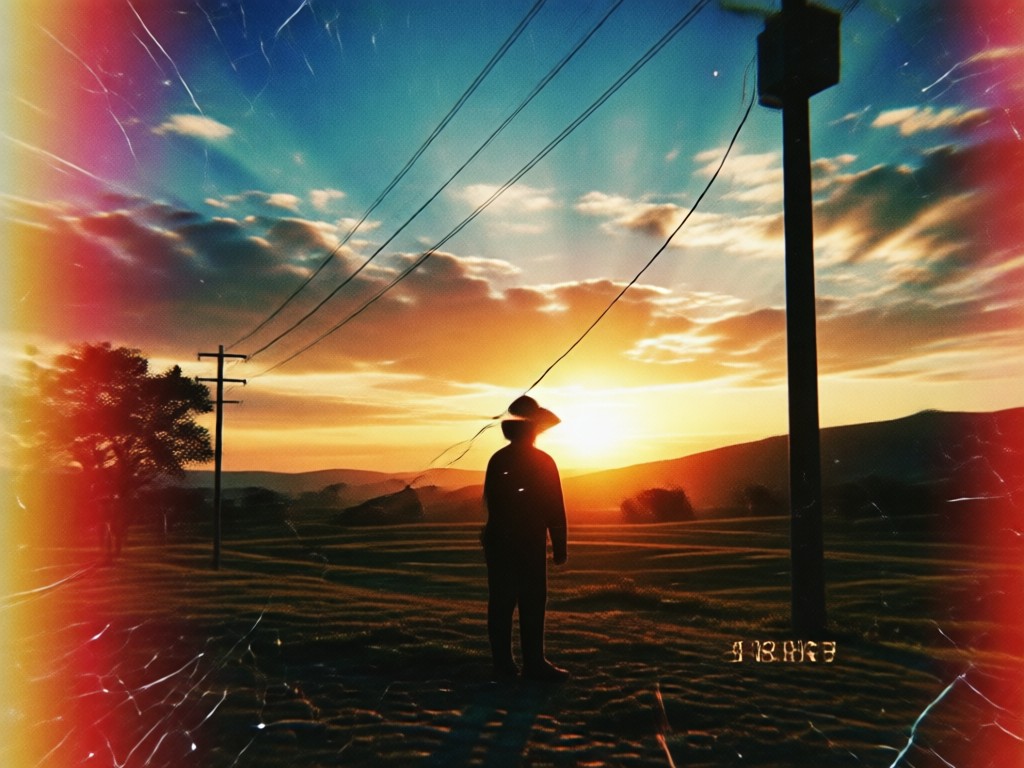
moodix puts a complete retro editing toolkit inside a mobile app. You do not need professional software or vintage equipment. Pick a Vhs Photo Filter, upload any image, and get organic looking grain, scanlines, and color shifts in seconds. Perfect for social posts, throwback edits, and creative projects.
Why Choose Vhs Photo Filter on moodix
moodix puts a complete retro editing toolkit inside a mobile app. You do not need professional software or vintage equipment. Pick a Vhs Photo Filter, upload any image, and get organic looking grain, scanlines, and color shifts in seconds. Perfect for social posts, throwback edits, and creative projects.
Why the VHS Aesthetic Is Back
The VHS aesthetic gives photos a nostalgic, imperfect charm that polished digital images often miss. Grainy textures, muted tones, and soft focus make ordinary shots feel cinematic and personal. With moodix, you can recreate that analog mood instantly from your phone without any vintage gear or technical knowledge.
Who Uses the Vhs Photo Filter

Louis Yule
I post throwback edits on Instagram and the VHS filter gives my photos a real 90s camcorder feel. Grain and scanlines look natural, not like a cheap preset.

Mandy Sander
I used moodix to make a birthday invitation with a retro VHS theme. It took me one minute to get the exact analog look I wanted.

Orville Garcia
As a music artist, I need visual content that stands out. The glitch and distortion effects help my cover art feel like an old VHS tape.

Sam Green
I love experimenting with vintage styles. The VHS photo filter is easy to use and the results are consistently better than other apps I have tried.
Louis Yule
I post throwback edits on Instagram and the VHS filter gives my photos a real 90s camcorder feel. Grain and scanlines look natural, not like a cheap preset.
Mandy Sander
I used moodix to make a birthday invitation with a retro VHS theme. It took me one minute to get the exact analog look I wanted.
Orville Garcia
As a music artist, I need visual content that stands out. The glitch and distortion effects help my cover art feel like an old VHS tape.
Sam Green
I love experimenting with vintage styles. The VHS photo filter is easy to use and the results are consistently better than other apps I have tried.
Louis Yule
I post throwback edits on Instagram and the VHS filter gives my photos a real 90s camcorder feel. Grain and scanlines look natural, not like a cheap preset.
Mandy Sander
I used moodix to make a birthday invitation with a retro VHS theme. It took me one minute to get the exact analog look I wanted.
Orville Garcia
As a music artist, I need visual content that stands out. The glitch and distortion effects help my cover art feel like an old VHS tape.
Sam Green
I love experimenting with vintage styles. The VHS photo filter is easy to use and the results are consistently better than other apps I have tried.
Frequently Asked Questions About Vhs Photo Filter
Find clear answers to common questions about the Vhs Photo Filter and learn how to get the best retro analog results with moodix.
More Topics You May Like
Explore more topics you may like and discover fresh ideas tailored to your interests.

Remove Video Background Noise: AI Cleaner Guide

Convert Picture To Old Age Online: See Your Future Self

Facial Hair Generator: Try On Beards & Mustaches

Create Terrifying AI Monsters in Seconds
Remove Video Background Noise: AI Cleaner Guide
Convert Picture To Old Age Online: See Your Future Self
Facial Hair Generator: Try On Beards & Mustaches
Create Terrifying AI Monsters in Seconds
Your Retro VHS Look Is One Tap Away
Download moodix to turn any photo into a nostalgic 90s memory with grain, scanlines, and glitch effects. Start creating your throwback content today.
Your Retro VHS Look Is One Tap Away
Download moodix to turn any photo into a nostalgic 90s memory with grain, scanlines, and glitch effects. Start creating your throwback content today.