How To Remove Background Noise From A Video
Choose the Best AI Noise Removal Filters
Explore a curated set of AI tools that help you clean up video audio and reduce visual artifacts. Pick the one that matches your footage and export clean videos in seconds.
Key Features of AI Background Noise Remover
moodix combines powerful AI algorithms with a simple interface to help you produce clean, professional videos without any audio engineering background.
AI Audio Cleanup
Automatically detect and remove hiss, hum, wind, and background chatter from your video audio. The AI isolates the main voice or sound source and suppresses unwanted noise while preserving clarity.
AI Audio Cleanup
Automatically detect and remove hiss, hum, wind, and background chatter from your video audio. The AI isolates the main voice or sound source and suppresses unwanted noise while preserving clarity.

Visual Noise Reduction
Reduce grainy visuals, compression artifacts, and low light noise from your footage. The AI enhances details and smooths out imperfections for a crisp, high quality look.
Visual Noise Reduction
Reduce grainy visuals, compression artifacts, and low light noise from your footage. The AI enhances details and smooths out imperfections for a crisp, high quality look.
One Tap Enhance
Apply a complete video cleanup with a single tap. The AI automatically adjusts audio levels, reduces noise, sharpens frames, and optimizes colors for a polished final result.
One Tap Enhance
Apply a complete video cleanup with a single tap. The AI automatically adjusts audio levels, reduces noise, sharpens frames, and optimizes colors for a polished final result.
How to Remove Background Noise From a Video in 3 Steps
Clean up your video audio and visuals in minutes using moodix. Follow these simple steps to get a professional quality result.
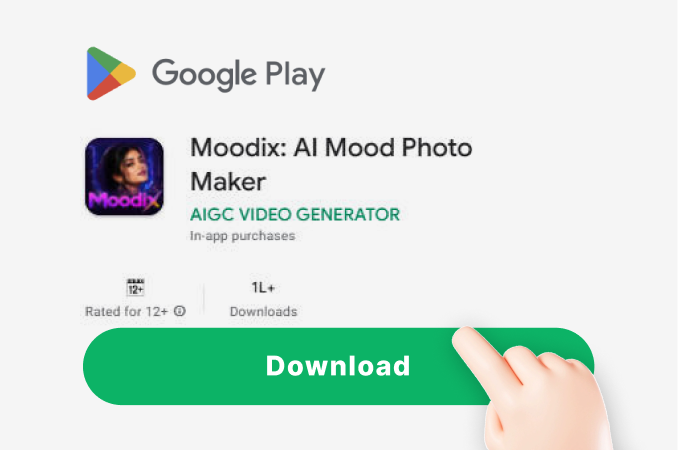
Step 01.
Download the moodix app from Google Play and open it on your mobile device.
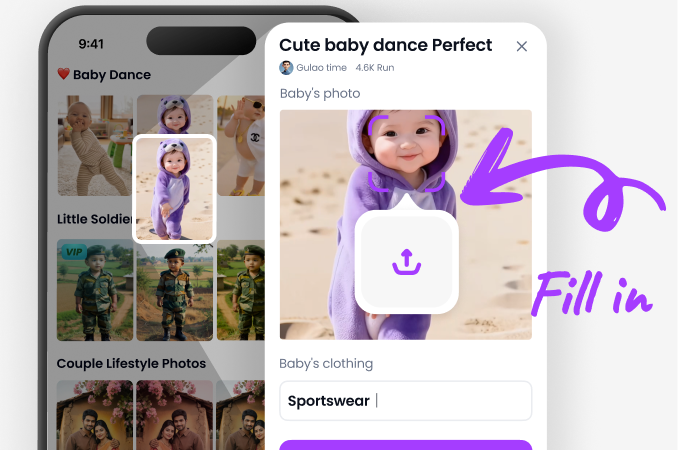
Step 02.
Upload your video and choose a noise removal filter or audio cleanup template from the library.
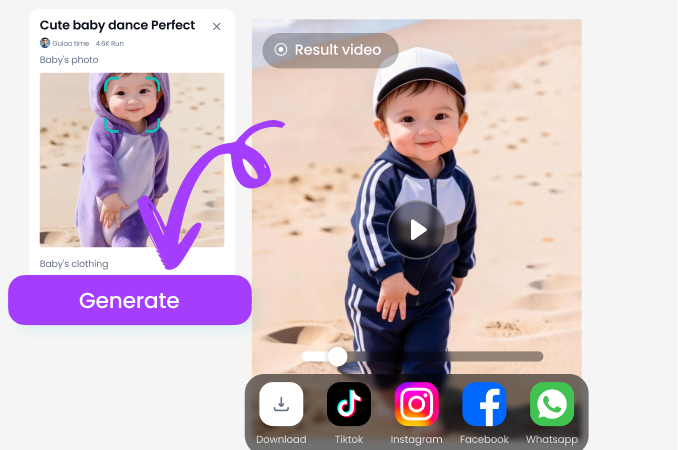
Step 03.
Preview the cleaned video, adjust intensity if needed, then export and share your noise free footage.
See the Difference: Clean Videos After Background Noise Removal
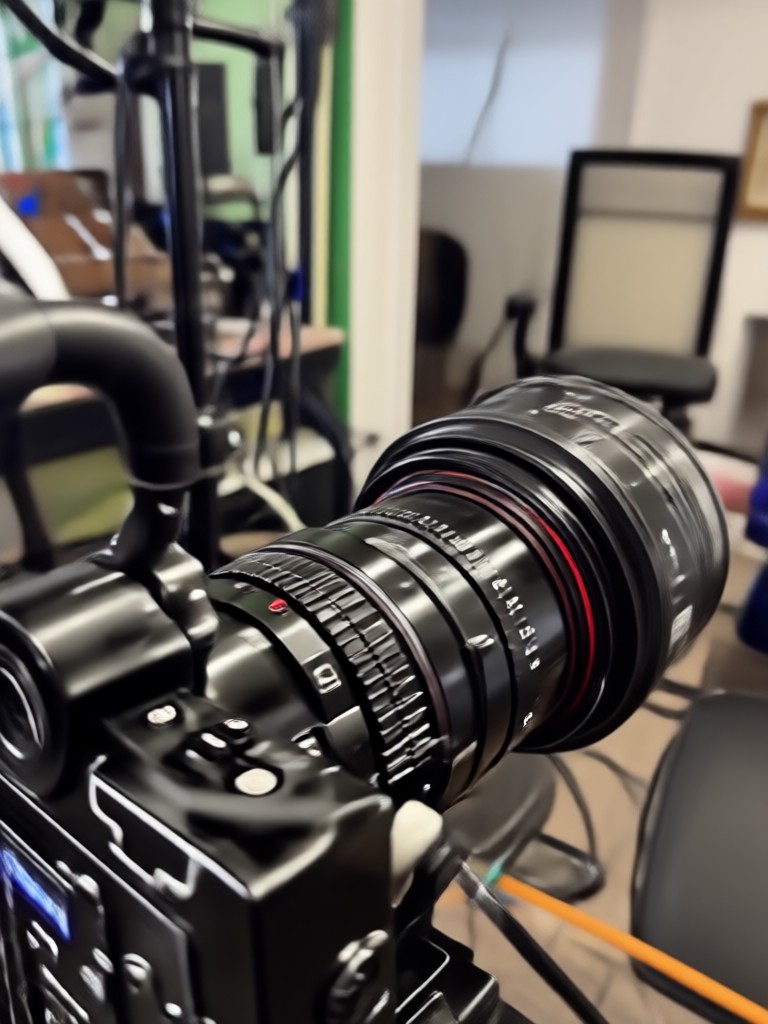
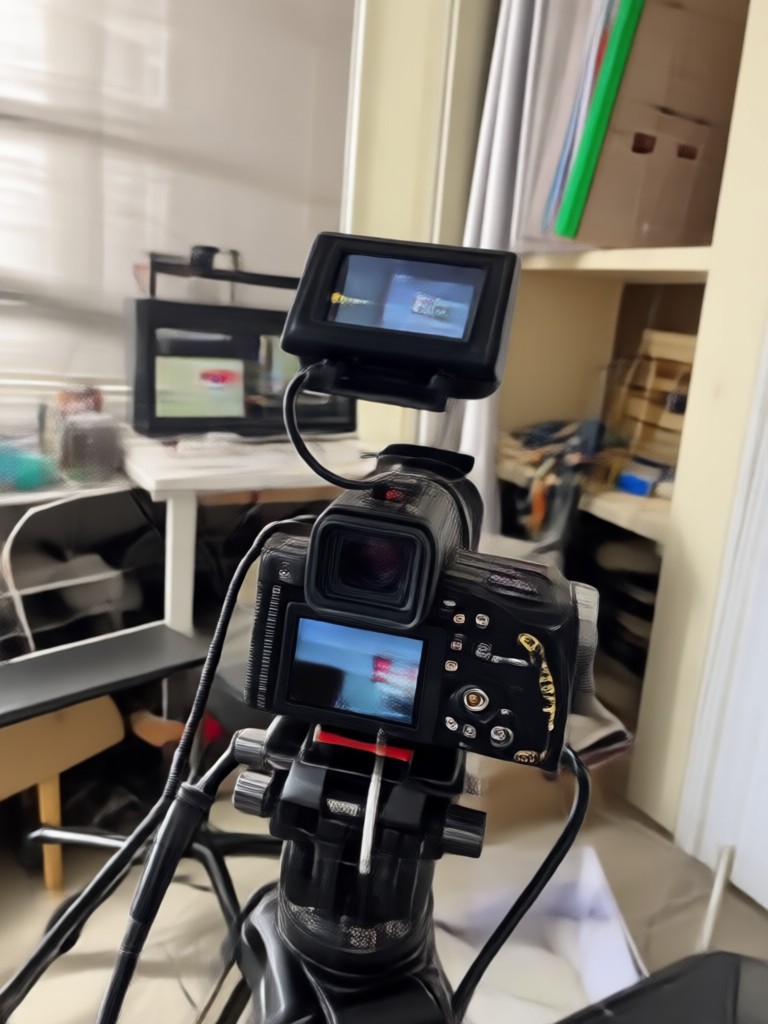
Browse sample results from moodix users who removed background noise and visual artifacts from their videos. Notice how clear the audio becomes and how sharp the visuals look after AI processing.

Why Choose moodix for Video Noise Removal
Many video editors are complicated and time consuming. moodix puts powerful AI cleanup tools in your pocket. You get professional results without needing to learn audio engineering or color grading. Just upload, tap, and share.
Why Choose moodix for Video Noise Removal
Many video editors are complicated and time consuming. moodix puts powerful AI cleanup tools in your pocket. You get professional results without needing to learn audio engineering or color grading. Just upload, tap, and share.
Frequently Asked Questions About Video Noise Removal
Find clear answers to common questions about cleaning up background noise from your videos with moodix.
Creators Who Cleaned Their Videos with moodix

Sarah Lee
I had a great interview recording but there was a lot of street noise. moodix removed it completely and my client thought I recorded in a studio.

Mark Chen
My vlogs always had a humming sound from my camera. One tap in moodix and it's gone. The audio is cleaner than I could do with desktop software.

Emily Ruiz
I produce tutorials on my phone and the fans were always noisy. moodix removes the fan noise without making my voice sound robotic. Amazing.

David Okafor
The visual noise reduction is also great. My low light footage looks much cleaner now. This app replaced three other tools I was using.
Sarah Lee
I had a great interview recording but there was a lot of street noise. moodix removed it completely and my client thought I recorded in a studio.
Mark Chen
My vlogs always had a humming sound from my camera. One tap in moodix and it's gone. The audio is cleaner than I could do with desktop software.
Emily Ruiz
I produce tutorials on my phone and the fans were always noisy. moodix removes the fan noise without making my voice sound robotic. Amazing.
David Okafor
The visual noise reduction is also great. My low light footage looks much cleaner now. This app replaced three other tools I was using.
Sarah Lee
I had a great interview recording but there was a lot of street noise. moodix removed it completely and my client thought I recorded in a studio.
Mark Chen
My vlogs always had a humming sound from my camera. One tap in moodix and it's gone. The audio is cleaner than I could do with desktop software.
Emily Ruiz
I produce tutorials on my phone and the fans were always noisy. moodix removes the fan noise without making my voice sound robotic. Amazing.
David Okafor
The visual noise reduction is also great. My low light footage looks much cleaner now. This app replaced three other tools I was using.
More Topics You May Like
Explore more topics you may like and discover fresh ideas tailored to your interests.

Convert Picture To Old Age Online: See Your Future Self
Upload a photo and instantly see yourself decades older with moodix AI. Realistic old age filters, multiple aging styles, and easy sharing. Download the app now.
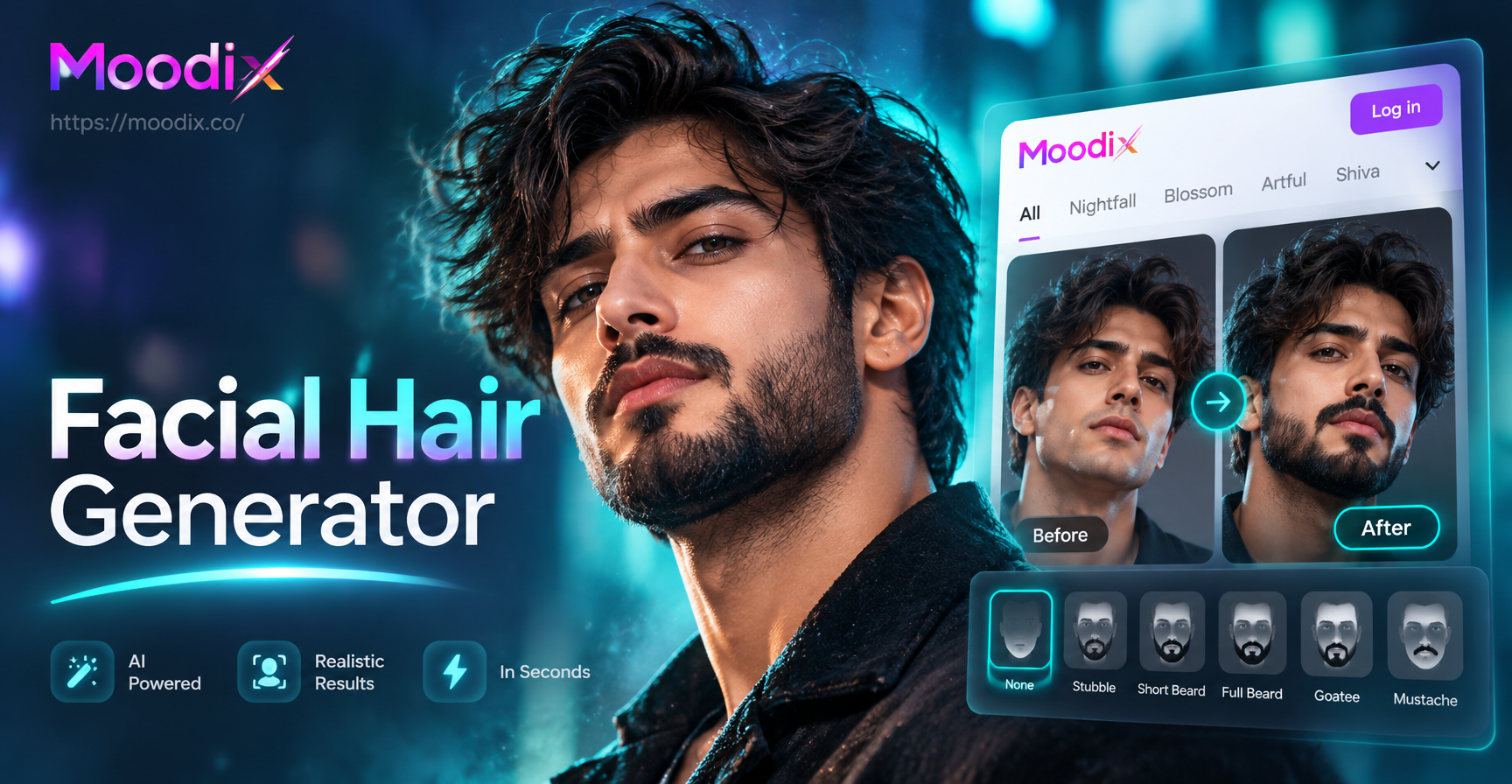
Facial Hair Generator: Try On Beards & Mustaches
Facial Hair Generator lets you add realistic beards, mustaches, and stubble to any photo in seconds. Upload a selfie, pick a style, and preview your new look instantly. No design skills needed.

Create Terrifying AI Monsters in Seconds
Turn your ideas into terrifying AI generated monster art. Upload a photo or type a prompt, choose a style, and get unique creature designs instantly.
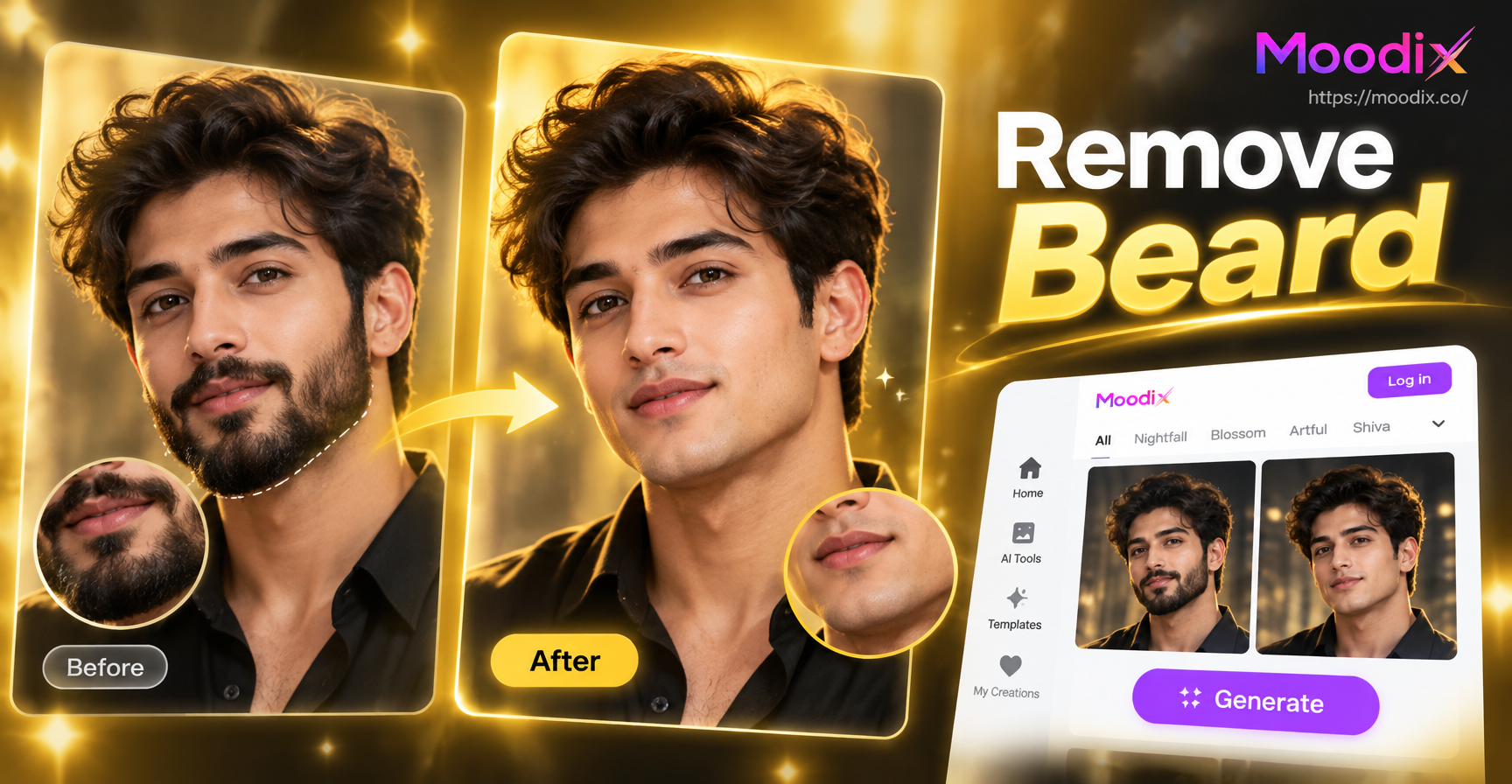
Preview Your Face Without a Beard or Mustache
Use moodix to remove beard and mustache from any photo. Upload a portrait, pick a clean shaven filter, and see natural results in seconds. Download the app.
Remove Background Noise Instantly
Download moodix now and give your videos a professional clean audio and visual finish. One tap is all it takes to remove unwanted noise and share polished content.
Remove Background Noise Instantly
Download moodix now and give your videos a professional clean audio and visual finish. One tap is all it takes to remove unwanted noise and share polished content.