Remove Beard And Mustache From Photo Online
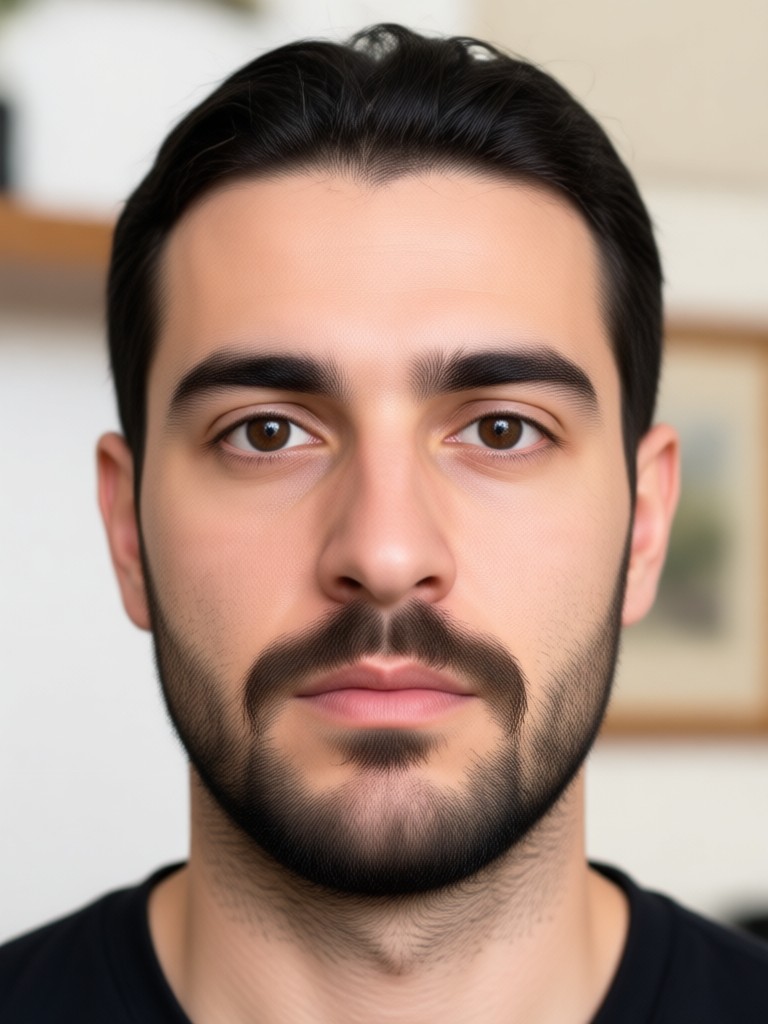
Explore Facial Hair Editing Filters
Choose the beard and mustache removal style that suits your portrait best. Try clean shaven looks, light stubble, or other face transformations inside moodix.
Why Choose moodix for Beard and Mustache Removal
moodix uses AI to detect facial hair and produce a clean shaven portrait that still looks like you. No complicated tools, no manual erasing, and no desktop software. Everything happens inside the app on your phone.
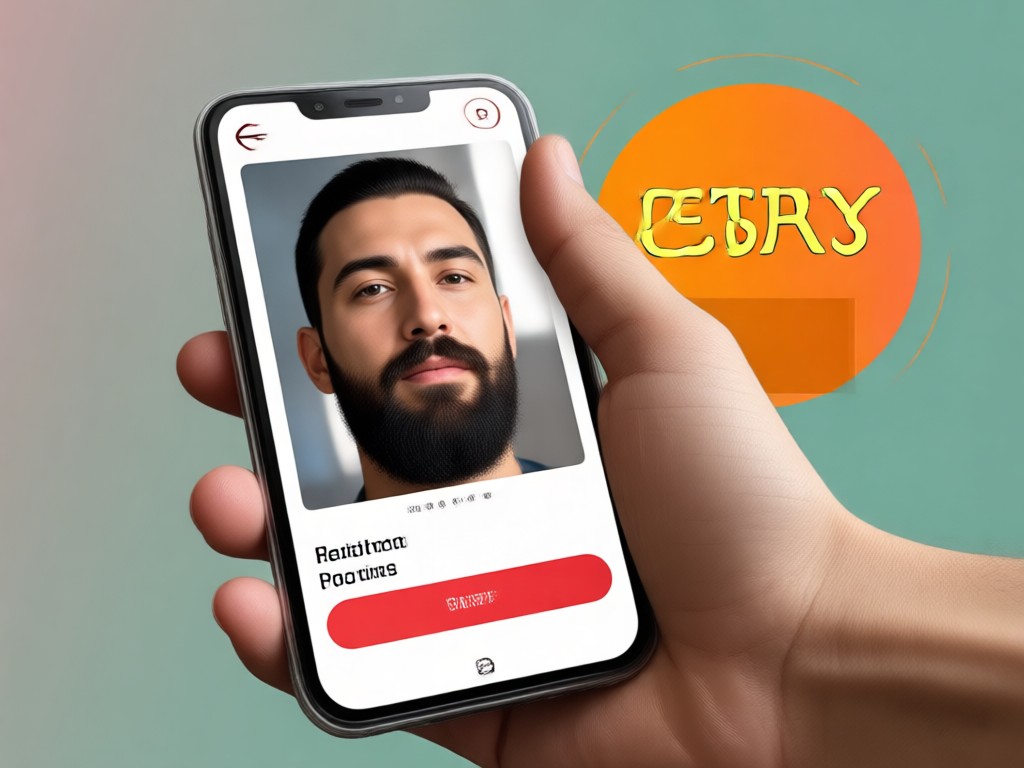
Automatic Facial Hair Detection
moodix spots beards and mustaches in your portrait quickly. The AI removes facial hair while keeping your jawline, skin tone, and lighting natural. No manual erasing needed.
Automatic Facial Hair Detection
moodix spots beards and mustaches in your portrait quickly. The AI removes facial hair while keeping your jawline, skin tone, and lighting natural. No manual erasing needed.
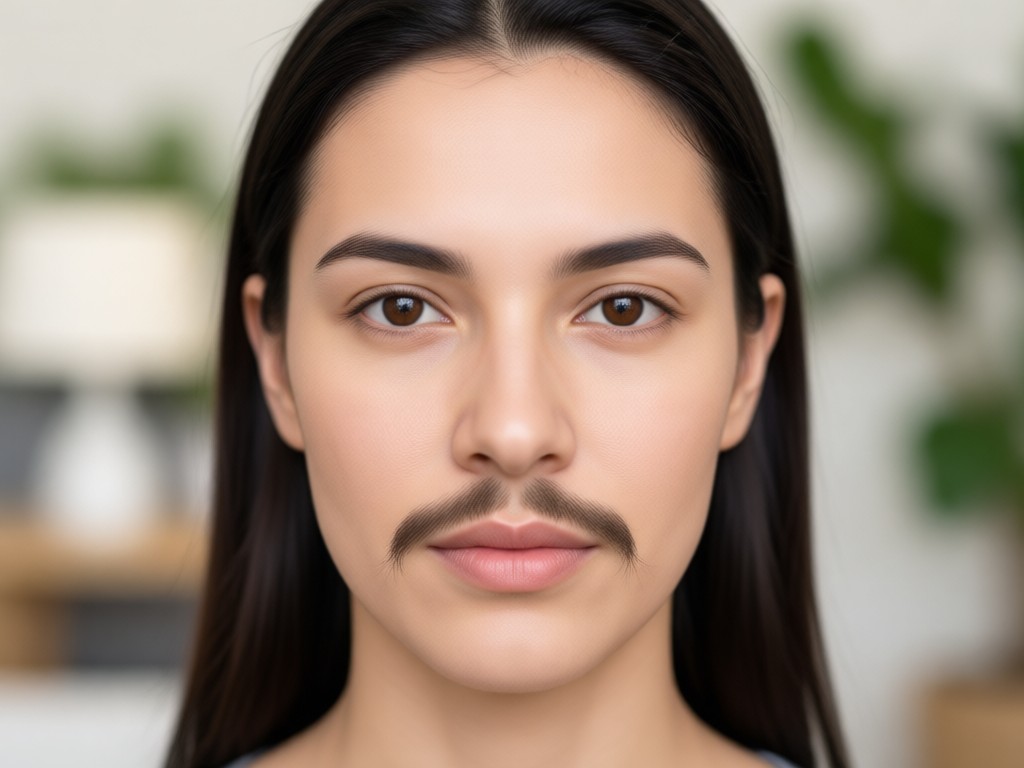
Realistic Clean Shaven Results
Unlike cartoon filters, moodix produces a photo that looks like you actually shaved. Skin texture stays smooth, shadows stay accurate, and the result blends perfectly with your original image.
Realistic Clean Shaven Results
Unlike cartoon filters, moodix produces a photo that looks like you actually shaved. Skin texture stays smooth, shadows stay accurate, and the result blends perfectly with your original image.
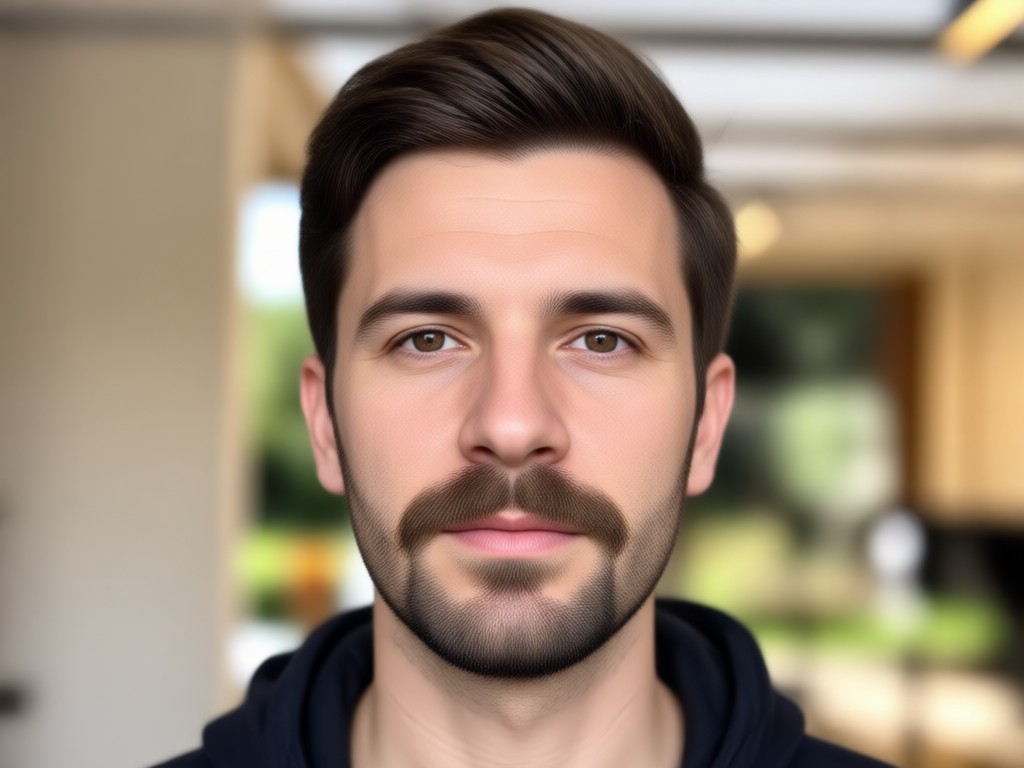
Group Photo Ready
Remove facial hair from multiple people in one picture. moodix identifies each face separately and applies clean shaven edits to everyone without mixing features.
Group Photo Ready
Remove facial hair from multiple people in one picture. moodix identifies each face separately and applies clean shaven edits to everyone without mixing features.
Why Use moodix for Facial Hair Removal
moodix turns an ordinary portrait into a clean shaven version of yourself in seconds. The app runs entirely on your Android phone and works with selfies, professional headshots, and group photos. You do not need any design or editing experience.
Natural Looking Beard and Mustache Removal
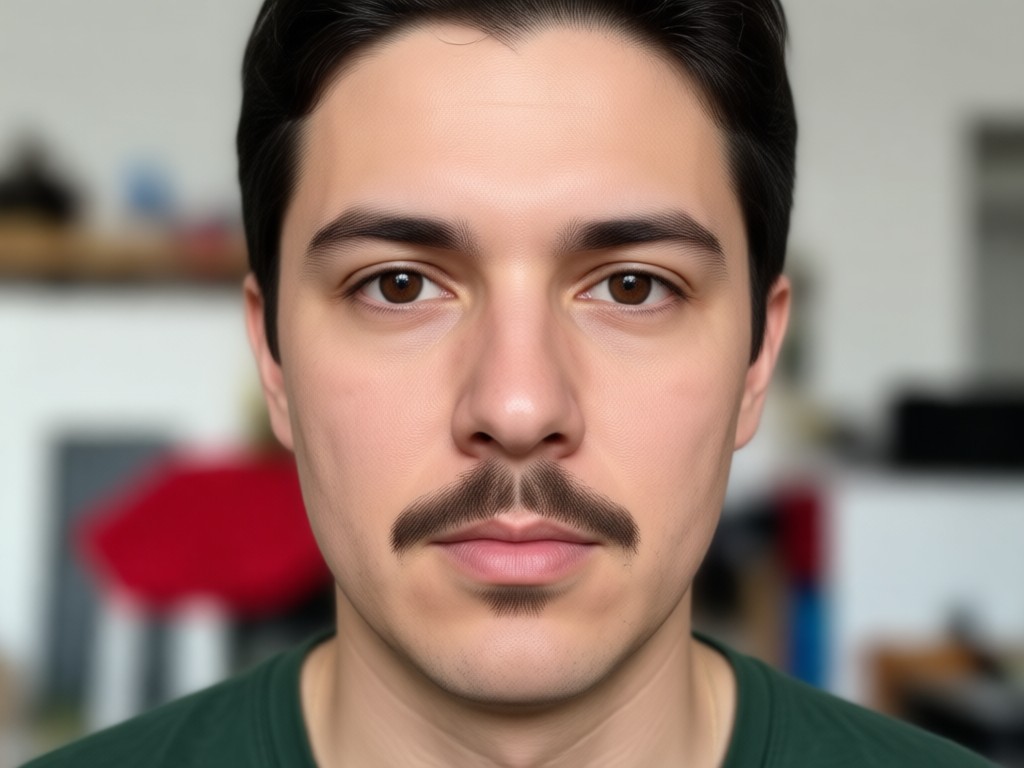
When you remove facial hair in a photo, small details matter. moodix understands face geometry and lighting. It removes beards and mustaches without leaving smudges, dark patches, or mismatched skin. You get a genuine clean shaven portrait that looks like you shaved that morning. Perfect for profile pictures, business headshots, dating photos, or just curiosity.
Natural Looking Beard and Mustache Removal
When you remove facial hair in a photo, small details matter. moodix understands face geometry and lighting. It removes beards and mustaches without leaving smudges, dark patches, or mismatched skin. You get a genuine clean shaven portrait that looks like you shaved that morning. Perfect for profile pictures, business headshots, dating photos, or just curiosity.
How to Remove Beard and Mustache From a Photo
Follow three simple steps to see your clean shaven face inside the moodix app.

Step 01.
Download moodix from Google Play and open the app on your Android phone. No account setup is required to start.
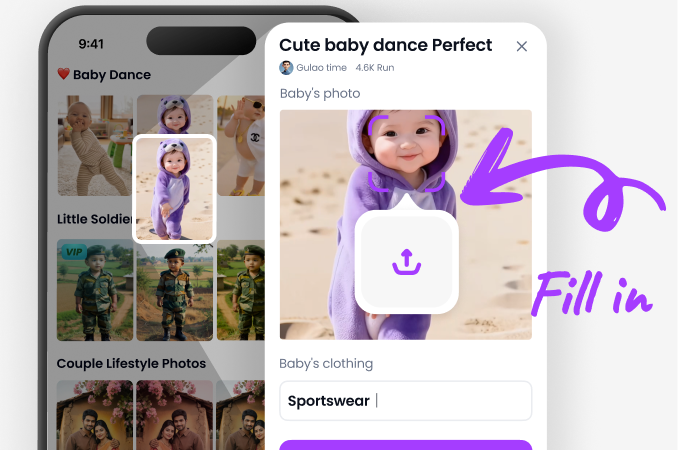
Step 02.
Upload a clear portrait or group photo. Select the beard and mustache removal filter from the style list.
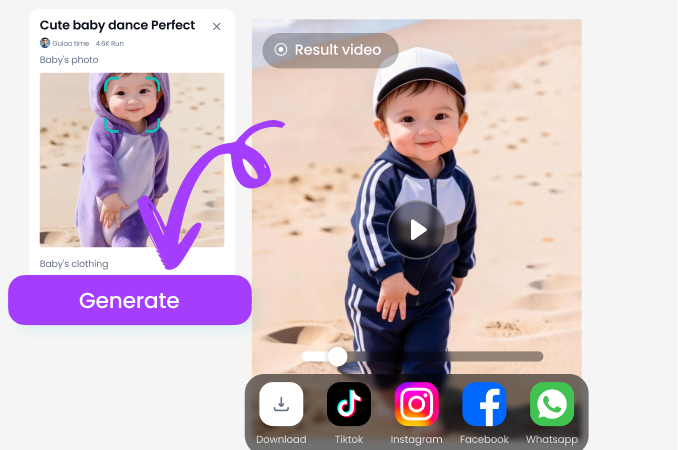
Step 03.
Preview your clean shaven result. Adjust if needed, then save the image to your phone or share it directly.
Clean Shaven Transformations Made with moodix
Browse real examples of beard and mustache removal results. These photos show how moodix keeps skin realistic while giving you a completely shaved look.
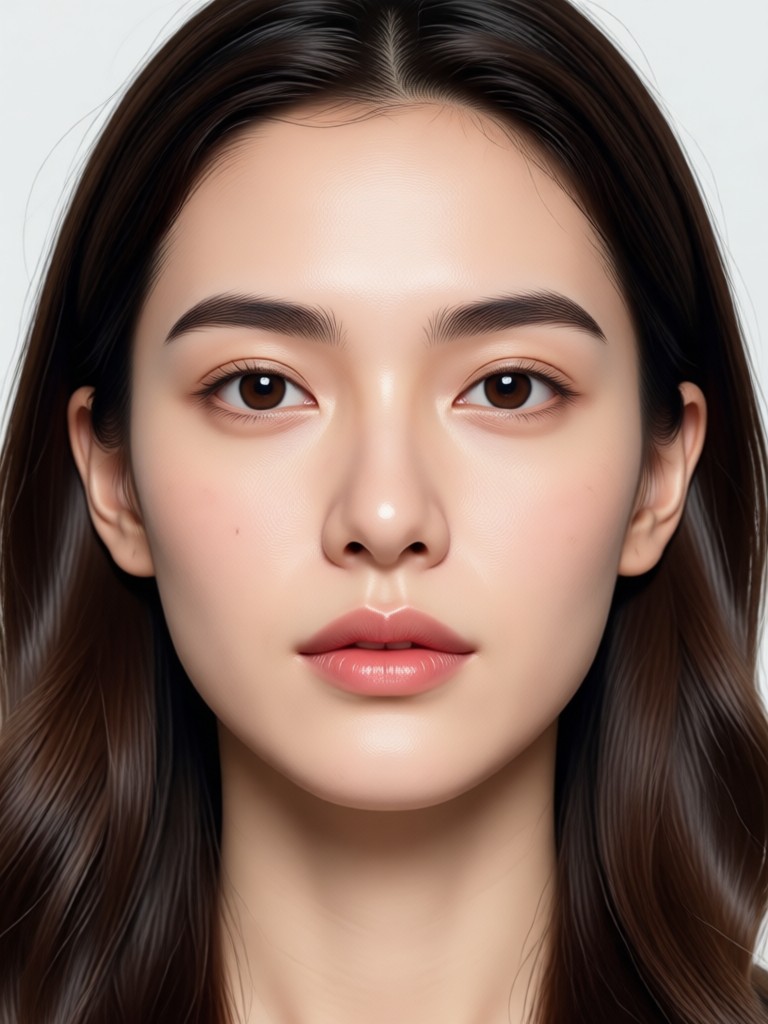
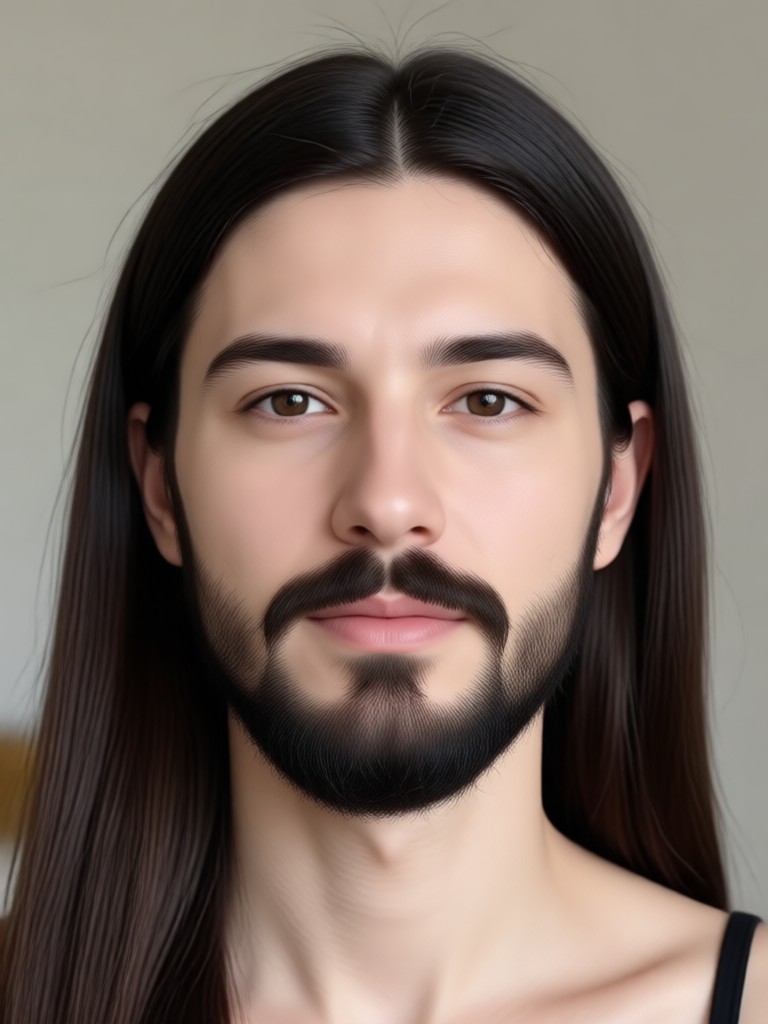
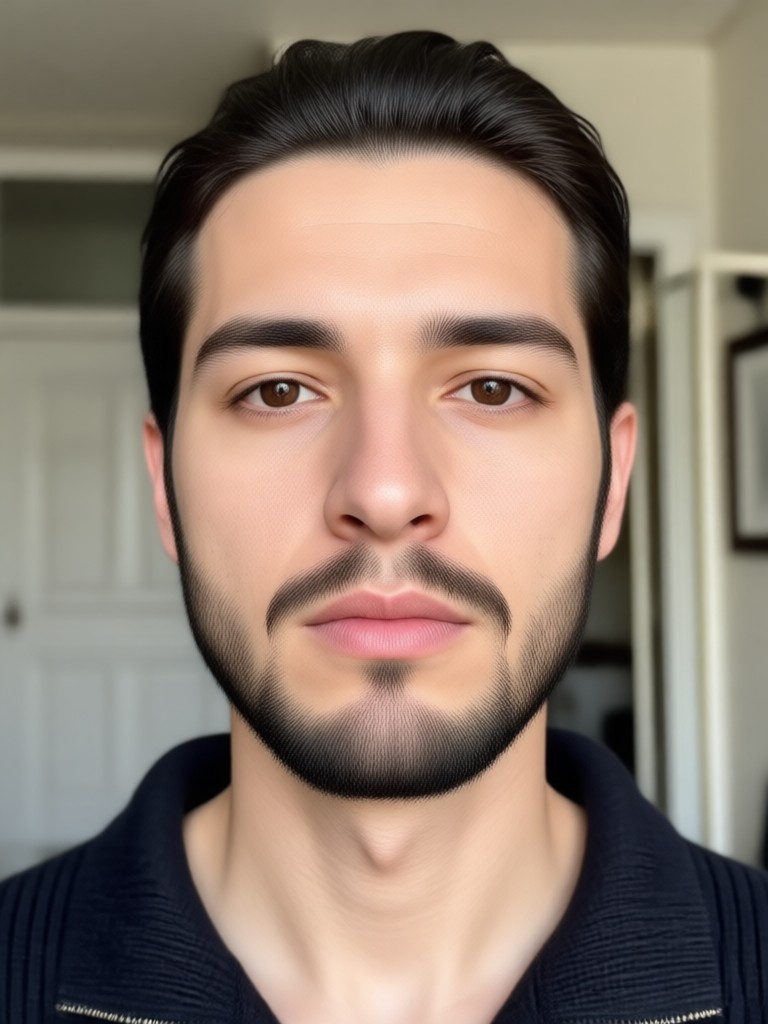
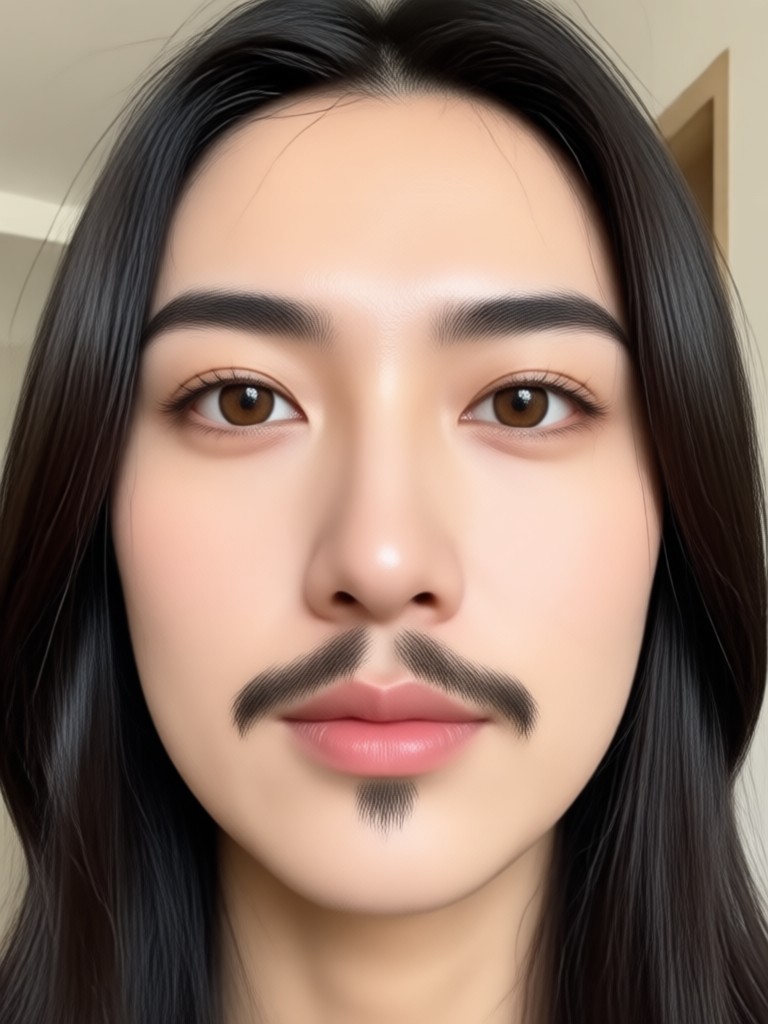
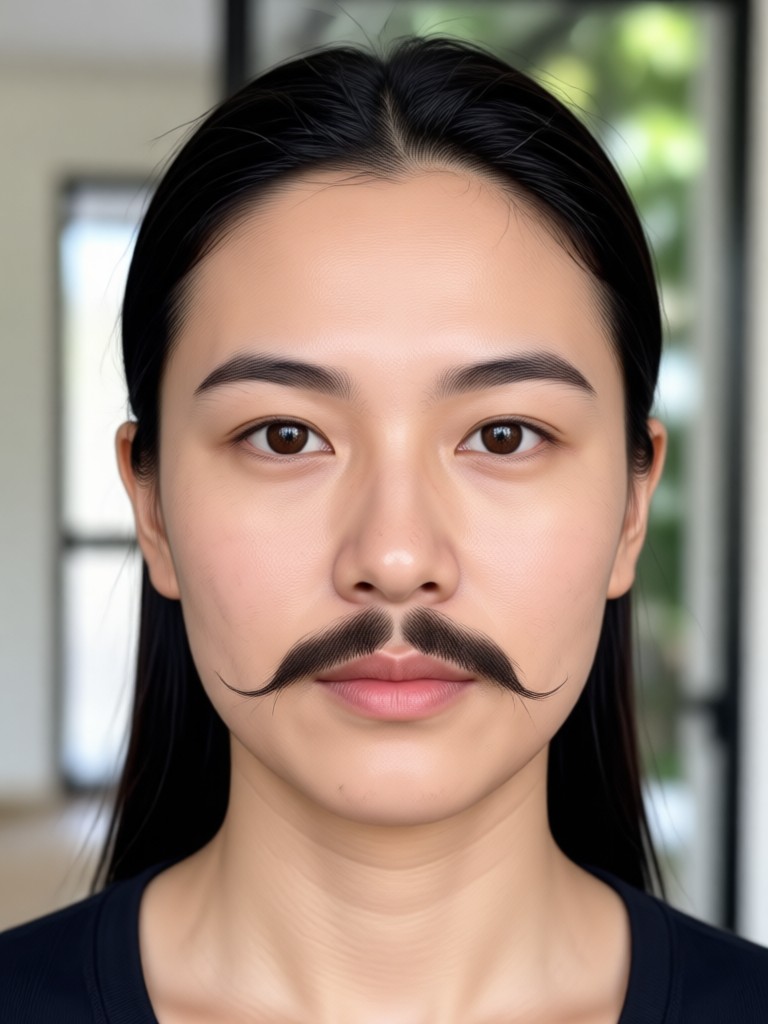
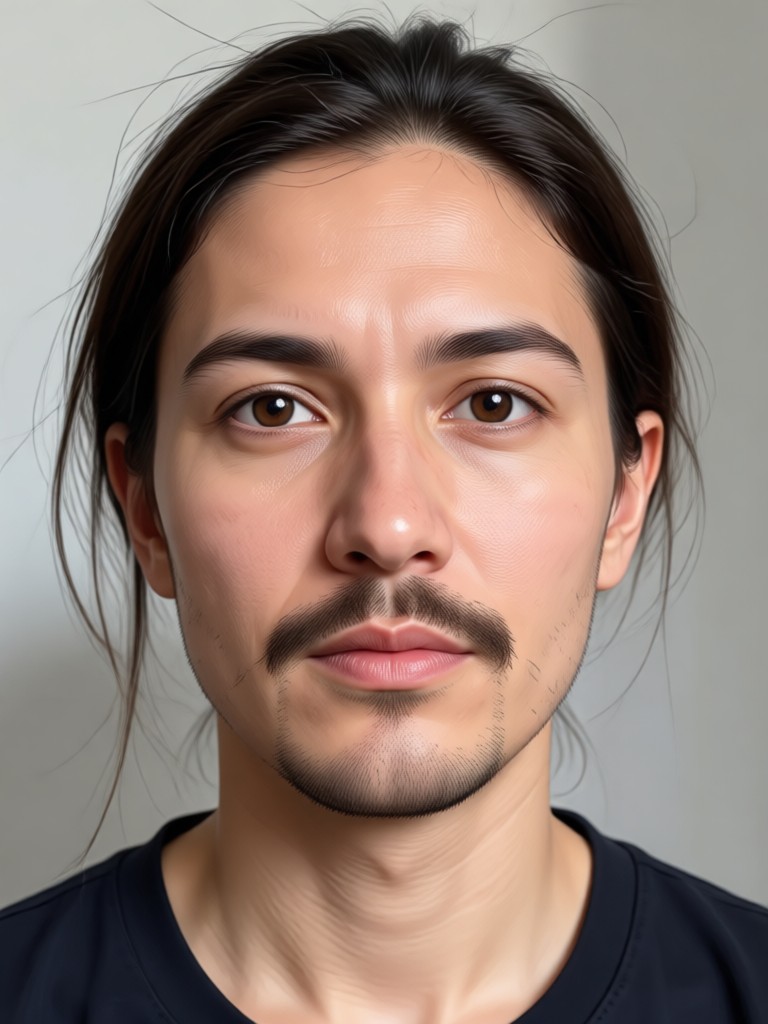
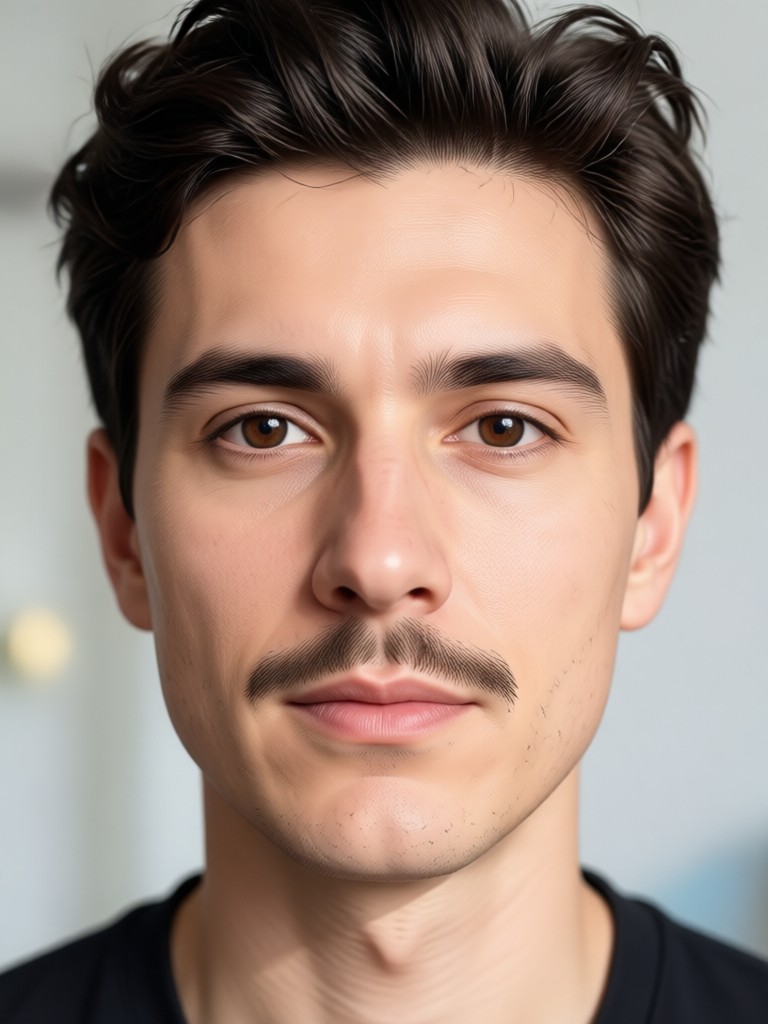
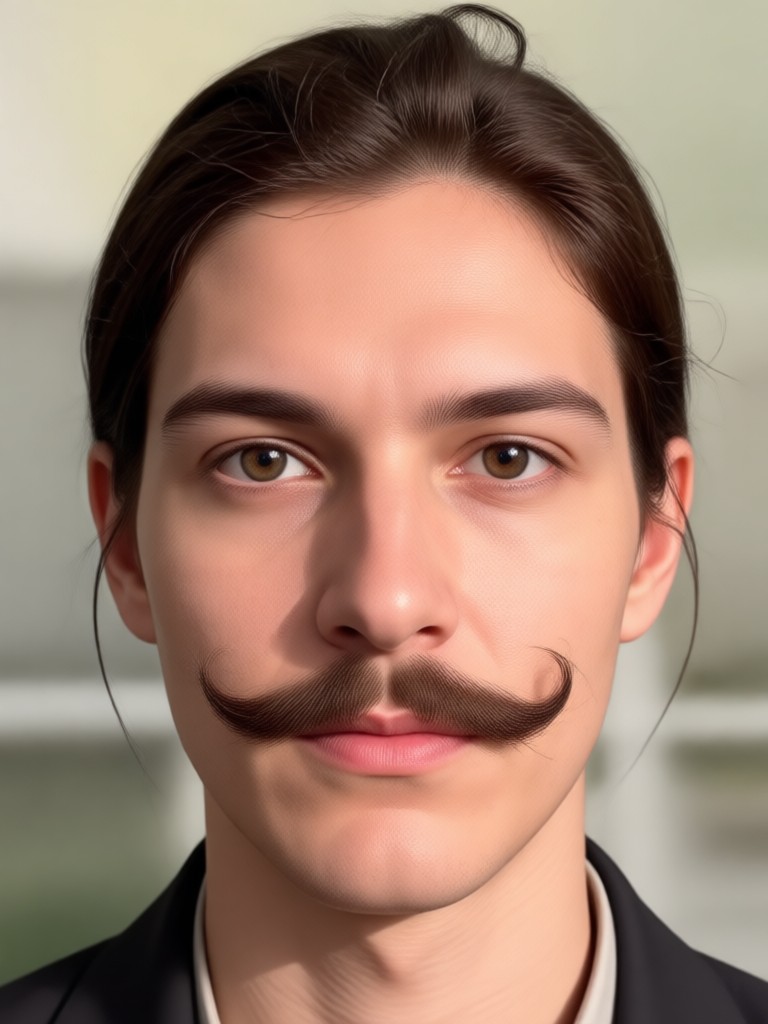
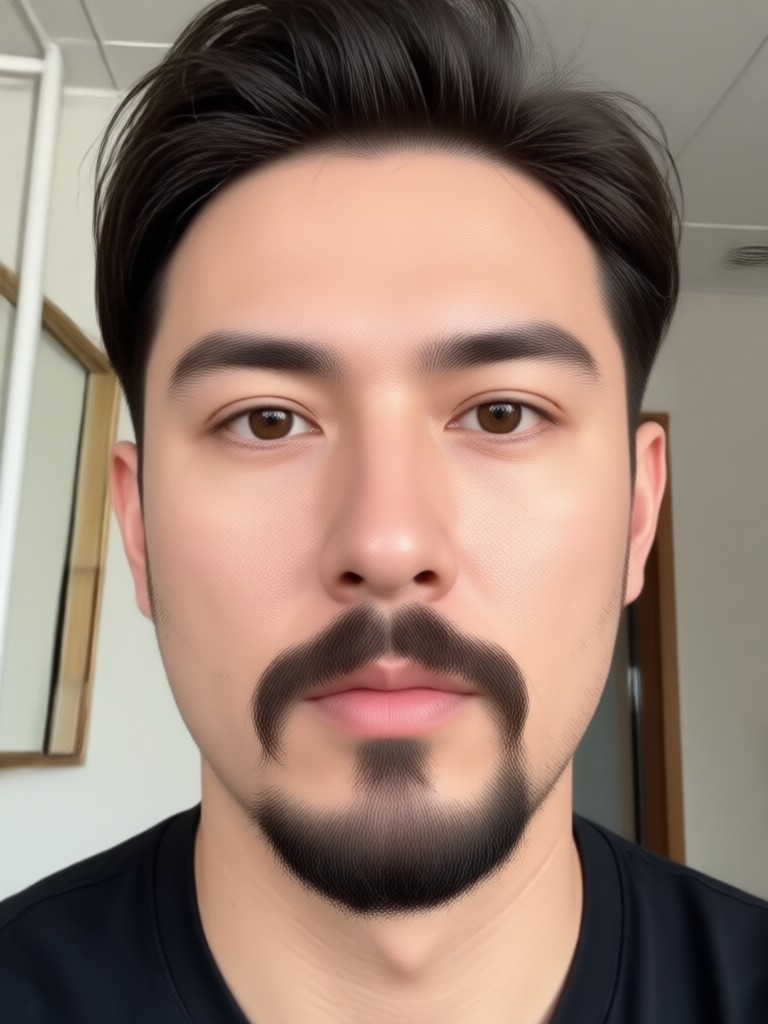
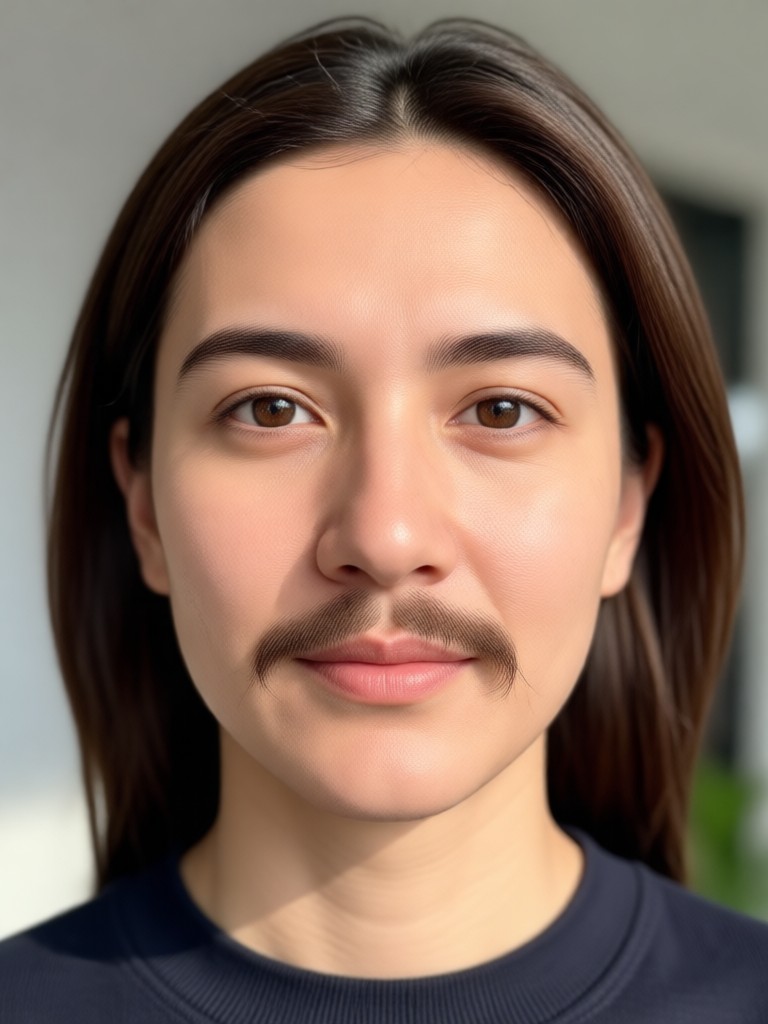
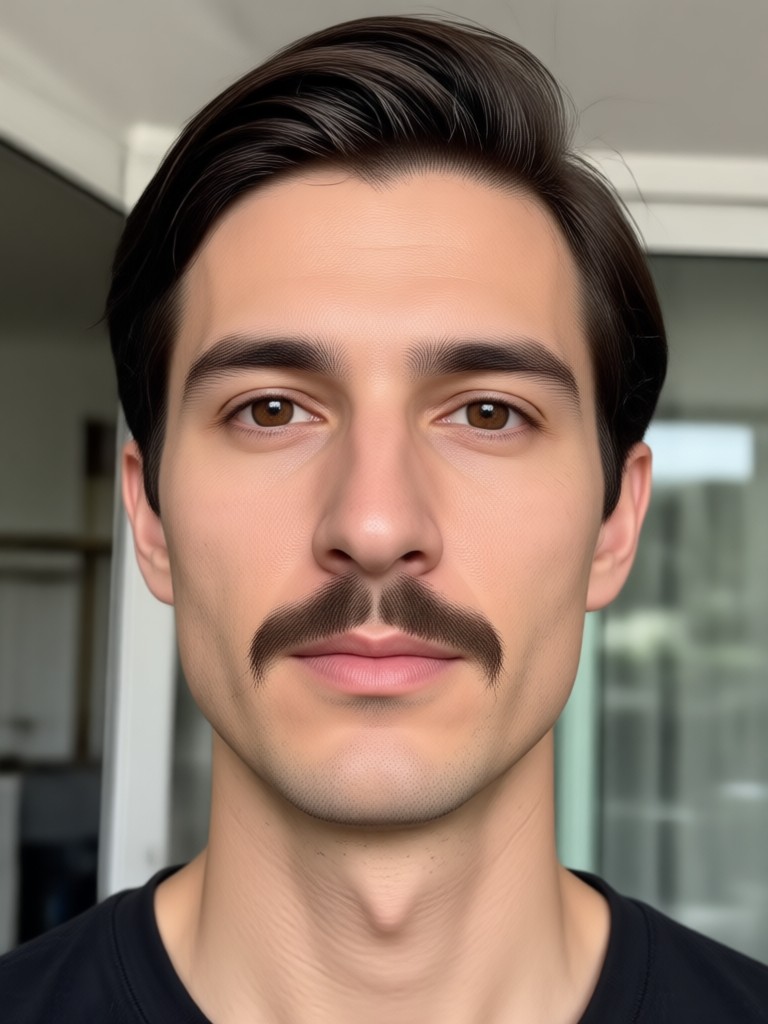
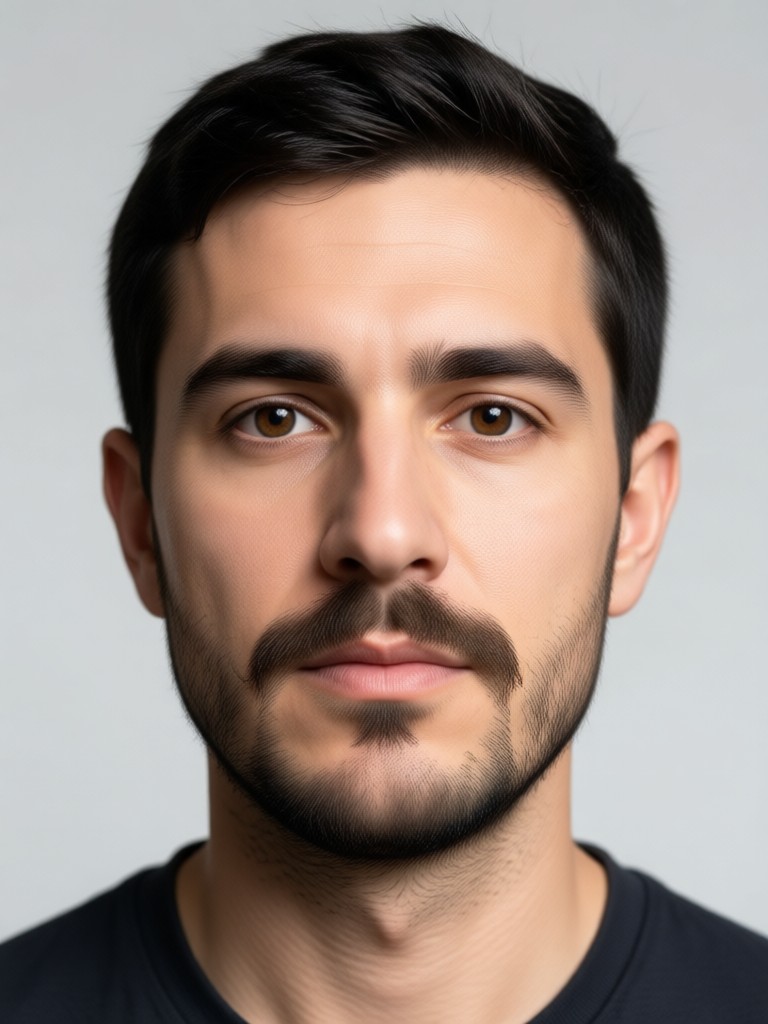
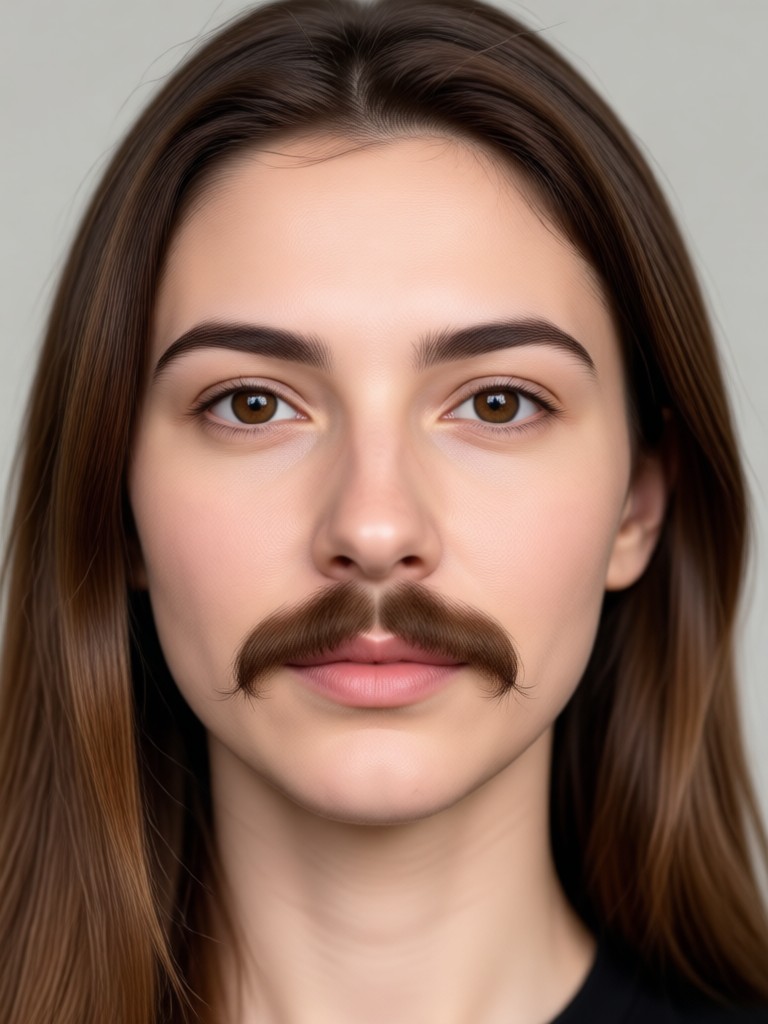
Remove Beard and Mustache in Seconds
Get a clean shaven photo without touching a razor. moodix uses AI to detect and remove facial hair while preserving natural skin texture and lighting.

Who Uses moodix for Beard and Mustache Removal

Daniel R.
I used moodix before a job interview to see how I would look clean shaven. The result looked so real that I saved it as my LinkedIn photo.

Maya T.
I removed my boyfriend's mustache from our vacation photo just for fun. The app kept his face natural and we both laughed at how accurate it was.
Chris P.
I wanted to see if a beard would make me look older. moodix removed my beard first and then I tried a stubble filter. Both looked like real photos.

Sofia L.
Our family group photo had three bearded uncles. moodix removed all facial hair from each face at once. It handled every person perfectly.
Daniel R.
I used moodix before a job interview to see how I would look clean shaven. The result looked so real that I saved it as my LinkedIn photo.
Maya T.
I removed my boyfriend's mustache from our vacation photo just for fun. The app kept his face natural and we both laughed at how accurate it was.
Chris P.
I wanted to see if a beard would make me look older. moodix removed my beard first and then I tried a stubble filter. Both looked like real photos.
Sofia L.
Our family group photo had three bearded uncles. moodix removed all facial hair from each face at once. It handled every person perfectly.
Daniel R.
I used moodix before a job interview to see how I would look clean shaven. The result looked so real that I saved it as my LinkedIn photo.
Maya T.
I removed my boyfriend's mustache from our vacation photo just for fun. The app kept his face natural and we both laughed at how accurate it was.
Chris P.
I wanted to see if a beard would make me look older. moodix removed my beard first and then I tried a stubble filter. Both looked like real photos.
Sofia L.
Our family group photo had three bearded uncles. moodix removed all facial hair from each face at once. It handled every person perfectly.
Frequently Asked Questions About Beard and Mustache Removal
Get clear answers about removing facial hair from photos with moodix and how to get natural clean shaven results.
More Face Editing Topics You May Like
Explore more moodix effects for portraits, facial hair changes, and AI powered photo transformations.
Remove Emoji From Picture: Clean Up Photos With AI
Remove any emoji, sticker, or object from your photos using Moodix AI. Upload a picture, brush over the emoji, and get a clean, natural result in seconds. Try it free.

AI Shoe Generator: Design Custom Sneakers in Seconds
Create stunning AI shoe designs with moodix. Upload a photo or use text prompts to generate custom sneakers, boots, and heels. Explore 1M+ styles. No design skills needed.

Photo Makeup Editor Online Free: Try Virtual Makeover App
Apply flawless virtual makeup online free. Upload a photo, pick a look, and get realistic beauty results in seconds. No skills needed. Download the app now.
Turn Blurry Photos into Crisp 4K Images Instantly
Unblur and upscale photos to 4K with moodix. Upload a blurry image, apply AI enhancement filters, and get a sharp, high-resolution result in seconds. Download the app.
See Your Clean Shaven Face Today
Download moodix and remove beard and mustache from any photo in seconds. Get natural results, try new facial hair styles, and share your favorite look with friends.
See Your Clean Shaven Face Today
Download moodix and remove beard and mustache from any photo in seconds. Get natural results, try new facial hair styles, and share your favorite look with friends.