Remove An Emoji From A Picture
Cute Figurine


Key Features for Emoji Removal
Moodix is not just a sticker remover. It is a comprehensive AI photo editor that handles complex backgrounds, skin textures, and lighting with precision. Here is what makes our cleanup tool stand out.
Precision Object Removal
Simply brush over the emoji or sticker you want to remove. The AI detects the edges and removes the obstruction without damaging the details behind it. Whether it is a small heart or a large text overlay, the removal looks flawless.
Precision Object Removal
Simply brush over the emoji or sticker you want to remove. The AI detects the edges and removes the obstruction without damaging the details behind it. Whether it is a small heart or a large text overlay, the removal looks flawless.
AI Background Reconstruction
When you remove an object, you leave a hole. Moodix fills that hole with realistic texture. If the emoji was covering skin, it generates matching skin. If it was covering a wall, it recreates the wall pattern. The result is a cohesive image.
AI Background Reconstruction
When you remove an object, you leave a hole. Moodix fills that hole with realistic texture. If the emoji was covering skin, it generates matching skin. If it was covering a wall, it recreates the wall pattern. The result is a cohesive image.
High Resolution Output
Do not settle for blurry patches. Moodix processes images with a high resolution engine. You can clean up your photos and export them in sharp quality, ready for Instagram, printing, or profile pictures without losing detail.
High Resolution Output
Do not settle for blurry patches. Moodix processes images with a high resolution engine. You can clean up your photos and export them in sharp quality, ready for Instagram, printing, or profile pictures without losing detail.
How to Remove an Emoji From a Picture
Cleaning up your photos takes only a few seconds. Follow these simple steps to erase emojis and stickers from any image using the Moodix mobile app.

Step 01.
Download the Moodix app from Google Play and open the AI editor on your phone. No registration hassle required.
Step 02.
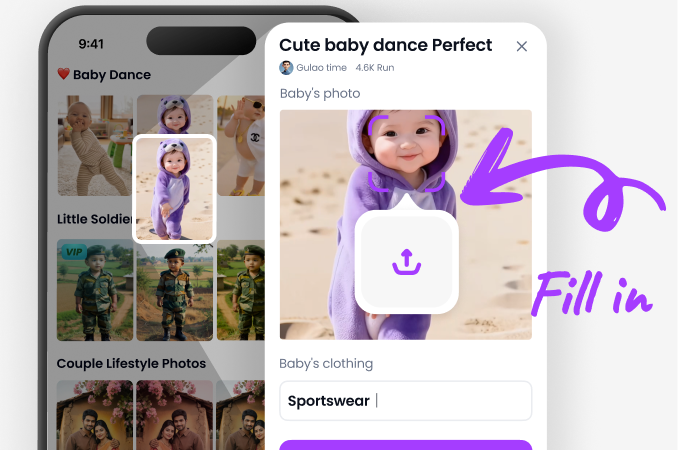
Upload the picture with the emoji. Use the brush tool to highlight the sticker or emoji you want to erase.
Step 03.
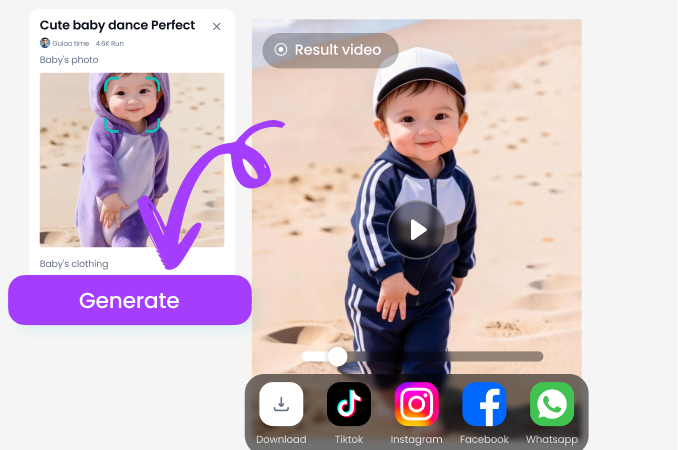
Tap Generate. The AI removes the emoji and fills the area naturally. Save your clean photo to your gallery.
Before and After Emoji Removal Results
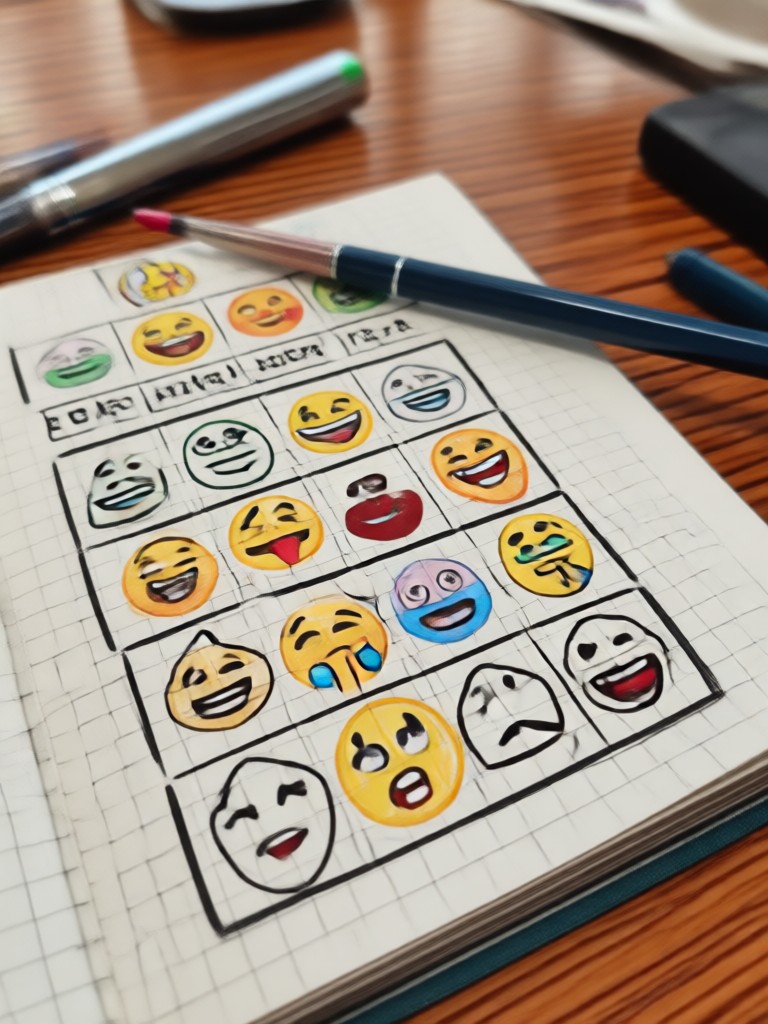
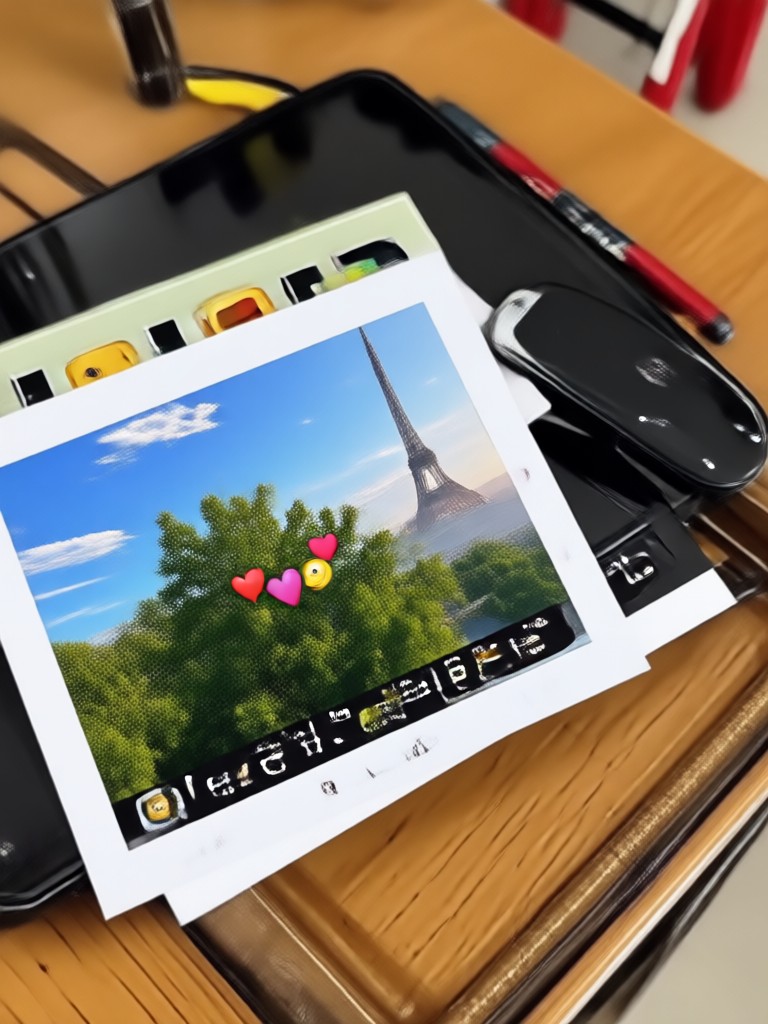
See how effectively Moodix cleans up photos. These examples show various images where emojis and stickers were removed, revealing the original subjects and backgrounds without a trace.

Why Use Moodix to Remove Emojis
There are many AI photo editors available, but few are designed with the simplicity and power needed for perfect object removal. Moodix prioritizes user experience and output quality.
The Smartest Way to Clean Up Your Photos
Most photo editing apps require complicated layer masks or clone stamps to remove a small sticker. That takes time and often leaves smudges. Moodix uses advanced generative AI to understand the context of your photo. It does not just blur the area. It actually redraws what should be behind the emoji, whether that is a person's eye, a strand of hair, or a textured wall. The mobile interface is intuitive enough for beginners yet powerful enough for creators who need quick turnaround times. You can fix a ruined family photo, clean up a screenshot for work, or prepare a profile picture without a distracting sticker, all from your phone. Because the tool is app based, you can do this on the go. You do not need to transfer files to a computer or pay for expensive desktop software. Just open the app, brush, and generate.
The Smartest Way to Clean Up Your Photos
Most photo editing apps require complicated layer masks or clone stamps to remove a small sticker. That takes time and often leaves smudges. Moodix uses advanced generative AI to understand the context of your photo. It does not just blur the area. It actually redraws what should be behind the emoji, whether that is a person's eye, a strand of hair, or a textured wall. The mobile interface is intuitive enough for beginners yet powerful enough for creators who need quick turnaround times. You can fix a ruined family photo, clean up a screenshot for work, or prepare a profile picture without a distracting sticker, all from your phone. Because the tool is app based, you can do this on the go. You do not need to transfer files to a computer or pay for expensive desktop software. Just open the app, brush, and generate.
Clean Photos in Seconds
Download Moodix on Google Play and start removing emojis, stickers, and objects from your photos instantly. The easiest AI cleanup tool for your mobile device.

Frequently Asked Questions
Find clear answers to common questions about removing emojis from pictures and using the Moodix AI editor.
Who Uses the AI Emoji Remover

Louis Yule
I had a perfect graduation photo but my friend put a sticker on my face. Moodix removed it perfectly. You cannot even tell there was an emoji there before.

Mandy Sander
I use this to clean up product photos for my small business. Sometimes I screenshot images with emojis on them. This tool removes the overlay and makes the photo usable.

Orville Garcia
Finally an app that does exactly what it says. I removed a big laugh emoji from a family picture. The background reconstruction was shockingly good.

Sam Green
As a content creator, I often need to clean reference images. Moodix is much faster than desktop tools. The brush selection is quick and the results are clean.
Louis Yule
I had a perfect graduation photo but my friend put a sticker on my face. Moodix removed it perfectly. You cannot even tell there was an emoji there before.
Mandy Sander
I use this to clean up product photos for my small business. Sometimes I screenshot images with emojis on them. This tool removes the overlay and makes the photo usable.
Orville Garcia
Finally an app that does exactly what it says. I removed a big laugh emoji from a family picture. The background reconstruction was shockingly good.
Sam Green
As a content creator, I often need to clean reference images. Moodix is much faster than desktop tools. The brush selection is quick and the results are clean.
Louis Yule
I had a perfect graduation photo but my friend put a sticker on my face. Moodix removed it perfectly. You cannot even tell there was an emoji there before.
Mandy Sander
I use this to clean up product photos for my small business. Sometimes I screenshot images with emojis on them. This tool removes the overlay and makes the photo usable.
Orville Garcia
Finally an app that does exactly what it says. I removed a big laugh emoji from a family picture. The background reconstruction was shockingly good.
Sam Green
As a content creator, I often need to clean reference images. Moodix is much faster than desktop tools. The brush selection is quick and the results are clean.
Clean Up Your Pictures Today
Stop hiding your favorite memories behind emojis. Download Moodix now and restore your photos to their original glory with advanced AI removed.
Clean Up Your Pictures Today
Stop hiding your favorite memories behind emojis. Download Moodix now and restore your photos to their original glory with advanced AI removed.