Diwali AI Photo Editing Prompt
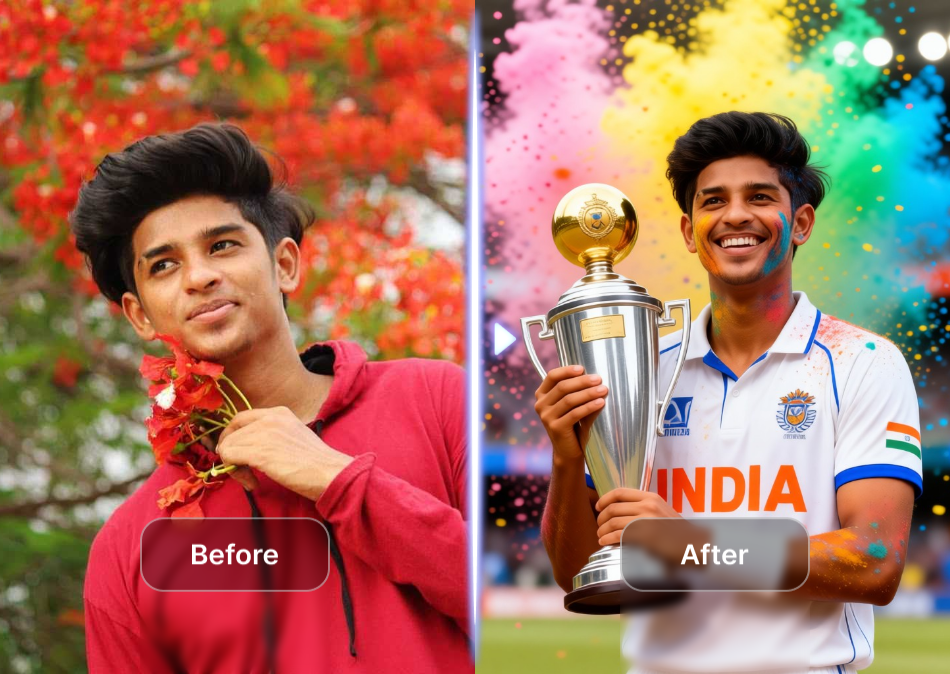
Choose a Diwali Photo Style That Fits Your Festive Mood
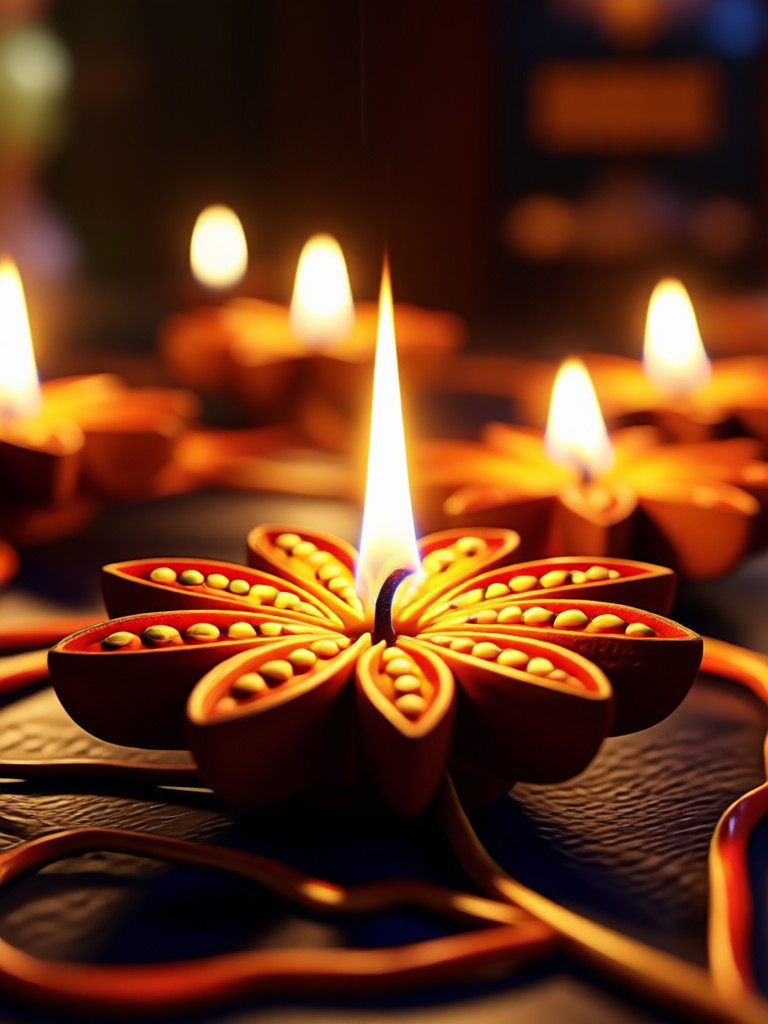
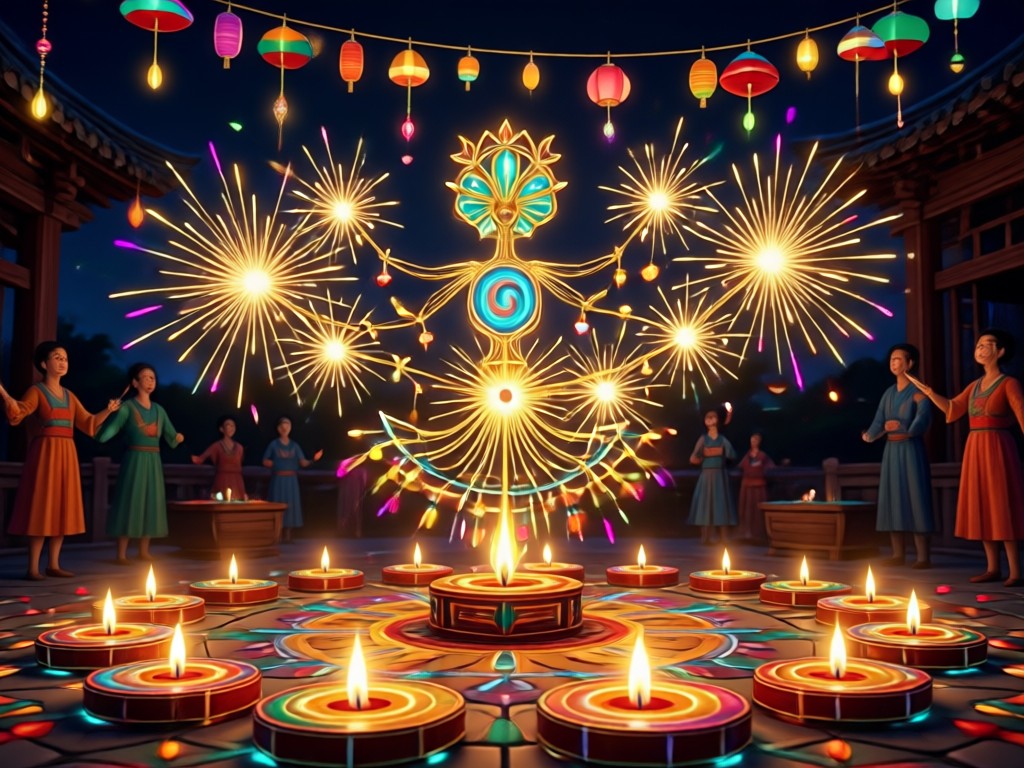
Explore a variety of Diwali AI photo editing styles, from glowing diya effects and elegant traditional wear to dreamy rangoli backgrounds and celebratory firework scenes. Pick the filter that matches your celebration and create a stunning image in seconds.
Powerful Diwali AI Photo Editing Features
Create unforgettable Diwali images with moodix. Use simple prompts to add festive light effects, change outfits, restyle backgrounds, and generate high resolution results without any design experience.
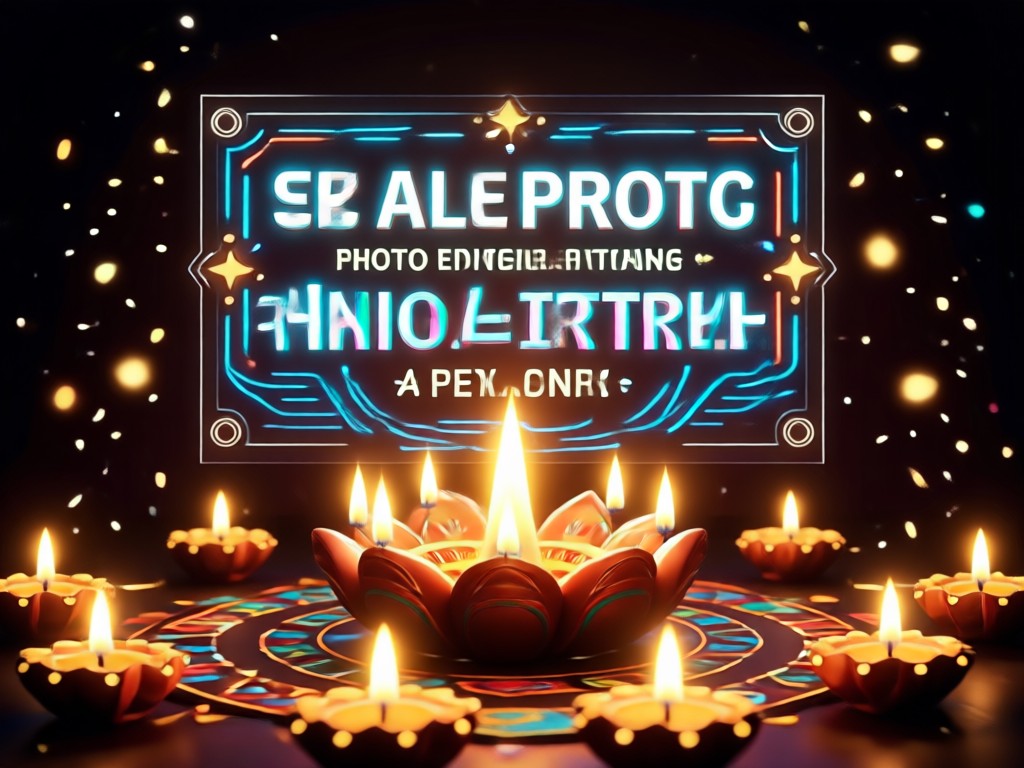
Festive Light Effects
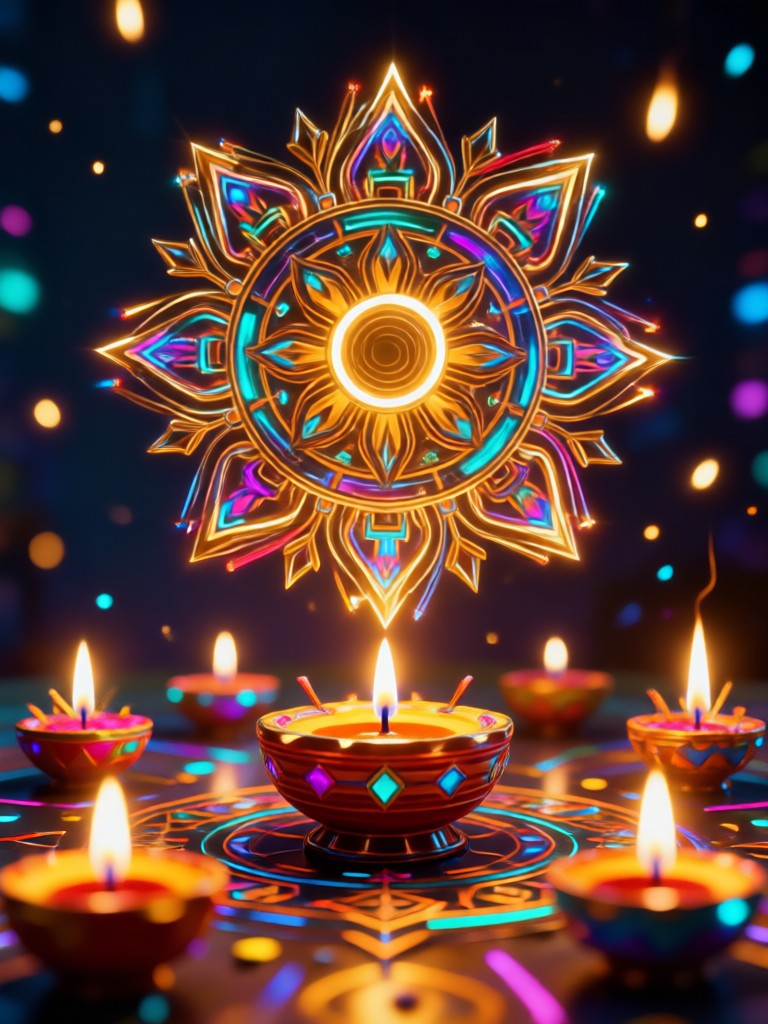
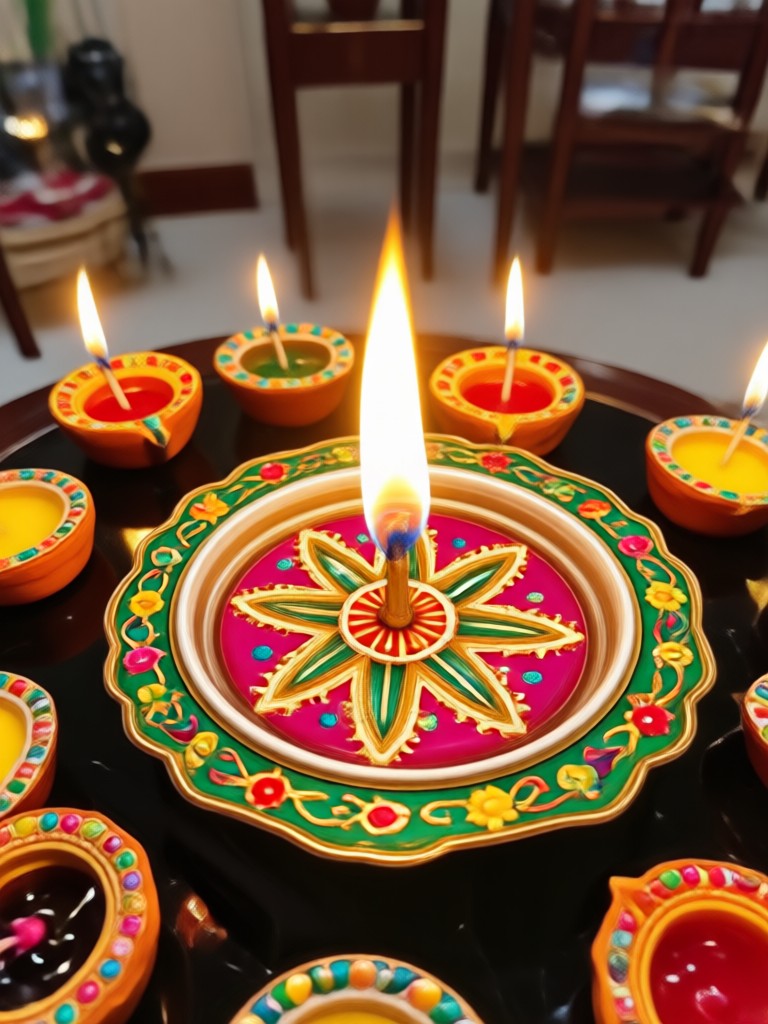
Add glowing diyas, fairy lights, and warm bokeh to any photo. Choose from multiple Diwali light overlays and adjust intensity for a naturally festive look.
Festive Light Effects
Add glowing diyas, fairy lights, and warm bokeh to any photo. Choose from multiple Diwali light overlays and adjust intensity for a naturally festive look.
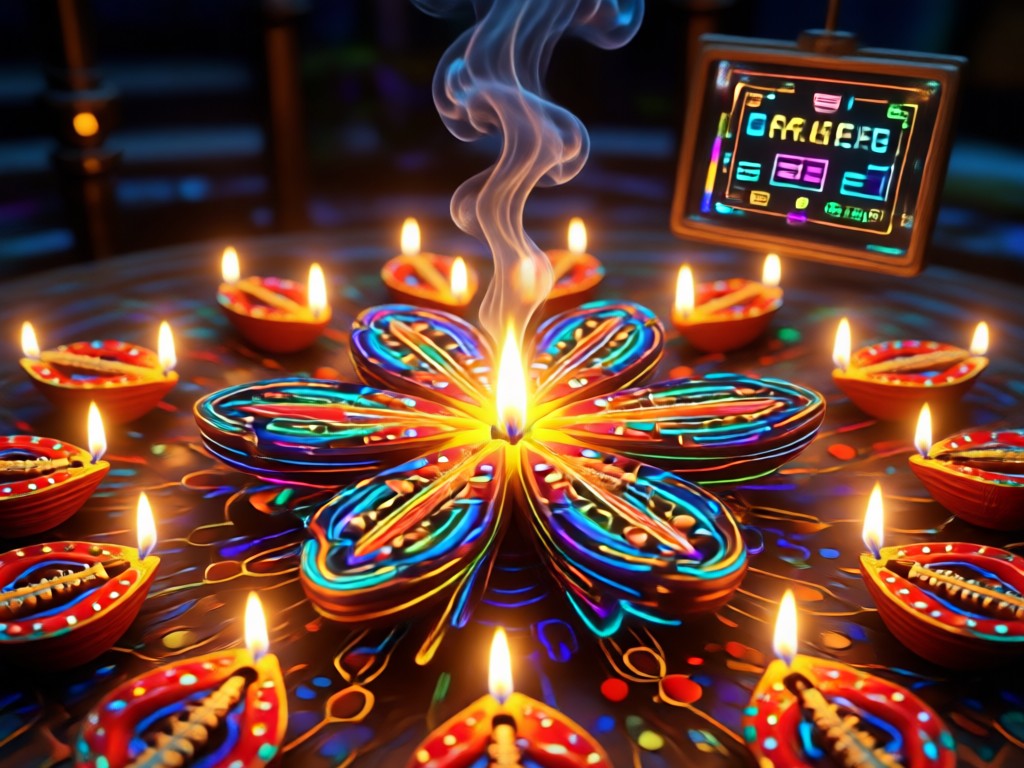
Traditional Outfit Swap
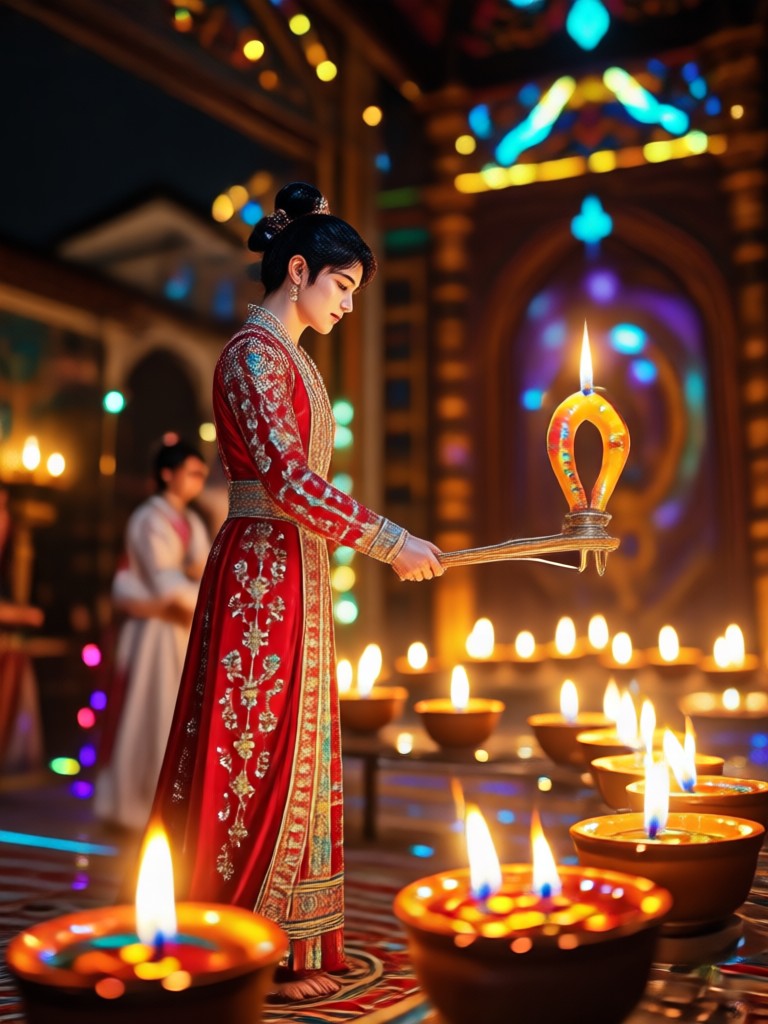
See yourself in a stunning lehenga, kurta, or saree. Upload a portrait and let AI dress you in elegant ethnic wear with rich colors and fine details.
Traditional Outfit Swap
See yourself in a stunning lehenga, kurta, or saree. Upload a portrait and let AI dress you in elegant ethnic wear with rich colors and fine details.
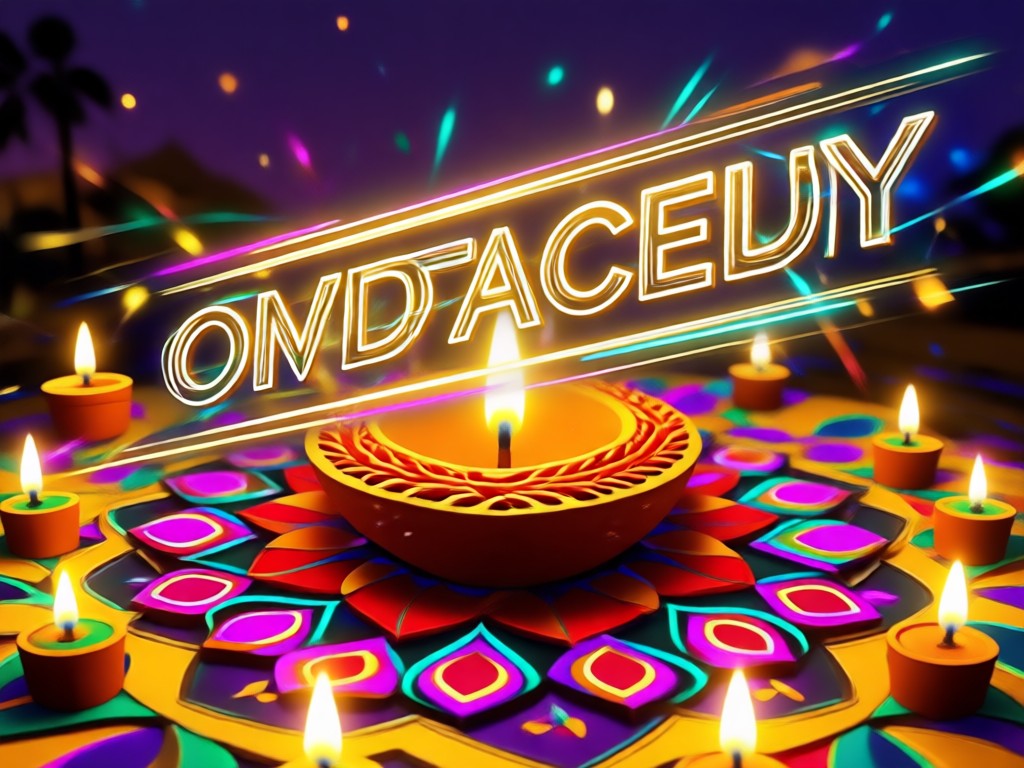
Festive Backgrounds
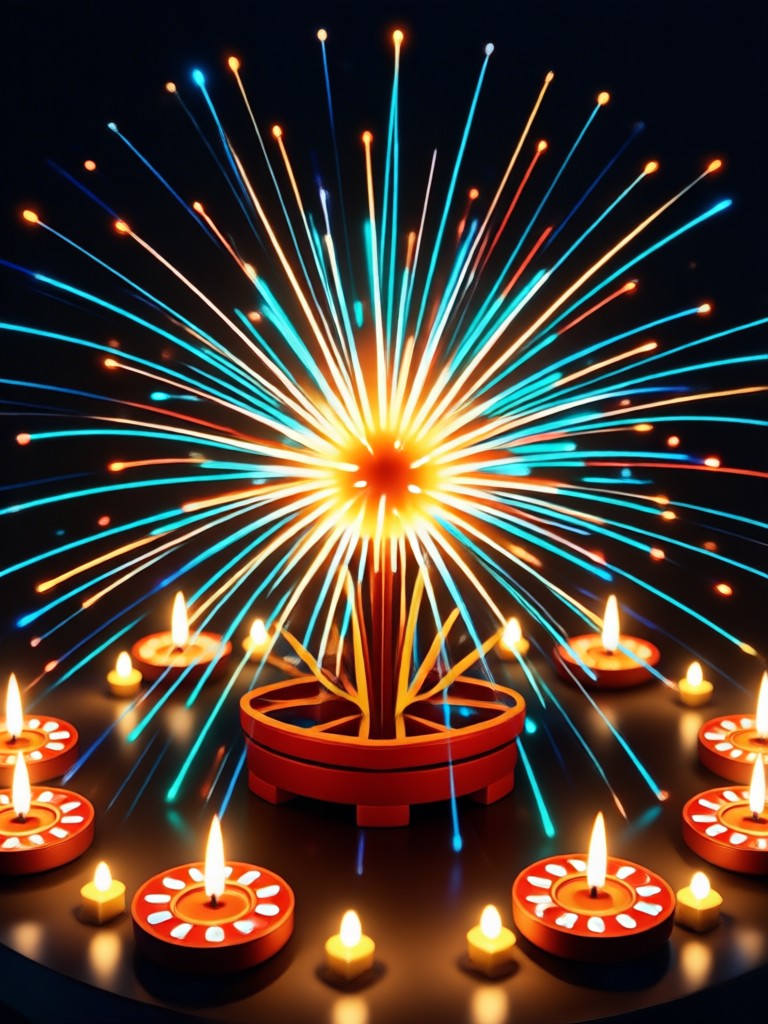
Replace plain backgrounds with colorful rangoli, decorated doorways, or night fireworks. Generate a complete Diwali scene that matches your celebration.
Festive Backgrounds
Replace plain backgrounds with colorful rangoli, decorated doorways, or night fireworks. Generate a complete Diwali scene that matches your celebration.
Popular Diwali AI Photo Styles You Can Create
Browse these popular Diwali photo editing styles and recreate them using moodix. Each example shows what you can generate with simple text prompts and a photo.
How to Use Diwali AI Photo Editing Prompts?
Create beautiful Diwali photos in three simple steps using moodix. No complicated software or prompt engineering knowledge is required.
Step 01.
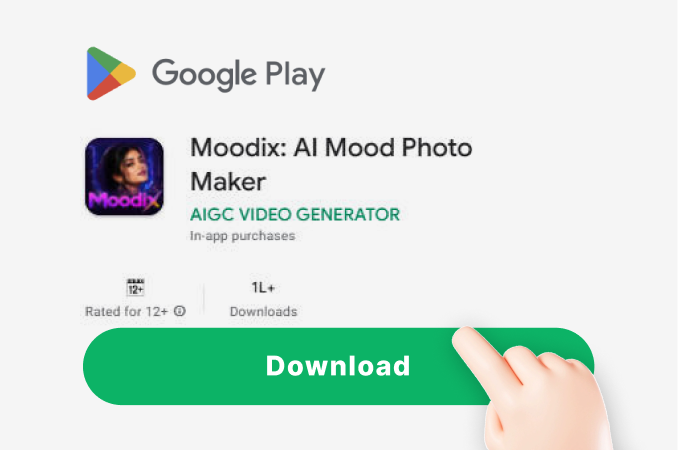
Download the moodix app from Google Play and open it on your phone.
Step 02.
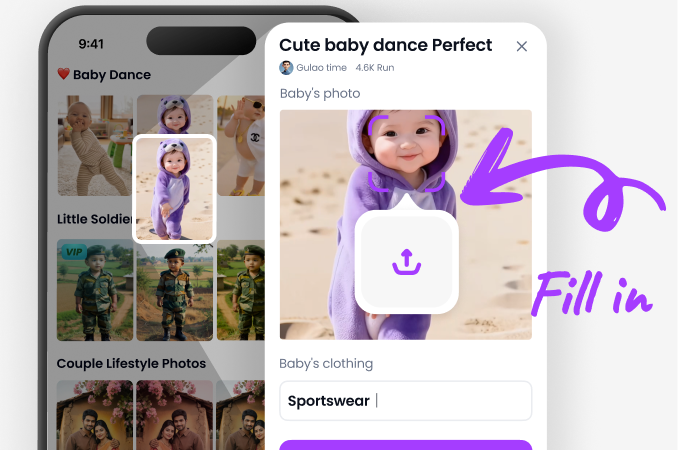
Upload a photo and type a Diwali prompt like 'glowing diyas around me' or choose a ready made Diwali style template.
Step 03.
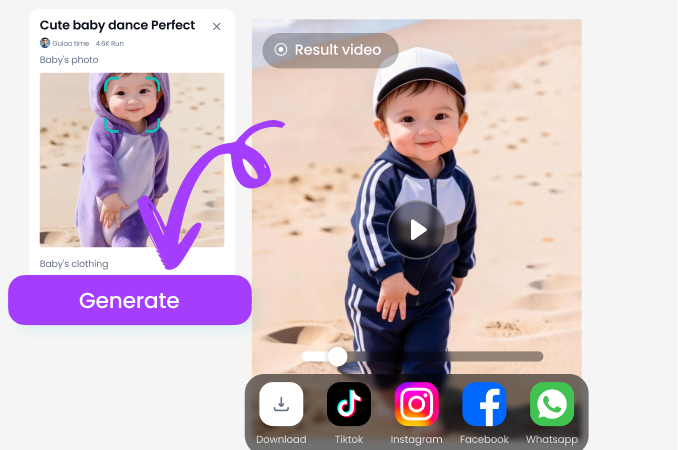
Generate your festive photo, then save and share it with family and friends on social media.
Why Use moodix for Diwali Photo Editing?
moodix makes festival photo editing effortless. With over a million style filters and an ultra simple interface, you can create professional quality Diwali images in minutes. No watermark pressure, no complex tools, and results look natural every time.
Why Use moodix for Diwali Photo Editing?
moodix makes festival photo editing effortless. With over a million style filters and an ultra simple interface, you can create professional quality Diwali images in minutes. No watermark pressure, no complex tools, and results look natural every time.
What Users Say About Diwali AI Photo Editing
Priya Sharma
I used moodix to create Diwali greeting cards for my whole family. The light effects and rangoli backgrounds looked completely real, and it only took a few minutes.
Rohan Gupta
The traditional outfit swap feature is incredible. I tried different lehengas and kurtas before buying one. My festival photos have never looked better.

Ananya Iyer
I am not good at editing, but the Diwali prompts made it so easy. I just typed what I wanted and got gorgeous, share ready pictures instantly.

Vikram Singh
Perfect for creating Diwali Instagram posts. The fireworks and diya effects are festive without looking fake. I will use this every year.
Priya Sharma
I used moodix to create Diwali greeting cards for my whole family. The light effects and rangoli backgrounds looked completely real, and it only took a few minutes.
Rohan Gupta
The traditional outfit swap feature is incredible. I tried different lehengas and kurtas before buying one. My festival photos have never looked better.
Ananya Iyer
I am not good at editing, but the Diwali prompts made it so easy. I just typed what I wanted and got gorgeous, share ready pictures instantly.
Vikram Singh
Perfect for creating Diwali Instagram posts. The fireworks and diya effects are festive without looking fake. I will use this every year.
Priya Sharma
I used moodix to create Diwali greeting cards for my whole family. The light effects and rangoli backgrounds looked completely real, and it only took a few minutes.
Rohan Gupta
The traditional outfit swap feature is incredible. I tried different lehengas and kurtas before buying one. My festival photos have never looked better.
Ananya Iyer
I am not good at editing, but the Diwali prompts made it so easy. I just typed what I wanted and got gorgeous, share ready pictures instantly.
Vikram Singh
Perfect for creating Diwali Instagram posts. The fireworks and diya effects are festive without looking fake. I will use this every year.
Diwali AI Photo Editing Prompt FAQs
Get quick answers to common questions about using moodix for Diwali AI photo editing and generating festive images with simple prompts.
More Diwali and Festival Topics You May Like
Explore more festive photo editing ideas and AI prompt guides to make every celebration shine.

14 August Picture Editing: AI Independence Day Photo Frames

Face Animation App Free: Turn Photos Into Talking Videos

AI Change Dress Clothes: Virtual Try On & Style Transformation

Vhs Photo Filter: Create Retro Looks in Seconds
14 August Picture Editing: AI Independence Day Photo Frames
Face Animation App Free: Turn Photos Into Talking Videos
AI Change Dress Clothes: Virtual Try On & Style Transformation
Vhs Photo Filter: Create Retro Looks in Seconds
Create Your Diwali Magic with AI
Download moodix on Google Play and turn simple photos into glowing, festive Diwali masterpieces. Try hundreds of AI editing prompts today.

Create Your Diwali Magic with AI
Download moodix on Google Play and turn simple photos into glowing, festive Diwali masterpieces. Try hundreds of AI editing prompts today.