Cartoon AI photo editing prompts give you a fast way to turn an ordinary portrait or scene into a playful, hand drawn, or animated style image. Instead of learning complicated software, you upload a photo to a mobile AI editor such as moodix, choose a cartoon related style or effect, add one of the prompts below, and let the app reinterpret your picture. This guide collects proven cartoon AI photo editing prompts, explains how to adapt them, and shows you how to fix common flaws so your edits look intentional rather than random.
What Makes a Good Cartoon AI Photo Editing Prompt
A useful cartoon AI editing prompt tells the model three things. First, name the visual style you want, such as 2D cel shading, anime, claymation, watercolor, or retro comic. Second, keep the subject clear, for example, keep the original face shape, keep the hair color, or keep the outfit. Third, describe the background and mood, because a plain prompt often creates a cluttered or confused result. A simple formula looks like this: [cartoon style] + [subject details to keep] + [color palette] + [background] + [mood or expression]. The prompts in the next section follow that structure, so you can copy them directly or change one part to fit your photo.
Cartoon AI Photo Editing Prompts for Classic and Comic Looks
These prompts work well for clean comic panels, bold covers, and playful profile pictures.
Prompt 1. Turn this photo into a clean 2D cartoon portrait with bold black outlines, smooth cel shading, and a bright comic book palette. Keep the face shape and expression recognizable but simplify hair and clothing shapes.
Prompt 2. Reimagine this image as a Saturday morning cartoon still, with vibrant primary colors, soft gradients, and a slightly exaggerated smile. Add a simple city park background with rounded trees.
Prompt 3. Convert this photo into a retro comic panel with halftone dots, Ben Day texture, and a dynamic action pose. Keep the original outfit but increase contrast and add a speech bubble space at the top.
Prompt 4. Turn this selfie into a cartoon character sheet, front facing, with a clean white background and three small facial expression variations in the corners.
Prompt 5. Edit this photo into a colorful cartoon storybook scene, with soft brush textures, warm sunset light, and storybook clouds. Keep the person centered and simplify the background.
Prompt 6. Transform this picture into a bold western comic style with thick ink lines, crosshatch shading, and a dusty orange and teal color grade. Make the eyes slightly larger for a heroic look.
Anime and Manga Inspired Prompts
Prompt 7. Turn this portrait into a 90s anime screenshot, with large expressive eyes, cel shading, subtle nose and mouth, and a pastel school rooftop background. Keep the original hair color.
Prompt 8. Reimagine this scene as a Studio Ghibli inspired frame, with soft watercolor textures, lush greenery, and a gentle wind effect. Make the character look curious and slightly smaller.
Prompt 9. Convert this photo into a chibi manga portrait, with a big head, tiny body, sparkling eyes, and a pastel gradient background. Add small star and heart stickers around the head.
Prompt 10. Edit this image into a cyberpunk anime still, with neon pink and cyan highlights, wet street reflections, and a futuristic city background. Keep the original face shape but add anime eyes.
3D, Clay, and Toy Style Prompts
Prompt 11. Transform this photo into a 3D claymation character, with soft clay texture, rounded edges, and a warm studio light. Keep the outfit colors but turn them into smooth plastic like material.
Prompt 12. Turn this portrait into a cute 3D toy figure, with a big vinyl head, glossy eyes, chunky hands, and a simple pastel backdrop. Keep the hairstyle recognizable.
Prompt 13. Reimagine this image as a stop motion puppet still, with felt fabric details, visible seams, and a tiny wooden stage. Add slightly visible strings for a playful look.
Prompt 14. Convert this scene into a miniature diorama, with a macro tilt shift effect, tiny props, and a soft matte finish. Keep the person as the central character inside the diorama.
Storybook, Whimsical, and Watercolor Prompts
Prompt 15. Edit this photo into a soft watercolor children's book illustration, with crayon outlines, paper grain texture, and pastel wash edges. Make the background dreamy and less detailed.
Prompt 16. Transform this image into a whimsical fairytale portrait, with a flower crown, soft sparkles, and a glowing forest background. Keep the face natural but softened.
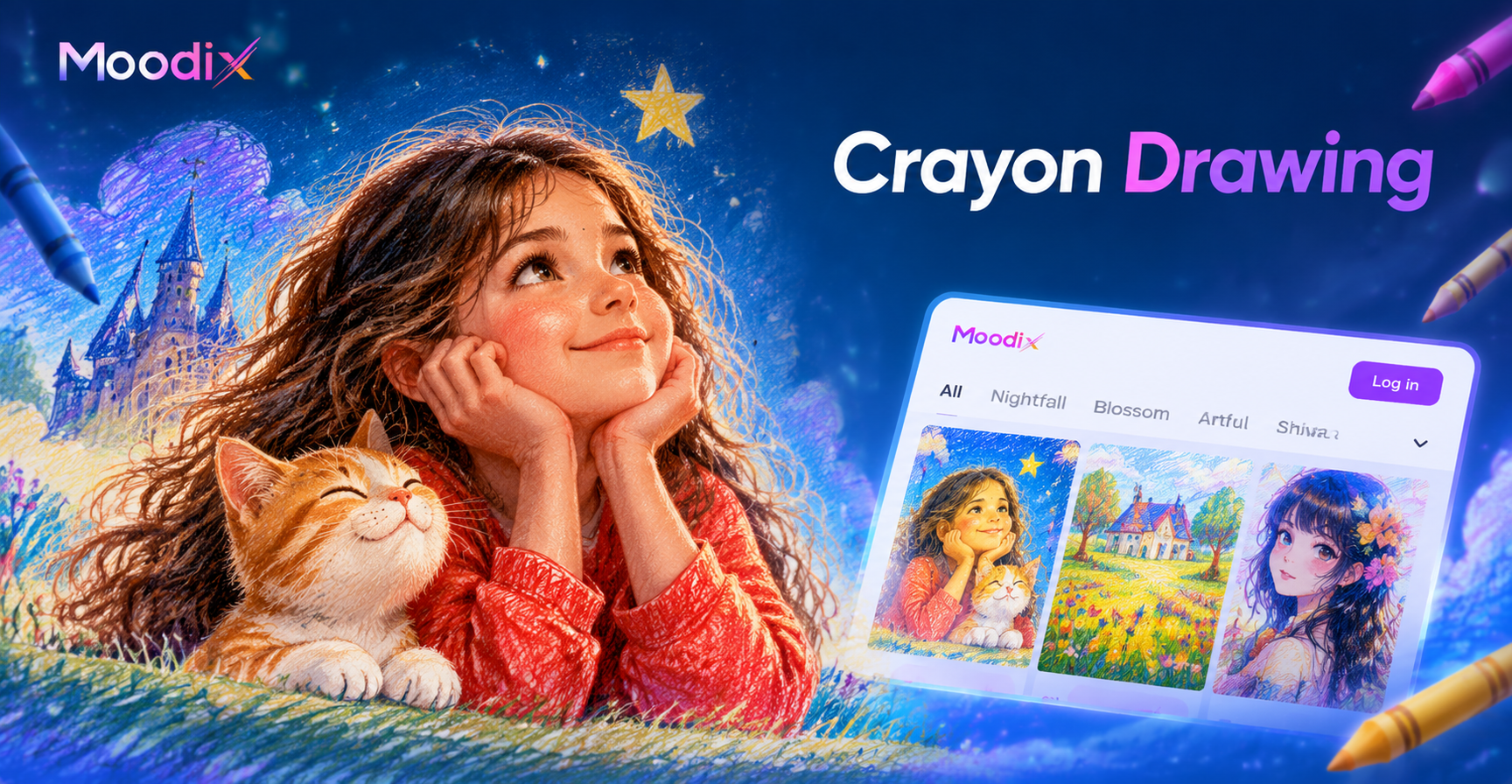
Prompt 17. Turn this picture into a crayon and colored pencil drawing, with visible pencil strokes, texture, and slightly imperfect lines. Keep colors bright but not glossy.
Prompt 18. Reimagine this scene as a cut paper collage cartoon, with layered paper textures, visible shadows between layers, and a flat 2D look. Keep hair and clothes as separate paper shapes.
Caricature and Exaggerated Cartoon Prompts
Prompt 19. Convert this portrait into a friendly caricature, with a larger head, bigger eyes, wider smile, and simplified body. Keep hair color and glasses if present but make them slightly oversized.
Prompt 20. Edit this photo into a sports cartoon card, with exaggerated muscle lines, a dynamic pose, and comic style speed lines behind the subject. Use bold red, yellow, and blue.
Prompt 21. Turn this image into a cartoon villain poster, with dramatic shadows, a long cape, and a mischievous grin. Keep the original face recognizable but make eyebrows sharper.
Retro, Vintage, and Pop Art Prompts
Prompt 22. Transform this portrait into a 1950s retro cartoon pin up style, with clean curves, a vintage color palette, and a soft cream background with small stars.
Prompt 23. Edit this photo into a pop art Andy Warhol inspired grid, with four repeated panels in different neon color combinations. Keep the face centered and high contrast.
Prompt 24. Reimagine this image as a retro Nintendo style pixel cartoon, with visible pixels, limited color palette, and a game background. Keep the character silhouette readable.
How to Adapt These Cartoon AI Prompts for Any Photo
Every prompt above can be changed to fit a different subject, setting, or mood. Replace general words like portrait or photo with a specific description, such as a girl with curly red hair, a man in a blue suit, or a couple sitting on a park bench. If you want a different background, swap it. For example, change a city park background to a snowy mountain village or a warm beach. You can also change the color palette. Replace neon pink and cyan with sage green and cream for a softer look, or replace pastel tones with deep navy and gold for a more dramatic cartoon poster. Keep the main style term intact, because mixing two styles often confuses the model. If you want a storybook look, do not add anime details unless you specifically want a hybrid. Use one mood word at the end, such as cheerful, calm, heroic, mischievous, or dreamy, and let the AI do the rest.
How to Improve Weak Cartoon AI Edits
Even a strong prompt can produce a weak first result. Here are the most common issues and the quickest fixes.
Face does not look like the original person. Add the phrase keep the original face shape and expression or keep the jawline, nose, and eye color the same. Crop the photo tighter on the face before uploading, and avoid prompts that say change the face completely.
Colors look dull or muddy. Add explicit color words such as bright, high contrast, pastel, warm, neon, or limited palette. A prompt like use a clean blue and orange color grade often helps.
Background looks cluttered. Ask for a simple background, a solid pastel background, or a soft studio backdrop. Remove complex props from the original photo if possible.
Hands, fingers, or small details look distorted. Choose a tighter crop from the waist up, or write keep the hands hidden or hands behind the back. AI tools struggle with tiny hand details, so simplifying that area saves time.
Mixed styles in one image. Pick one style and remove conflicting details. If the result looks half anime and half clay, rewrite the prompt as a single phrase, for example, a pure 2D cel shaded cartoon, not anime and not clay.
Output feels too dark or flat. Add lighting words like bright key light, soft window light, cheerful daylight, or warm golden hour. A simple lighting instruction can lift the whole cartoon.
How to Use Cartoon AI Photo Editing Prompts in moodix
moodix is a mobile AI editing app available on Google Play. It combines image to image style transfer with a large library of cartoon and visual filters, so you can make these edits without any design experience. Open the app, upload your photo, pick a cartoon style template or the image to image tool, paste one of the prompts above, and generate. If the app offers a strength or intensity control, start around 70 percent to keep the original face readable, then increase it for a stronger cartoon effect. Download your favorite result and share it directly or use it as a new profile picture.
Creative Ways to Use Your Cartoon Edits
Cartoon edits are not only for social media. Use a classic comic prompt to create a personalized sticker pack for a group chat. Turn a family photo into a storybook style image for a holiday card or birthday invitation. Make a chibi version of yourself for a gaming avatar. Use a retro pop art grid for a bedroom poster. If you create a series of edits with the same style, you can build a small cartoon version of your life that works as a visual diary. The same prompts also work on pet photos, so try the claymation or watercolor prompts on your dog or cat.
Final Checklist for Better Cartoon AI Edits
- Name one clear cartoon style in every prompt.
- Keep the original face shape, hair color, or outfit when you want recognition.
- Add a simple background and a color palette.
- Use one mood word to guide the expression.
- Crop out busy edges and distracting props.
- Use the image to image tool rather than text to image when you want to edit your actual photo.
Start with the exact prompts above, then change one or two details at a time. With a little testing, you will find the cartoon AI photo editing prompts that give you the most reliable, shareable results.