Rug Prompts
Choose the Style Filter for Your Rug Design
Pick from realistic photography, watercolor, 3D clay, or cinematic filters to reinterpret your rug prompt with unique visual energy.
Why These Rug Prompts Work Beautifully
Turn a simple text description into a rich interior visual. The following creative principles help you get consistent, high-resolution rug designs every time you generate.
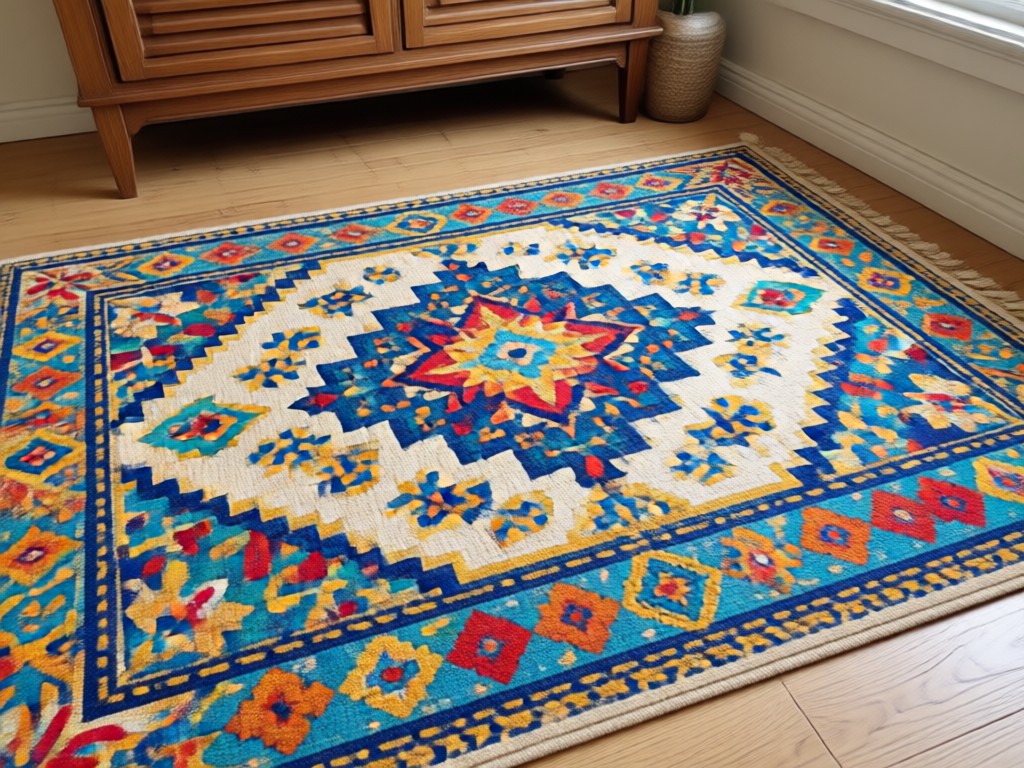
Material and Texture Detail
Including words like handwoven, shaggy, flat weave, or jute tells the AI exactly how the rug surface should feel in the final image.
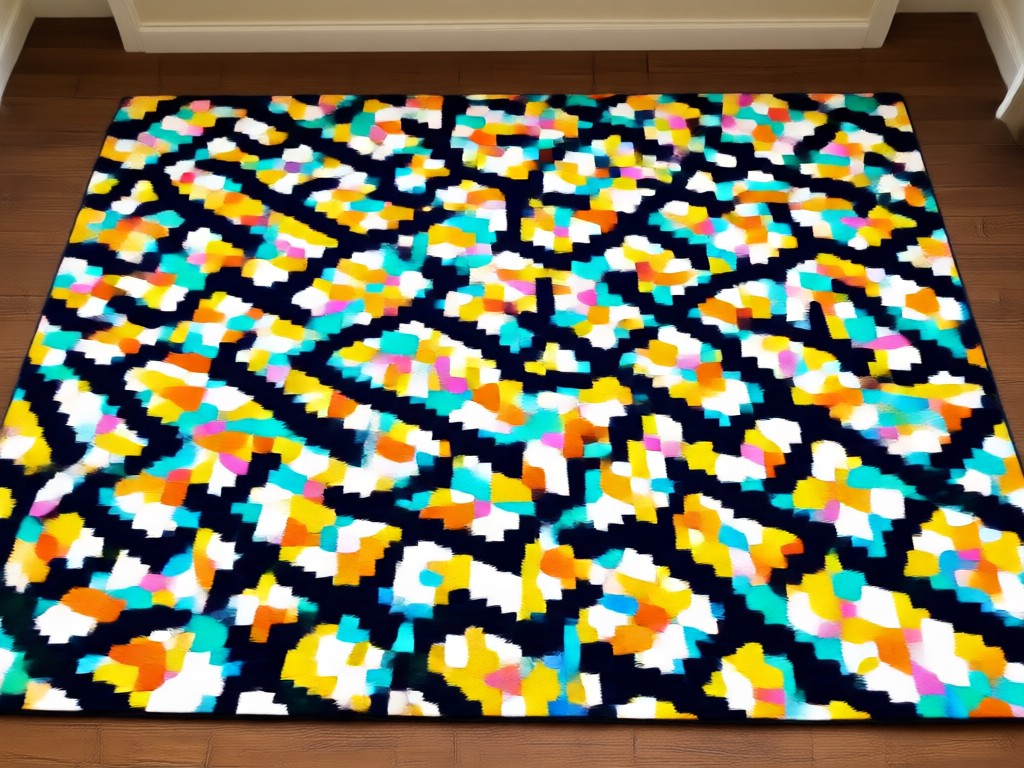
Color Palette Clarity
Naming specific hues such as crimson, sage green, or terracotta prevents muddy results and keeps your generated rug looking intentional and stylish.
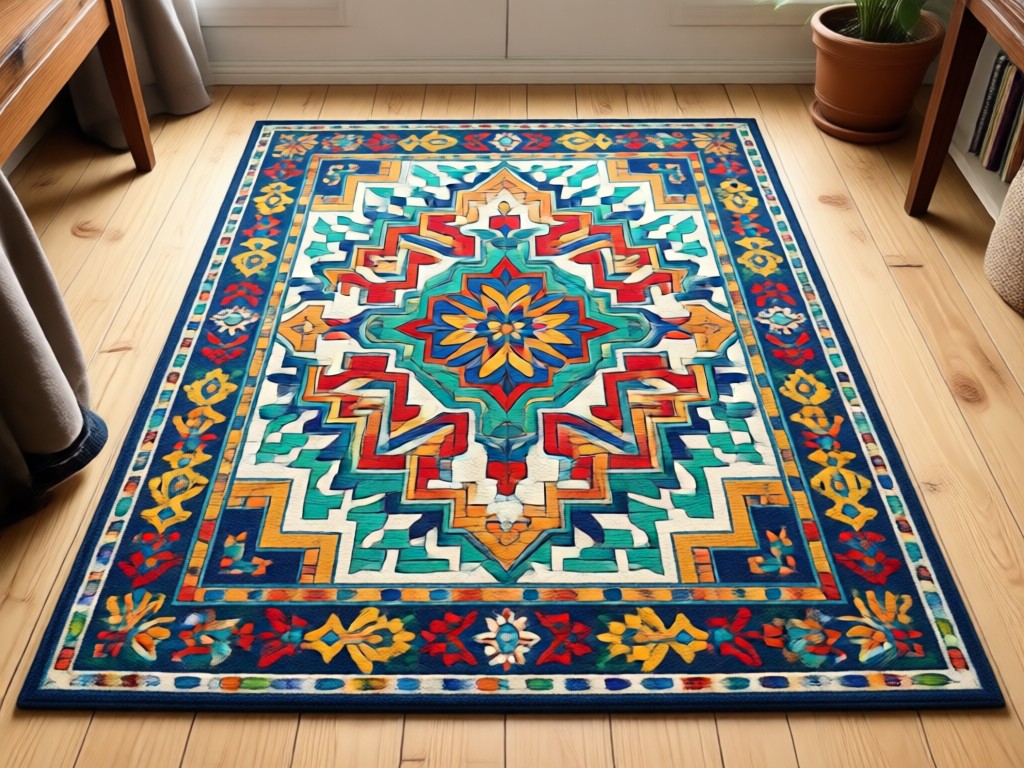
Scene Context
Describing the room setting, lighting, and surrounding furniture helps moodix place the rug naturally and adds realistic depth to your output.
Popular Rug Style Samples to Inspire You
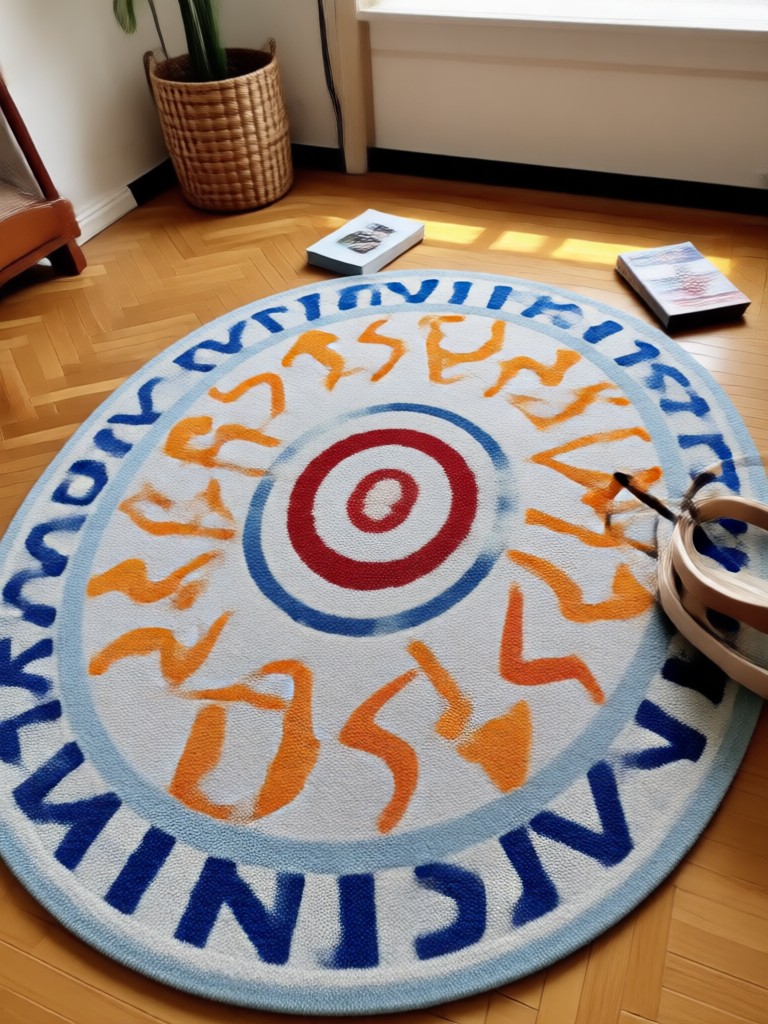
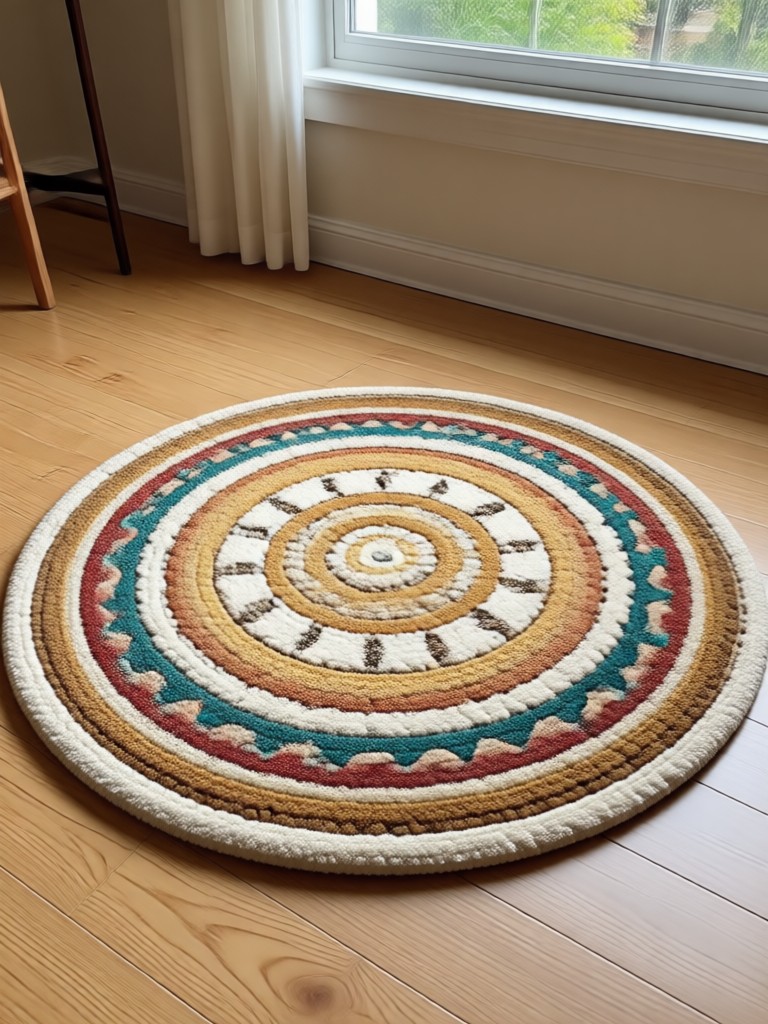
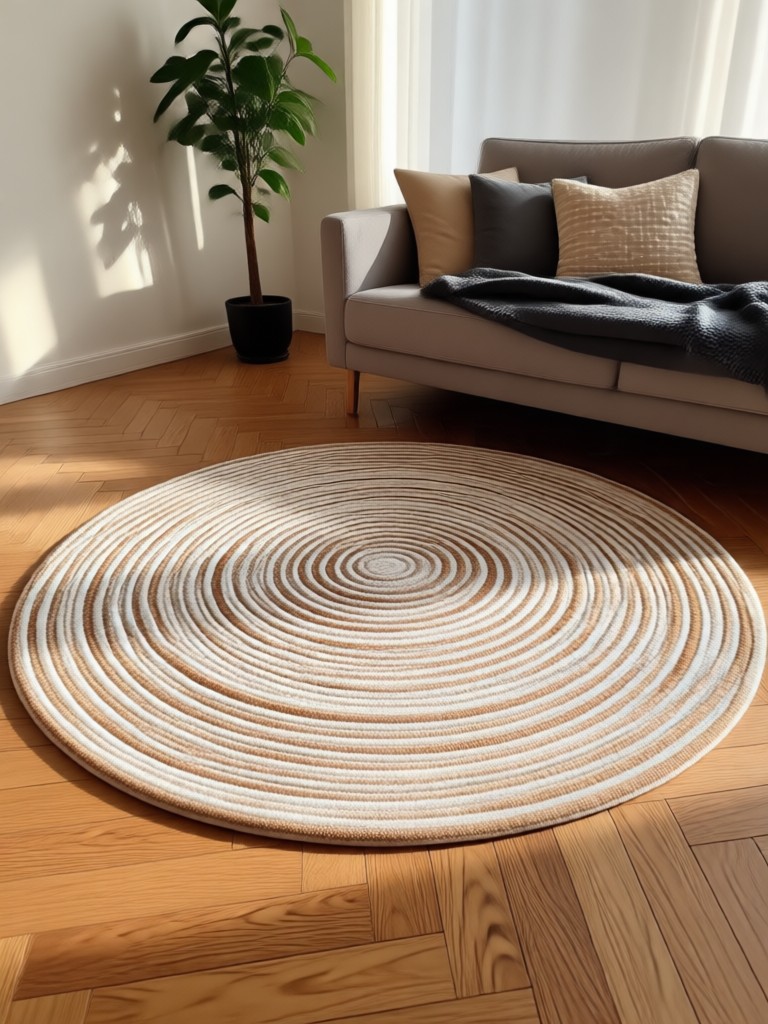
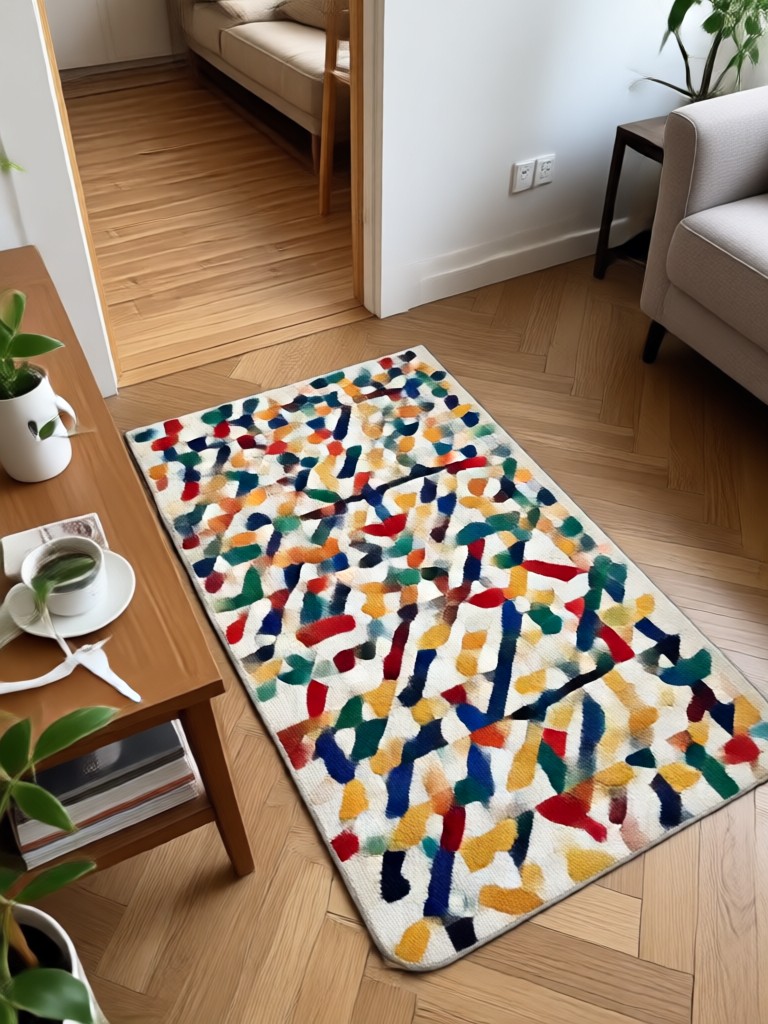
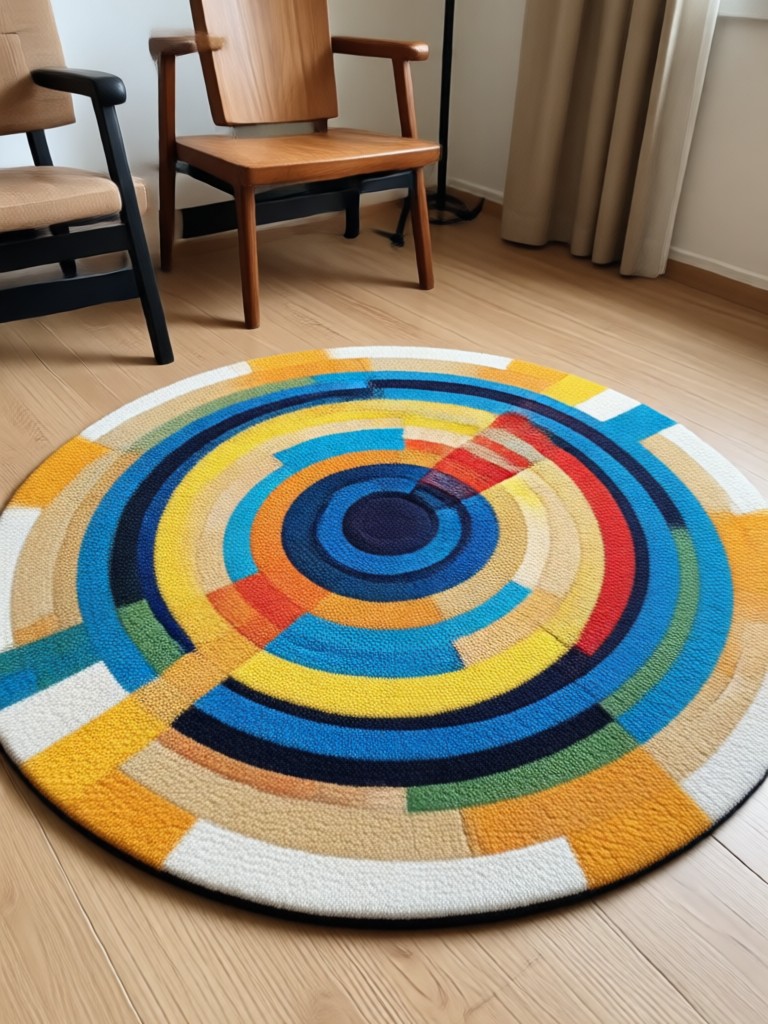
Browse these visual references to match the right prompt with the right aesthetic. Each label represents a design direction you can recreate with moodix in minutes.
How to Use Rug Prompts in moodix?
Create beautiful AI rug images or videos in just a few simple steps using our powerful mobile platform.
Step 01.
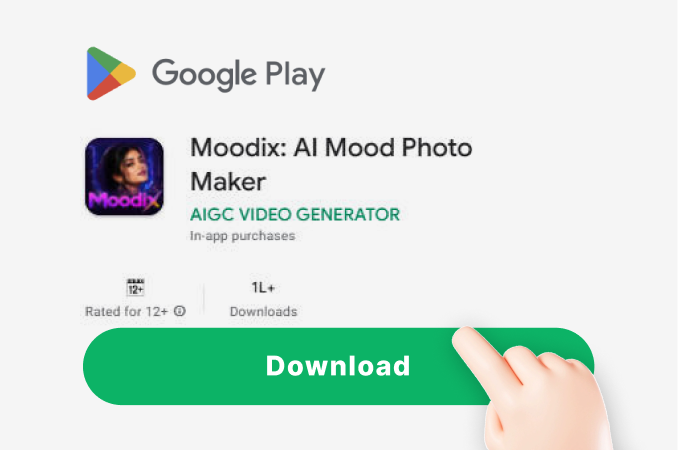
Download the moodix app from Google Play and open it on your phone. No web version is needed, everything works inside the app.
Step 02.
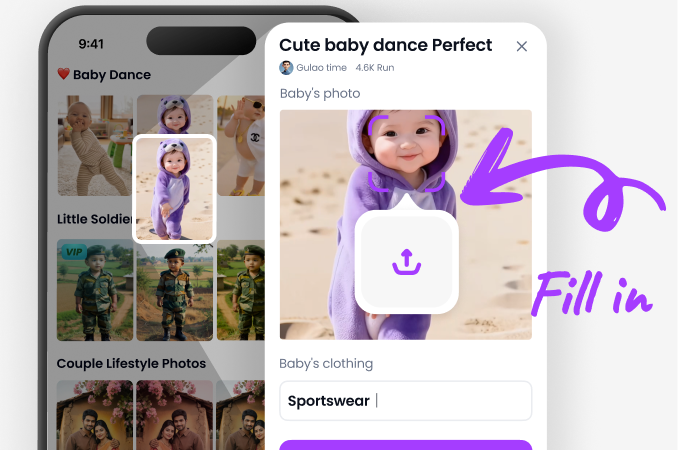
Copy one of the Rug Prompts above and paste it into the text-to-image generation field. Choose a style filter like realistic photography or watercolor.
Step 03.
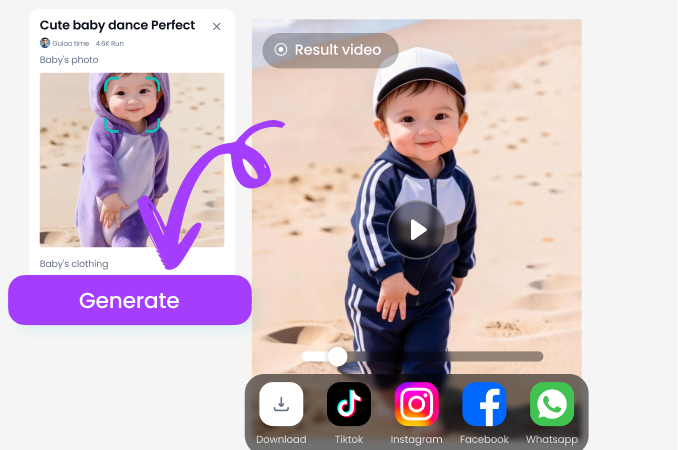
Tap generate to see your rug design appear. Download the image or turn it into a short video to share on social media or with clients.
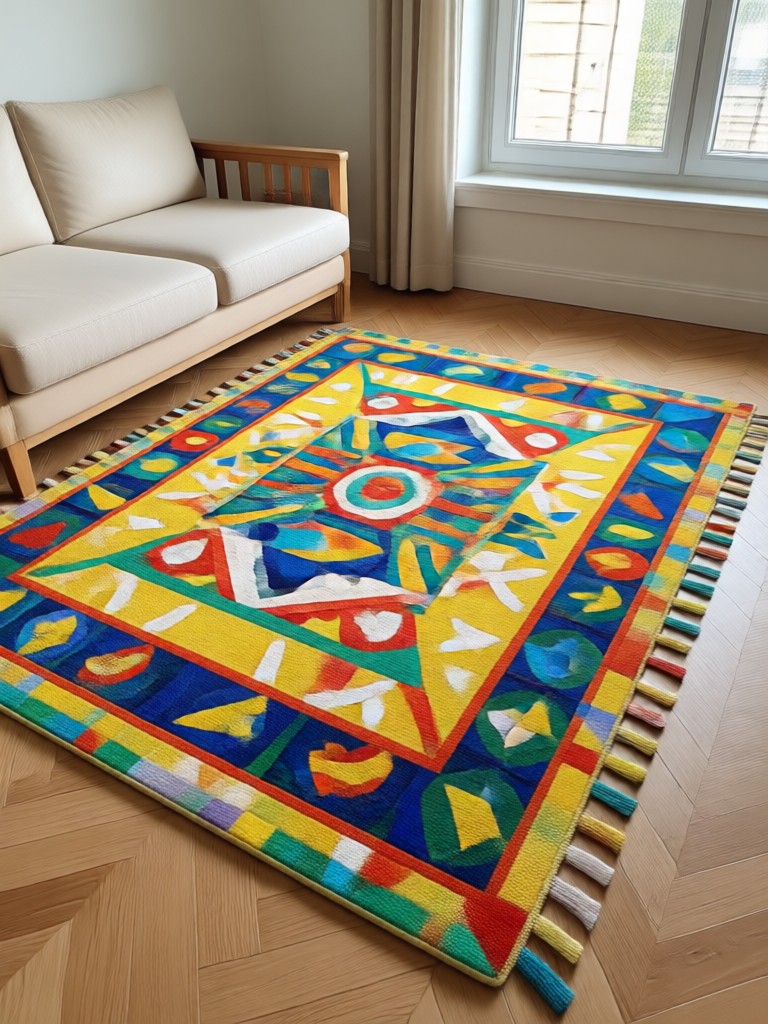
Rug Prompts on Your Phone
Turn text into gorgeous carpet and floor textile visuals directly from your mobile device. Moodix makes AI design simple, fast, and always accessible.

What Creators Say About Using Rug Prompts
Instantly generated client moodboards
I used the rug prompts to visualize different carpet options for a client presentation. The realistic filter made the wool texture look almost touchable.
Perfect for home decor content
The bohemian and Moroccan prompts gave me so many fresh visual ideas for my Instagram feed. Generating in different styles keeps my page looking varied but cohesive.
Great for shop previews
Instead of waiting for physical samples, I can now show customers what a custom rug might look like in a styled room. Huge time saver for my small business.
Frequently Asked Questions About Rug Prompts
Find clear answers to common questions about using text prompts to generate beautiful rug designs with moodix.
More Topics You May Like
Explore more creative prompt collections and AI design topics tailored to your interests.
RPG Game Poster Prompts: Create Epic Fantasy Art with AI
Discover the best RPG game poster prompts to create stunning fantasy posters with AI. Generate epic cover art, character posters, and world maps in seconds.
Rooftop Portrait Prompt: Create Stunning AI Portraits
Discover the best rooftop portrait prompts for AI image generation. Learn how to craft prompts for dramatic city skylines, golden hour shots, and night scenes. Download Moodix and start creating today.
Rococo Painting Style Prompt: Get Dreamy 18th Century Art
Create opulent Rococo painting style prompts. Generate pastel portraits, ornate interiors, and romantic scenes with AI. Download Moodix for instant results.

Rock Star Photo Prompts: Create Iconic AI Stage Looks
Rock star photo prompts for AI. Download moodix and turn selfies into stage shots with leather, guitars, smoke, and dramatic lighting. No design skills needed.
Start Creating with Rug Prompts Today
Download moodix from Google Play and turn these text ideas into stunning rug visuals. Simple filters, fast generation, and endless style possibilities are ready on your phone.

Start Creating with Rug Prompts Today
Download moodix from Google Play and turn these text ideas into stunning rug visuals. Simple filters, fast generation, and endless style possibilities are ready on your phone.