Red Hair Filter
Find Your Perfect Red Hair Shade
Not all red is the same. Explore our curated collection of red hair filters to find the tone that matches your skin tone and personal style.
Why Our AI Red Hair Filter Stands Out
Our technology is designed for realistic, personalized results. It's more than just a color overlay. It intelligently adjusts to your unique features.
Natural, Realistic Color Blending
Our AI analyzes your original hair texture, skin undertones, and lighting to apply red hair color that looks believable and seamlessly integrated, not like a simple filter.
Natural, Realistic Color Blending
Our AI analyzes your original hair texture, skin undertones, and lighting to apply red hair color that looks believable and seamlessly integrated, not like a simple filter.
Wide Spectrum of Red Shades
Choose from a full palette of reds. Experiment with copper, auburn, ginger, crimson, burgundy, and strawberry blonde to find your signature look before you visit the salon.
Wide Spectrum of Red Shades
Choose from a full palette of reds. Experiment with copper, auburn, ginger, crimson, burgundy, and strawberry blonde to find your signature look before you visit the salon.
Perfect for Any Hair Type & Length
Whether you have short curls, long waves, straight bobs, or textured hair, our AI red hair filter adapts. It works on all lengths and types for accurate previews.
Perfect for Any Hair Type & Length
Whether you have short curls, long waves, straight bobs, or textured hair, our AI red hair filter adapts. It works on all lengths and types for accurate previews.
Red Hair Transformations Gallery
See the stunning and diverse results created by real users with our AI red hair color changer. Get inspired for your own virtual makeover.
How to Use the Red Hair Filter?
Changing your hair color virtually is effortless. Follow these three simple steps to see yourself with stunning red hair in less than a minute.

Step 01.
Download the Moodix app from the Google Play Store. It's your all-in-one toolkit for AI photo and video transformations, including our powerful red hair filter.

Step 02.
Open the app, upload a clear photo of yourself, and navigate to the hair color or style filters. Browse and select your desired shade of red.

Step 03.
Let the AI work its magic. In seconds, you'll see your transformation. Adjust the intensity if needed, then save or share your new red-haired look.
What Users Say About the Red Hair Filter
Convinced me to finally go red!
I've wanted red hair for years but was too scared. This filter showed me exactly how auburn would look with my skin tone. It was so accurate. I showed the picture to my stylist and we matched it perfectly.
Perfect for character design and cosplay
As a cosplayer, I use this all the time to test hair colors for new characters. The range of reds is fantastic, from anime vibrant to natural ginger. It saves me from buying wigs I might not end up liking.
So much fun with friends
My friends and I had a night trying different filters, and the red hair one was everyone's favorite. We all looked so different. It's a hilarious and creative way to spend time, and the results are surprisingly good quality.
Try Before You Dye
Making a dramatic hair color change is a big commitment. Our AI red hair filter removes the guesswork, letting you experiment risk-free.
The Smart Way to Change Your Look
Dyeing your hair red can be expensive and damaging if you don't like the result. Our virtual hair color try on tool uses advanced AI to provide a realistic preview. You can test copper, auburn, or burgundy on your own photo, in your own lighting, to build confidence before your salon appointment. It's an essential tool for anyone considering a bold color change, saving you time, money, and potential hair damage from corrections.
The Smart Way to Change Your Look
Dyeing your hair red can be expensive and damaging if you don't like the result. Our virtual hair color try on tool uses advanced AI to provide a realistic preview. You can test copper, auburn, or burgundy on your own photo, in your own lighting, to build confidence before your salon appointment. It's an essential tool for anyone considering a bold color change, saving you time, money, and potential hair damage from corrections.
Red Hair Filter FAQs
Have questions about how the AI red hair color changer works? Find quick and clear answers to the most common queries below.
Get the Red Hair Filter App
Transform your look in seconds. Download Moodix now to access the red hair color changer and thousands of other AI photo and video effects.

More AI Style Transformations
Explore more topics you may like and discover fresh ideas tailored to your interests.
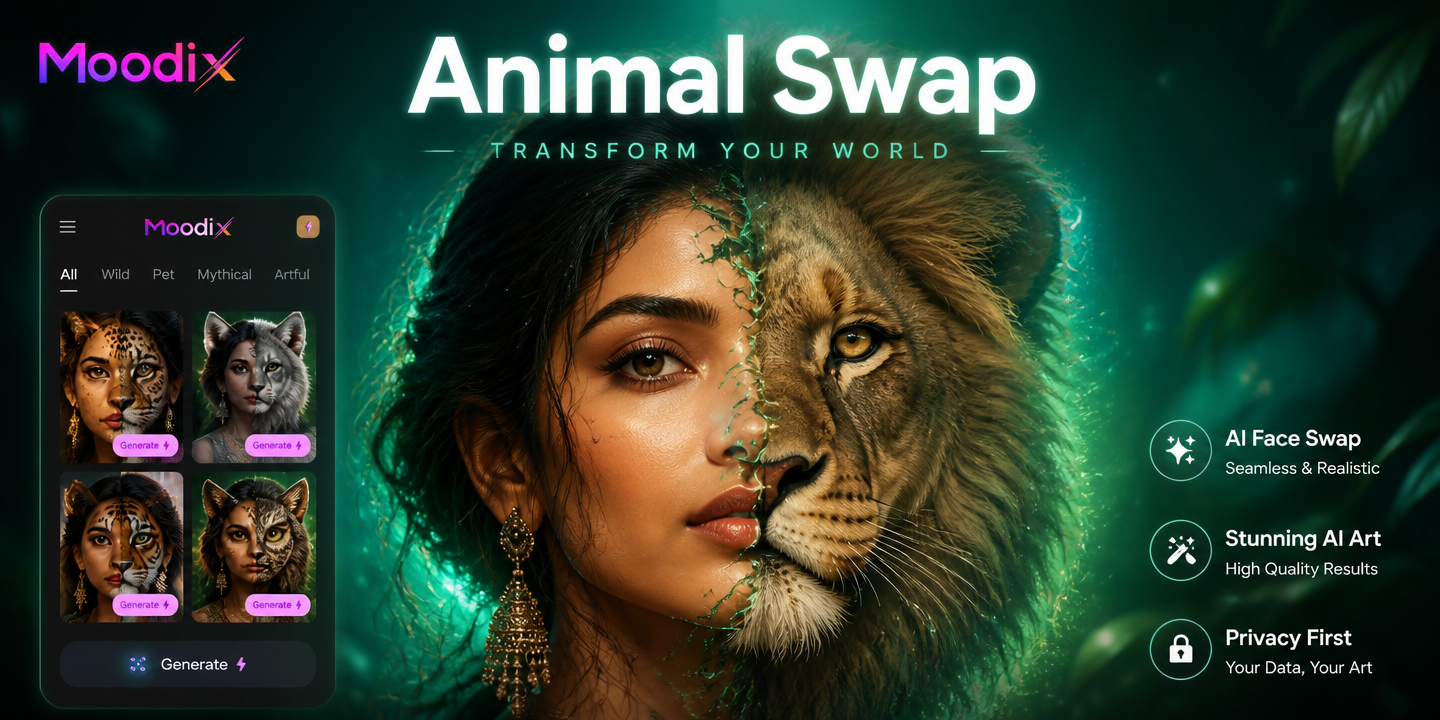
Turn Photos into Animals with AI Face Swap
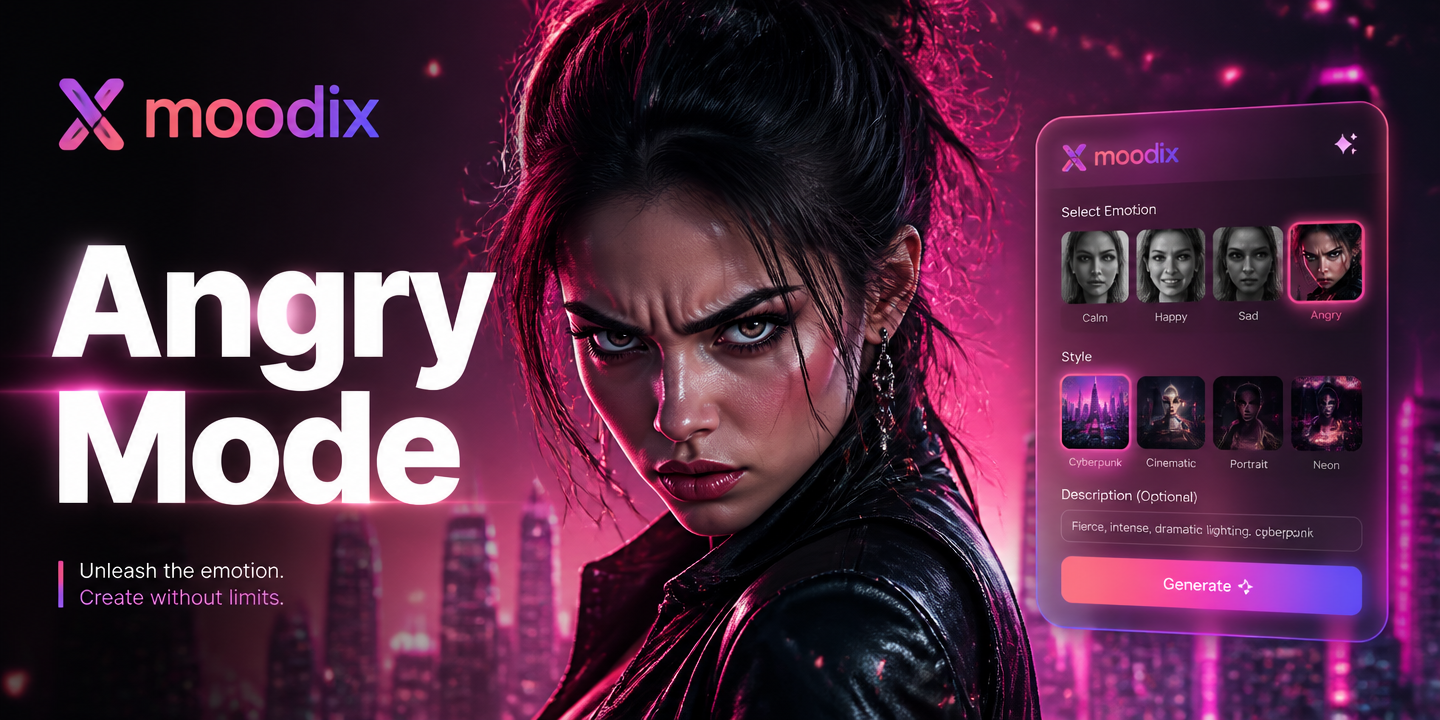
AI Angry Face Filter: Make Yourself Fierce
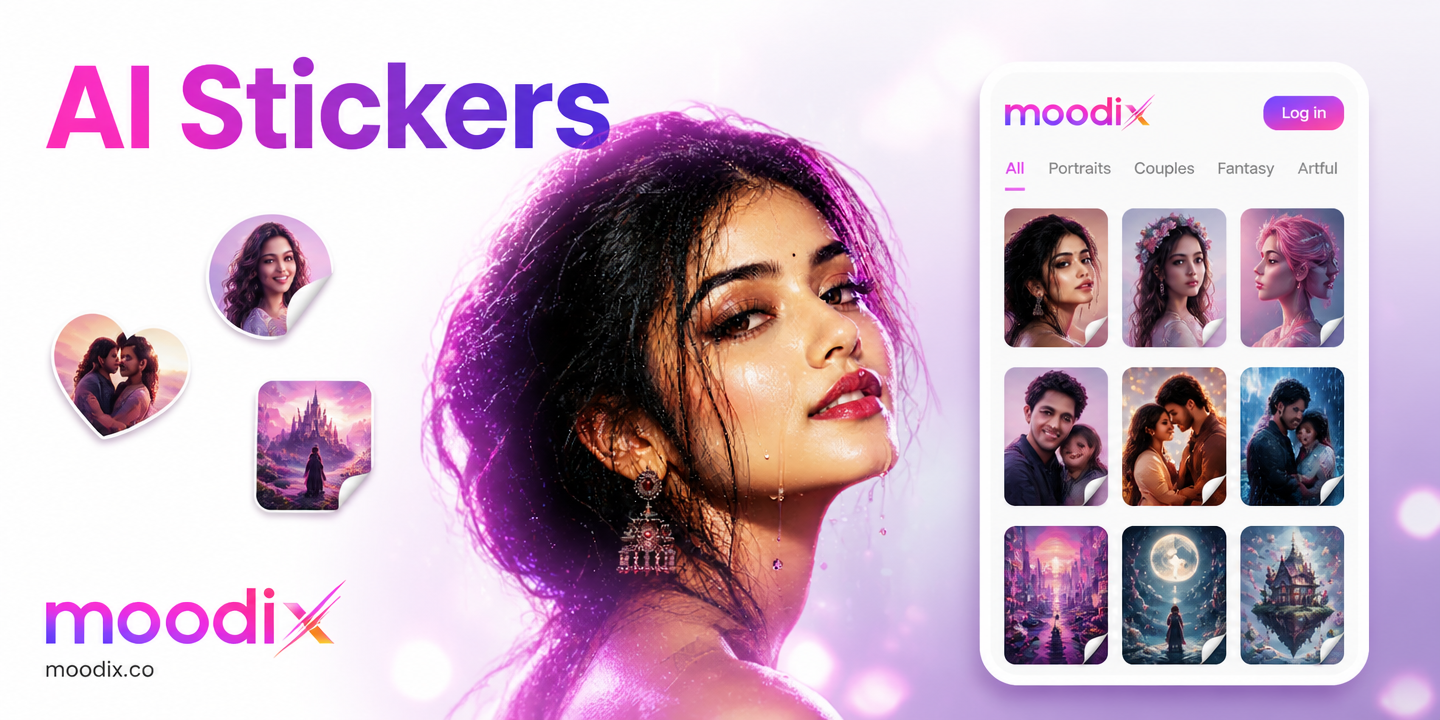
Create Viral AI Stickers Instantly with moodix

Get the AI Squid Game Filter: Transform Your Photos Instantly
Turn Photos into Animals with AI Face Swap
AI Angry Face Filter: Make Yourself Fierce
Create Viral AI Stickers Instantly with moodix
Get the AI Squid Game Filter: Transform Your Photos Instantly
See Yourself in a New Light
Download Moodix now and unlock the power to try on any hair color, explore artistic styles, and create stunning AI videos—all from your phone.

See Yourself in a New Light
Download Moodix now and unlock the power to try on any hair color, explore artistic styles, and create stunning AI videos—all from your phone.