Edit Wajah AI
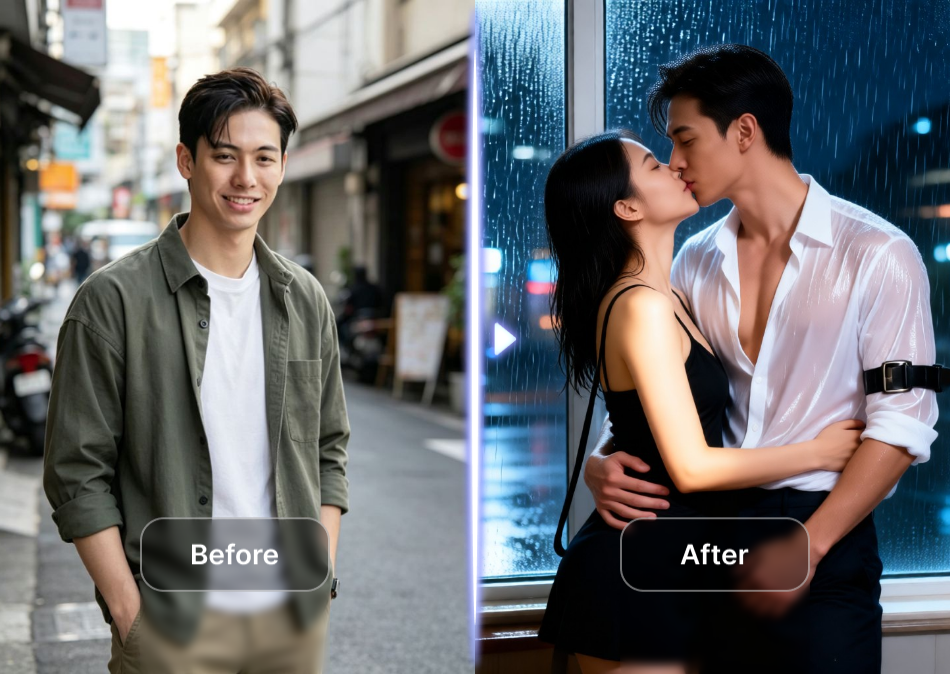
Popular AI Face Editing Filters
Choose from a vast library of filters designed to enhance every aspect of your face. From subtle touch-ups to complete makeovers, find the perfect style for you.
What Can You Do with AI Edit Wajah?
Our AI editor offers a comprehensive suite of tools that analyze your portrait and apply professional-grade enhancements automatically.
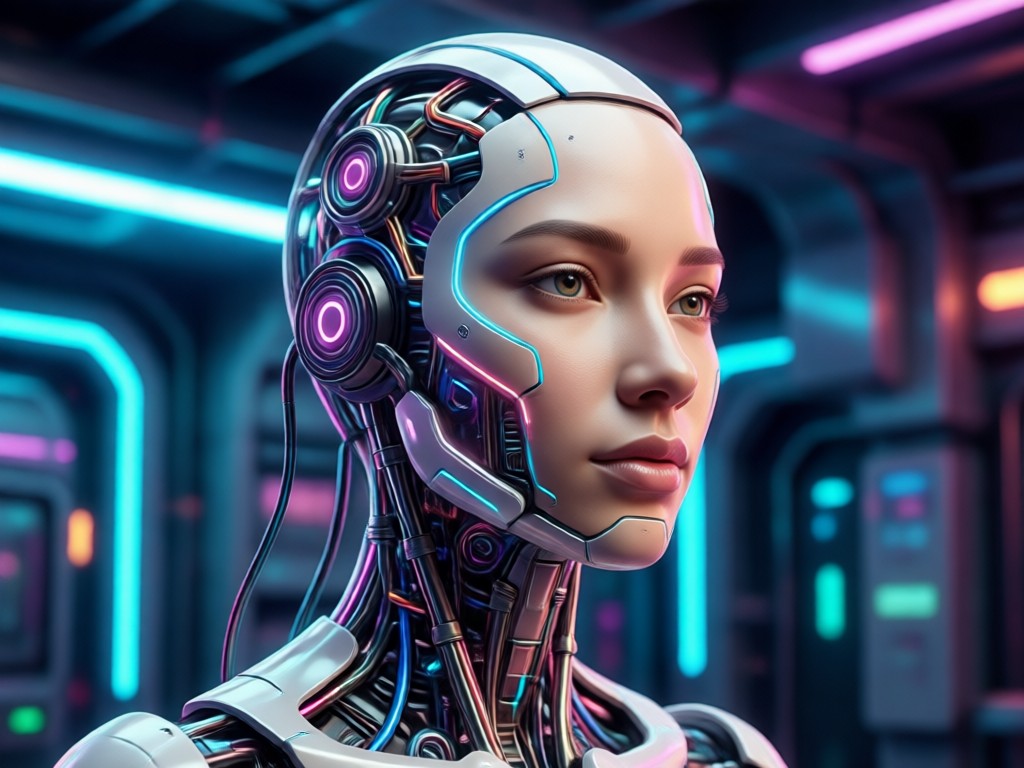
AI Skin Perfection
Instantly smooth skin texture, reduce blemishes, and even out skin tone while preserving natural pores and details for a realistic, flawless finish.
AI Skin Perfection
Instantly smooth skin texture, reduce blemishes, and even out skin tone while preserving natural pores and details for a realistic, flawless finish.
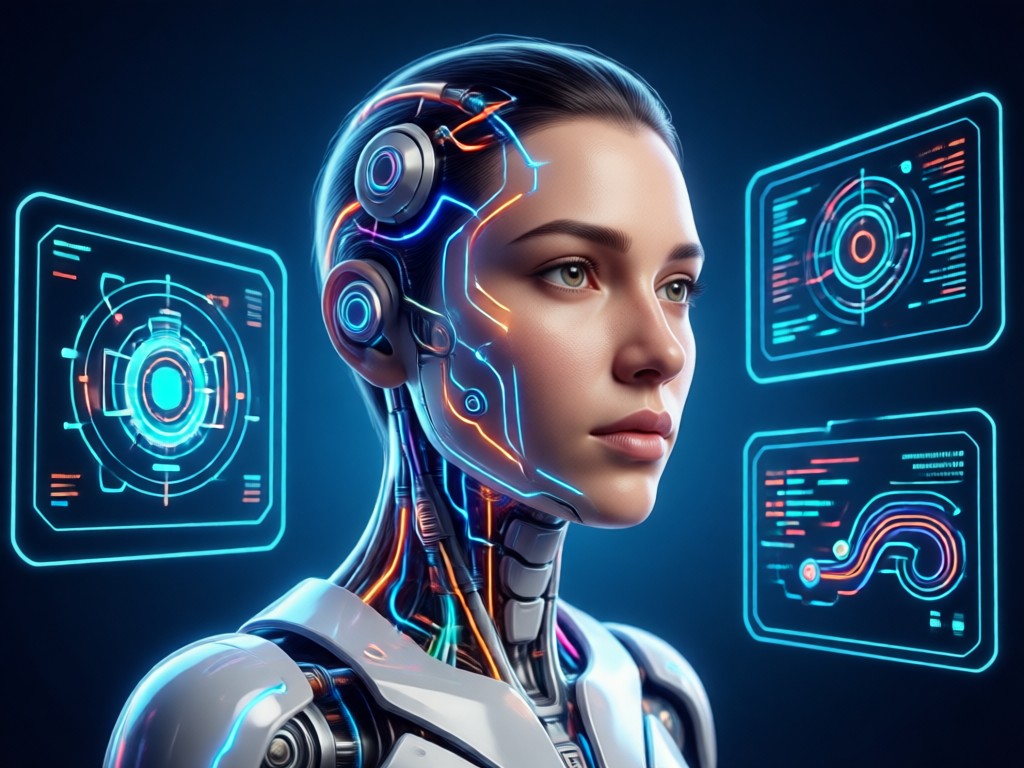
Facial Feature Enhancement
Subtly brighten eyes, whiten teeth, reshape jawlines, and adjust facial proportions to highlight your best features with natural-looking results.
Facial Feature Enhancement
Subtly brighten eyes, whiten teeth, reshape jawlines, and adjust facial proportions to highlight your best features with natural-looking results.
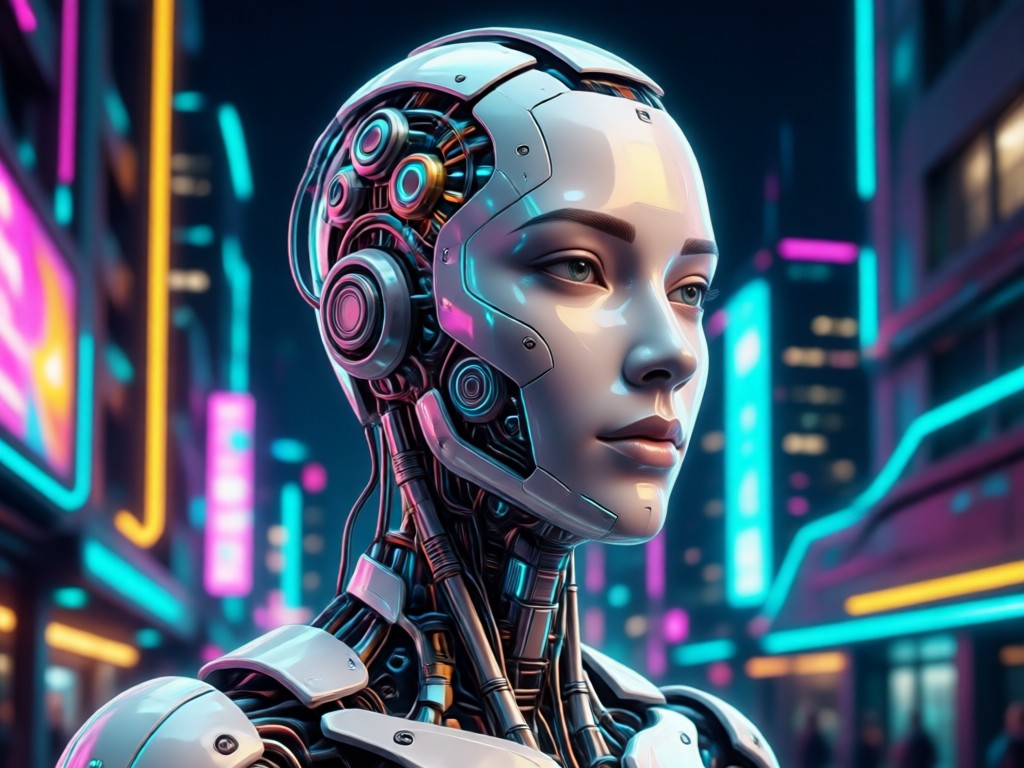
AI Portrait Lighting & Filters
Apply studio-quality lighting effects and artistic filters. Add a golden hour glow, cinematic shadows, or vibrant color grades to any photo.
AI Portrait Lighting & Filters
Apply studio-quality lighting effects and artistic filters. Add a golden hour glow, cinematic shadows, or vibrant color grades to any photo.
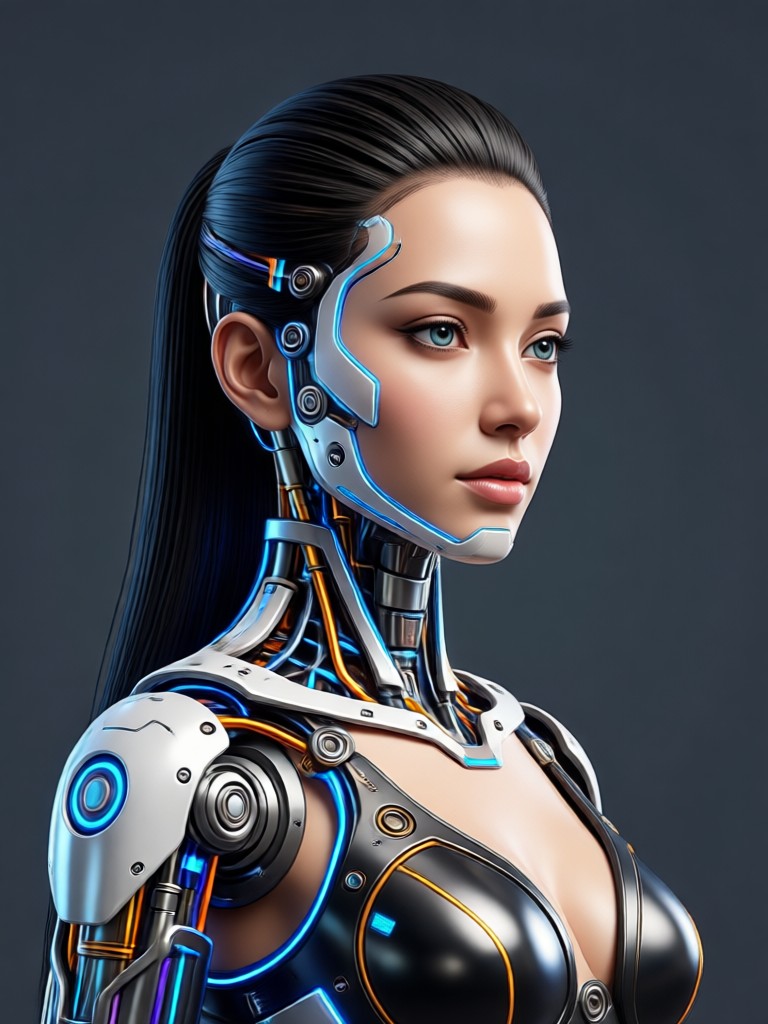
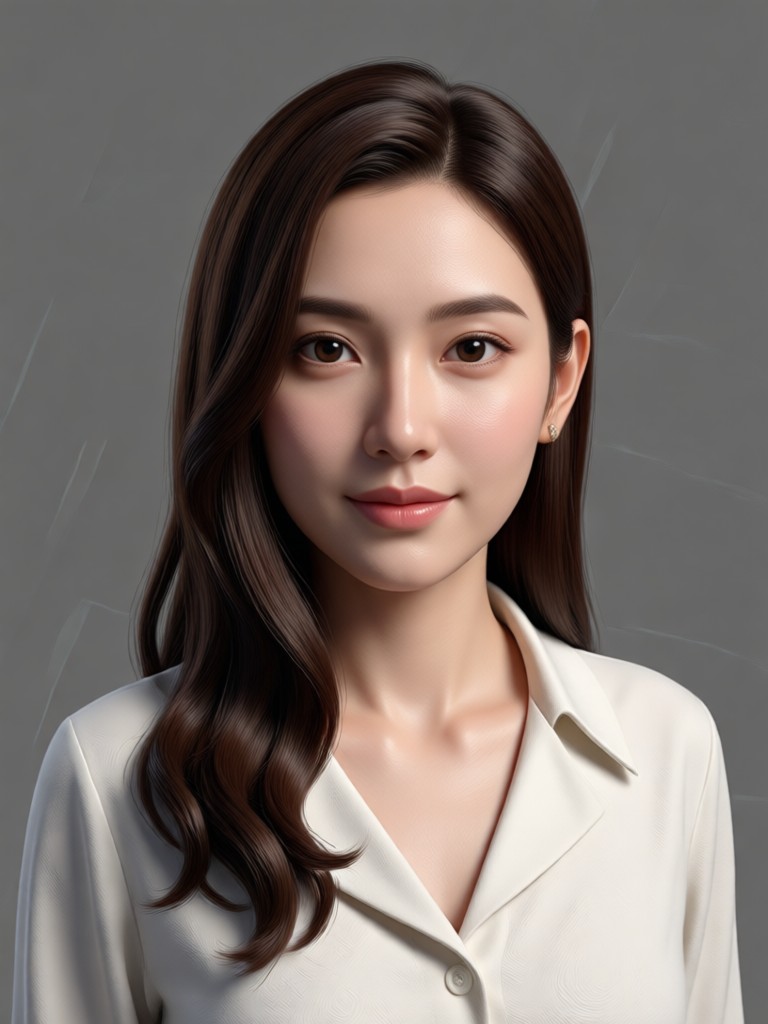
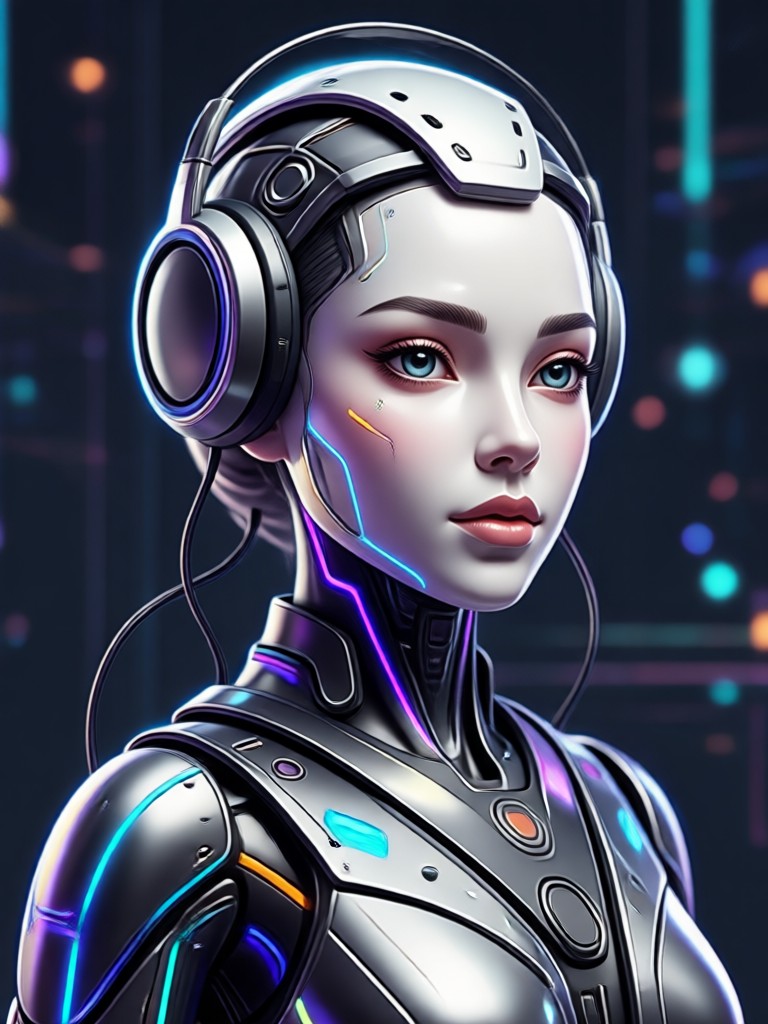
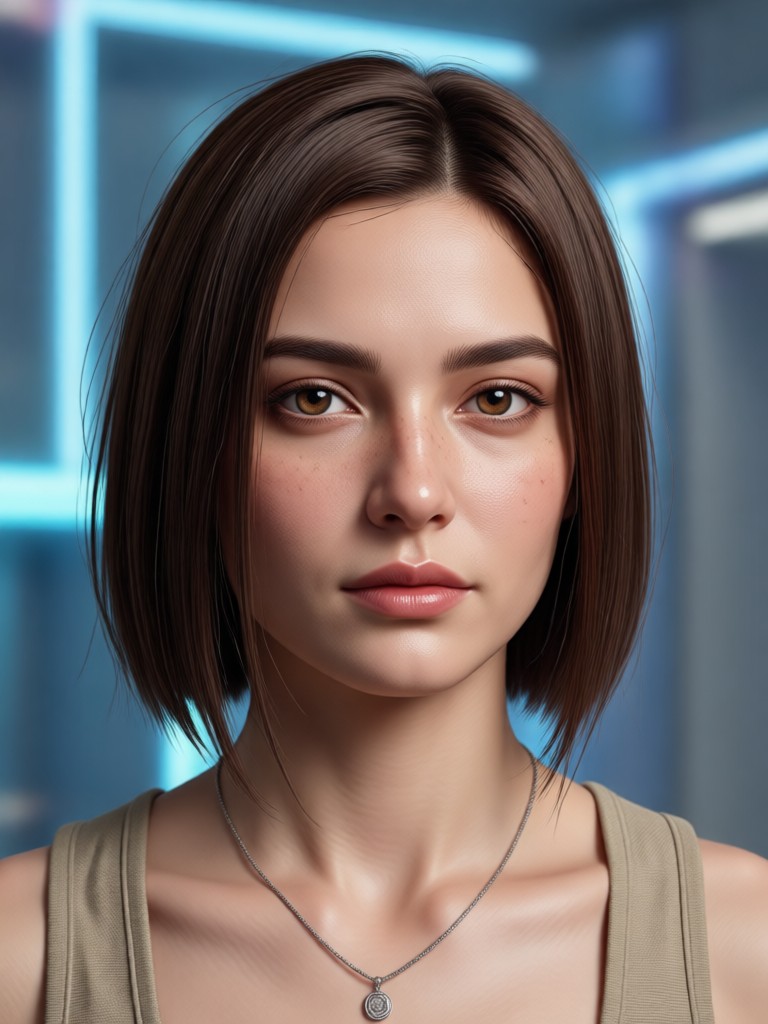
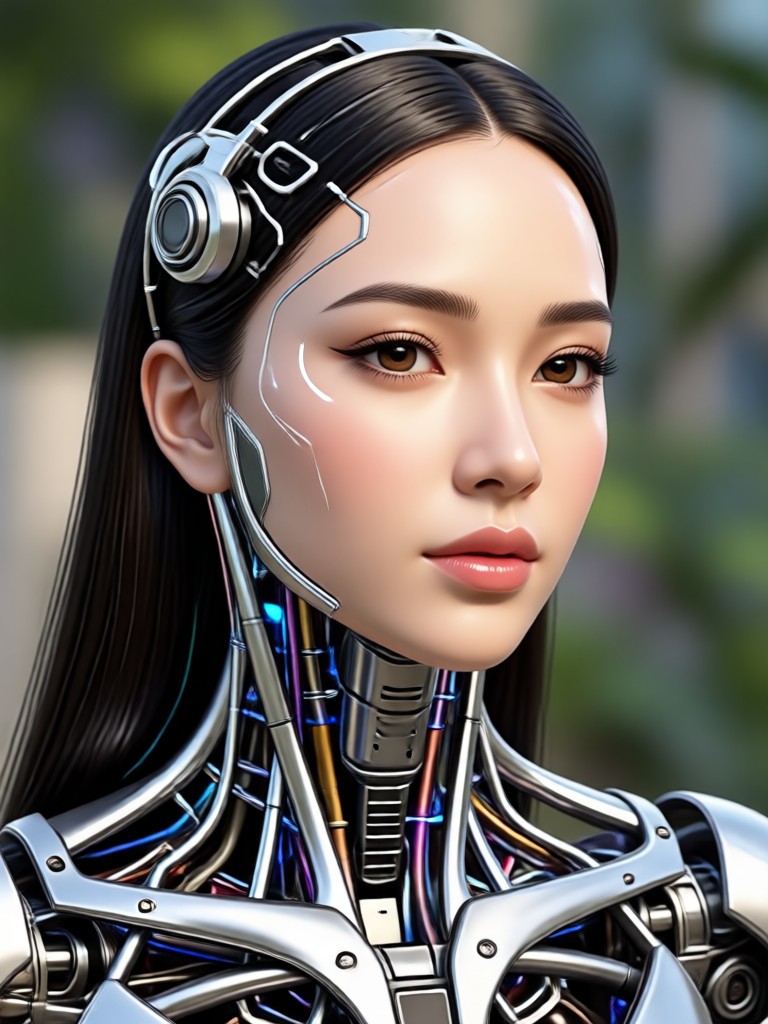
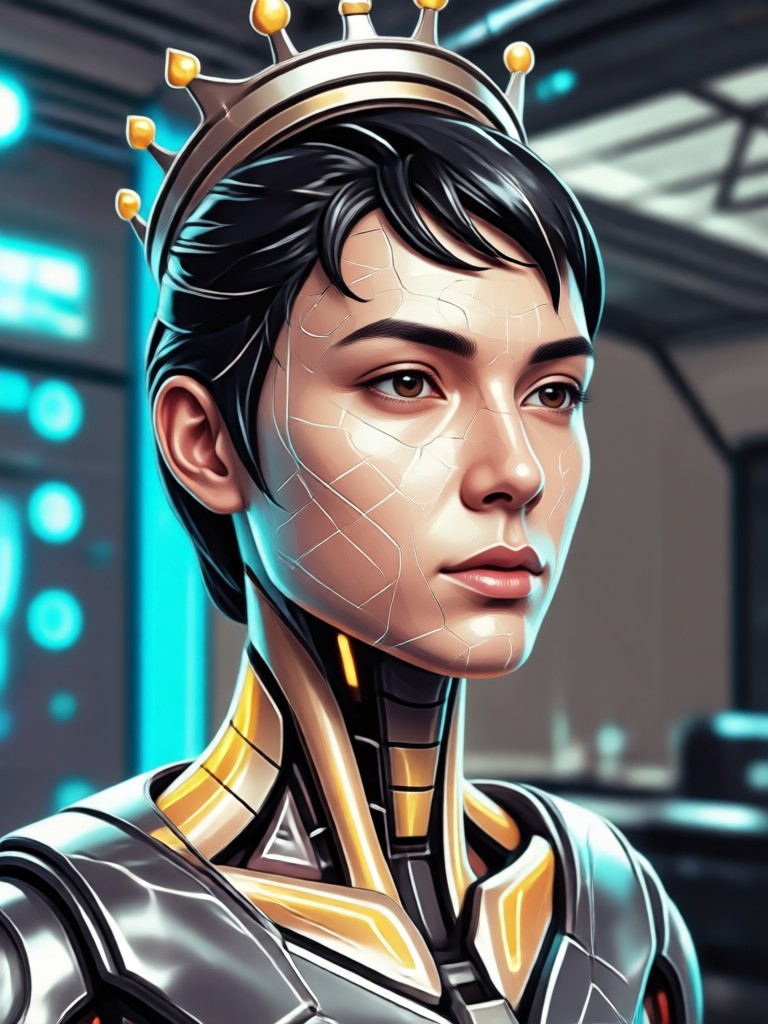
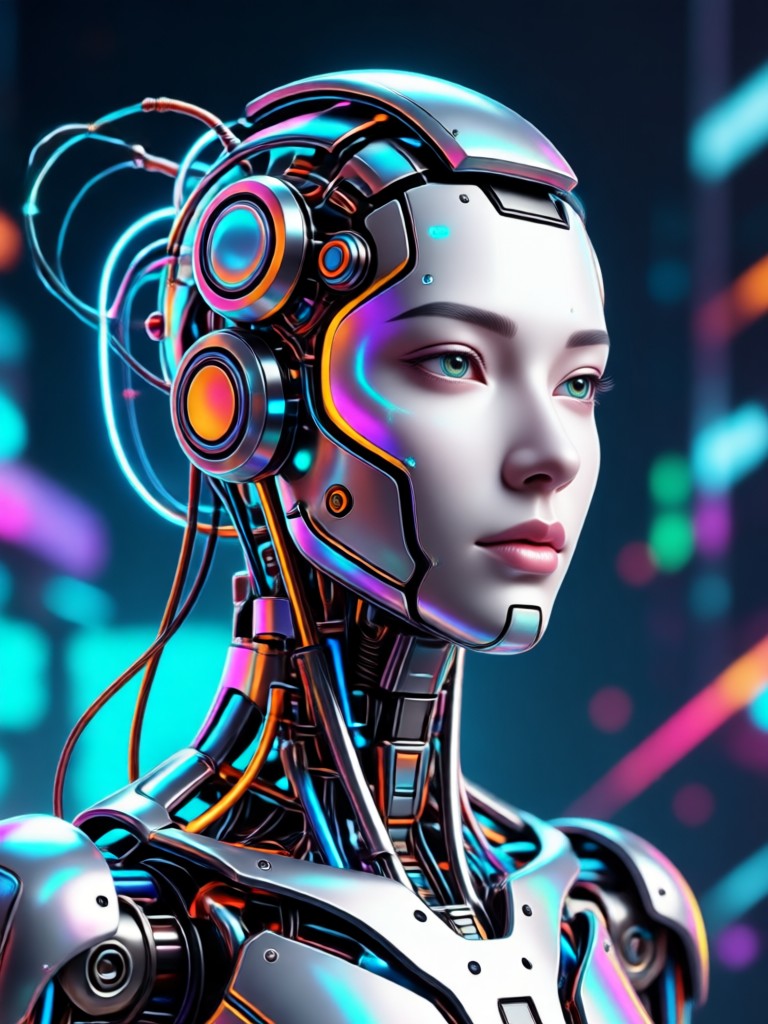
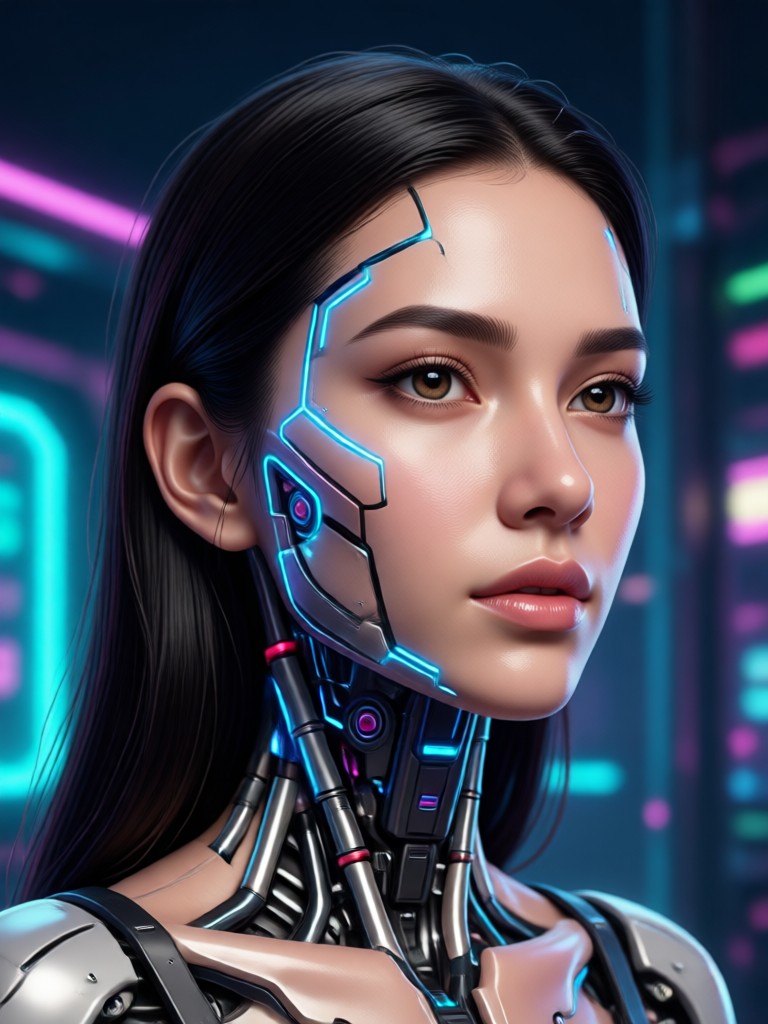
Gallery of AI-Edited Portraits
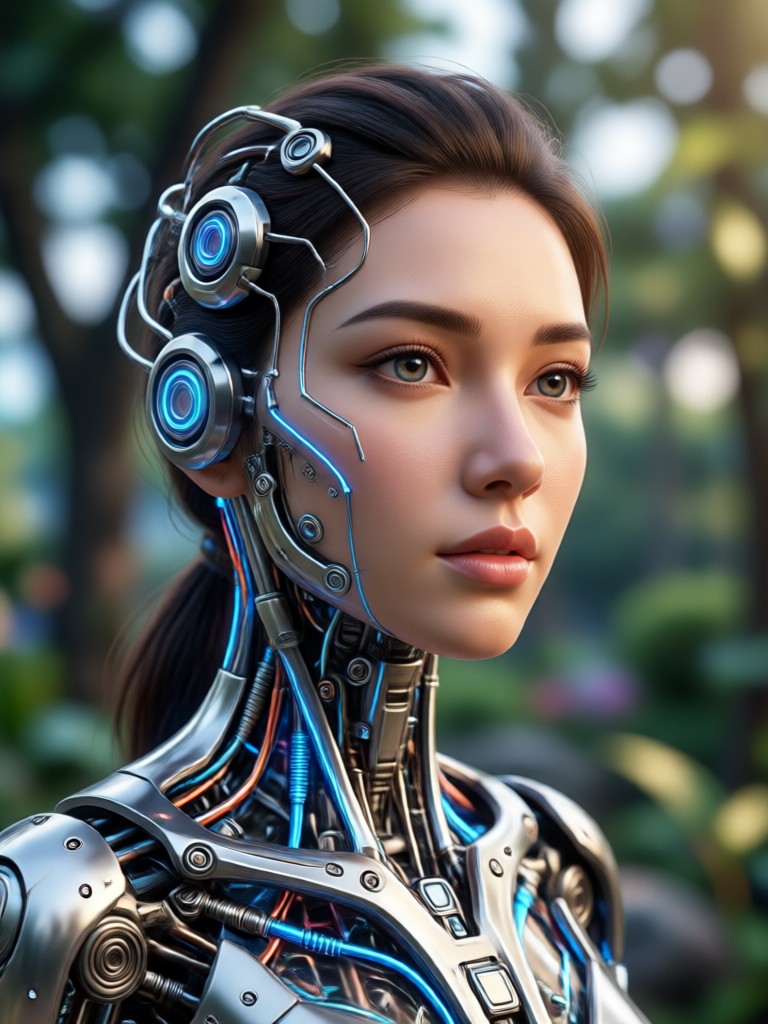
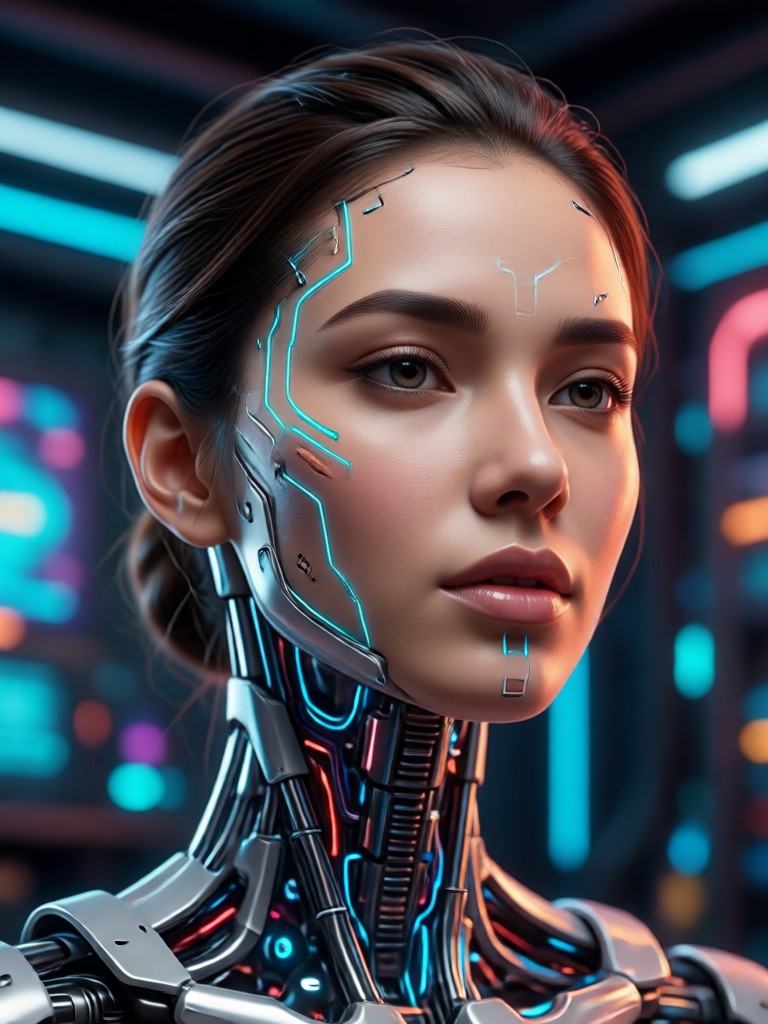
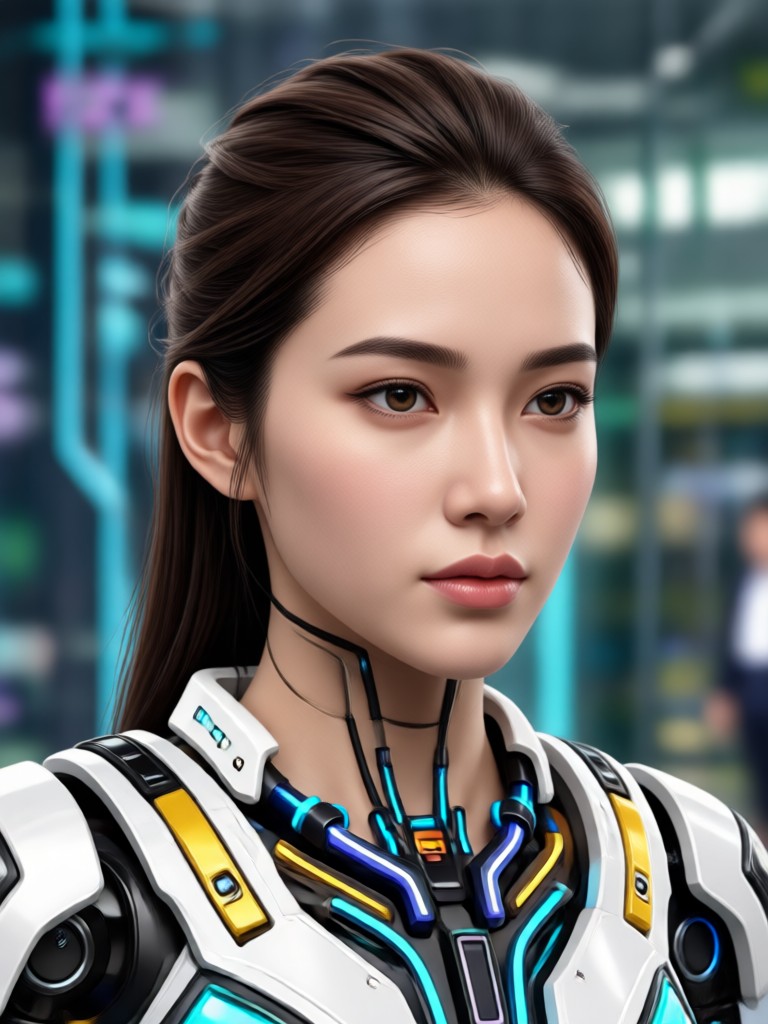
See the stunning transformations created by other users. From subtle enhancements to artistic makeovers, be inspired to create your own perfect portrait.

How to Edit Your Face with AI?
Achieve professional portrait edits in just three simple steps. No editing skills or complicated software required.
Step 01.
Download the AI Edit Wajah app from Google Play to access powerful face editing tools right on your phone.
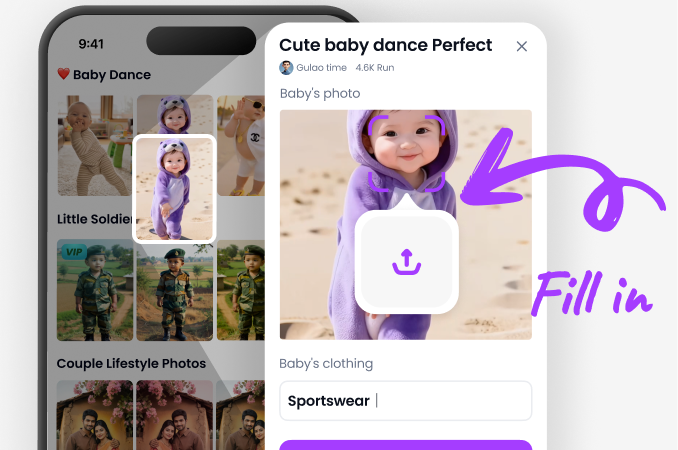
Step 02.
Upload your selfie or portrait. The AI will automatically detect your face. Then, browse and select from enhancement filters like Skin Smoother or Eye Brightener.
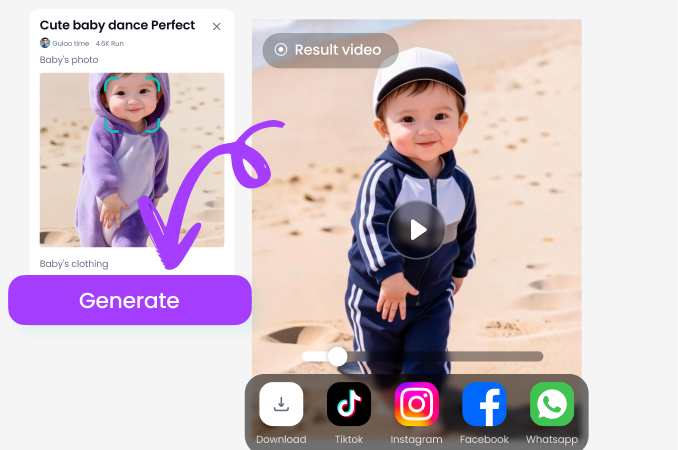
Step 03.
Let the AI work its magic. In seconds, preview and download your enhanced photo, ready to share on social media.
What Users Say About AI Edit Wajah
My go-to for professional profile pictures
As a freelancer, I need good headshots. This app saves me a fortune on professional retouching. The skin smoothing is incredibly natural, and the eye brightening makes me look more awake instantly.
Perfect for social media content
I post daily on Instagram, and this AI editor has transformed my selfie game. The filters are trendy, and the automatic enhancements mean I spend less time editing and more time creating.
Makes group photos look amazing
Our team photo looked great, but lighting was uneven on some faces. The app's AI adjusted each person individually. Everyone looked their best without any manual, tedious editing.
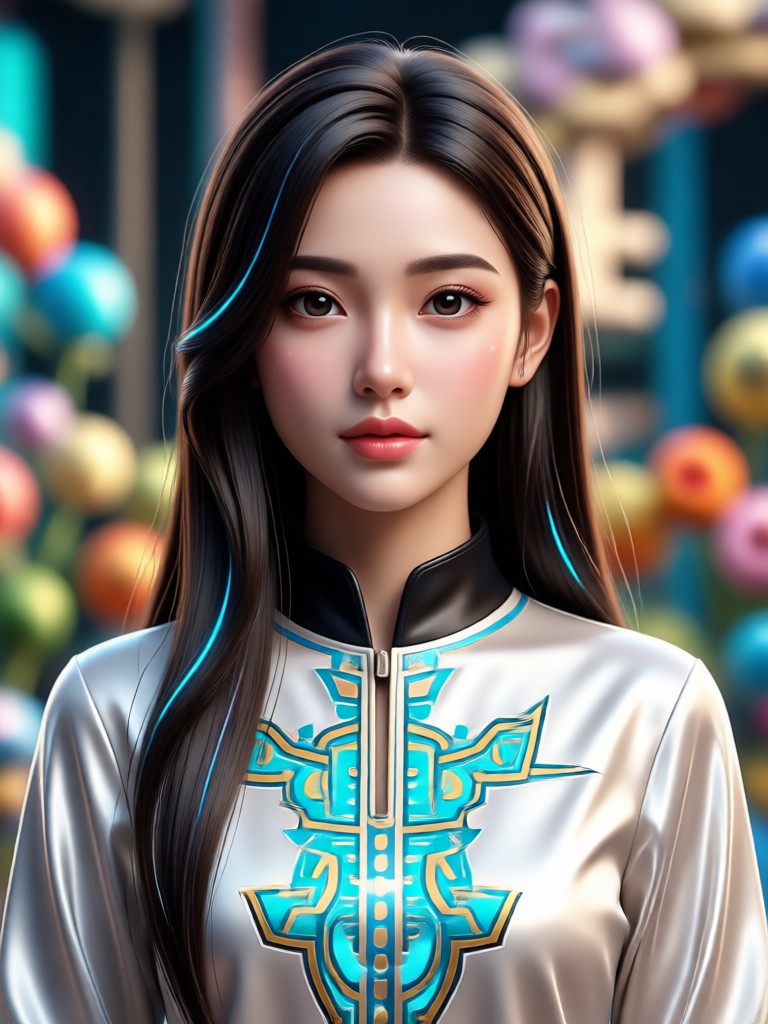
Edit Portraits Anywhere
Carry a professional photo editor in your pocket. Download the app now and transform any selfie into a masterpiece in seconds, no computer required.

Frequently Asked Questions
Find answers to common questions about AI Edit Wajah. Get started quickly and learn how to make the most of your portrait edits.
More Topics You May Like
Explore more topics you may like and discover fresh ideas tailored to your interests.

Create Artistic Sketch Images Online Instantly
Your 3D Buddy Creator: Custom Anime & Gaming Figures
Discover Veo3 AI Video Creation: Lifelike & Cinematic
Create Soothing Sounds: The Ultimate AI ASMR App
Create Artistic Sketch Images Online Instantly
Your 3D Buddy Creator: Custom Anime & Gaming Figures
Discover Veo3 AI Video Creation: Lifelike & Cinematic
Create Soothing Sounds: The Ultimate AI ASMR App
Flawless Portraits Are One Tap Away
Stop spending hours on manual edits. Let AI do the work. Download the app now and see the instant transformation of your photos.

Flawless Portraits Are One Tap Away
Stop spending hours on manual edits. Let AI do the work. Download the app now and see the instant transformation of your photos.