Cinematic Smoke Portrait Generator
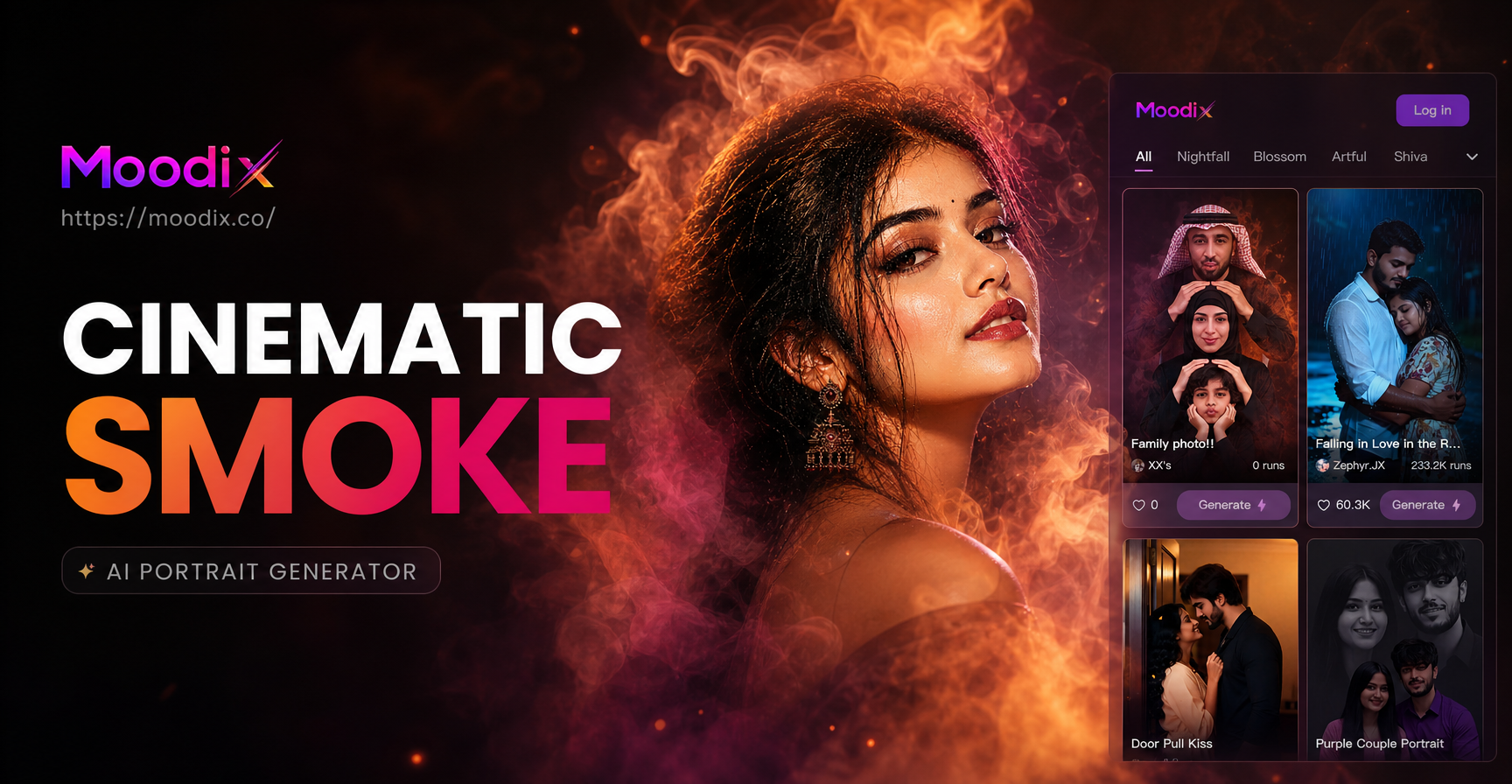
Choose Your Atmospheric Style
Discover a range of smoke and atmospheric filters to match your creative vision, from subtle fog to dramatic plumes.
Why Choose Our Smoke Portrait AI
Our tool is designed for effortless creativity, giving you professional-grade cinematic effects with just a few taps.
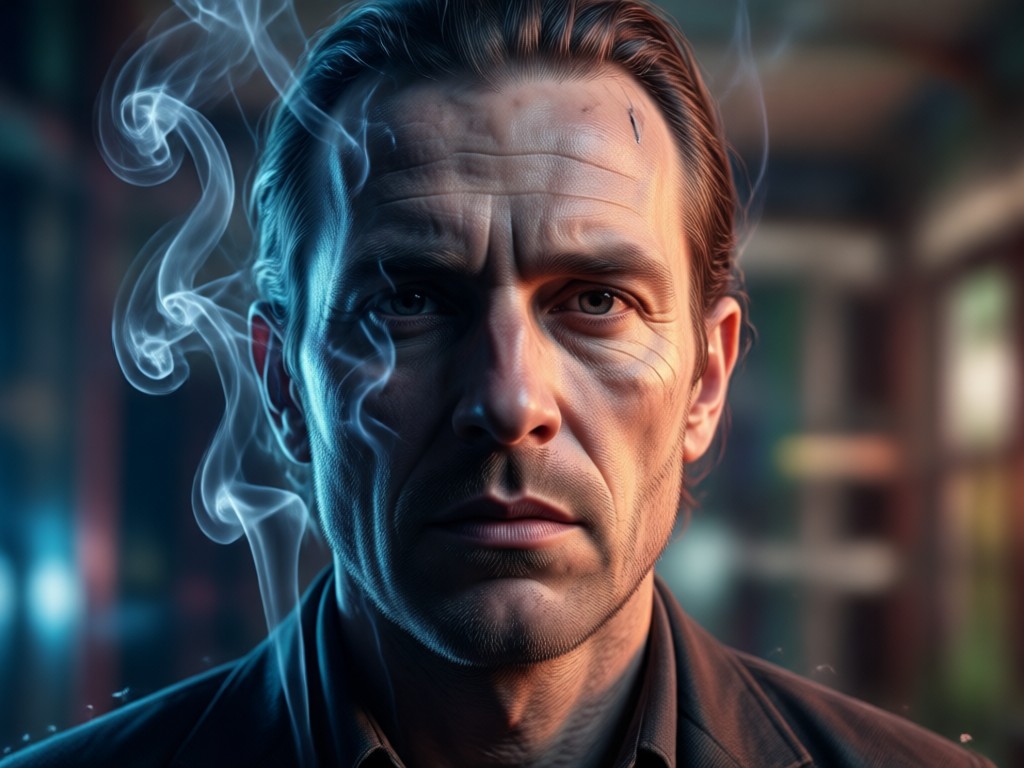
One-Tap Transformation
Upload your portrait photo and select a smoke effect. Our AI handles the rest, seamlessly blending ethereal elements with your subject for a natural look.
One-Tap Transformation
Upload your portrait photo and select a smoke effect. Our AI handles the rest, seamlessly blending ethereal elements with your subject for a natural look.
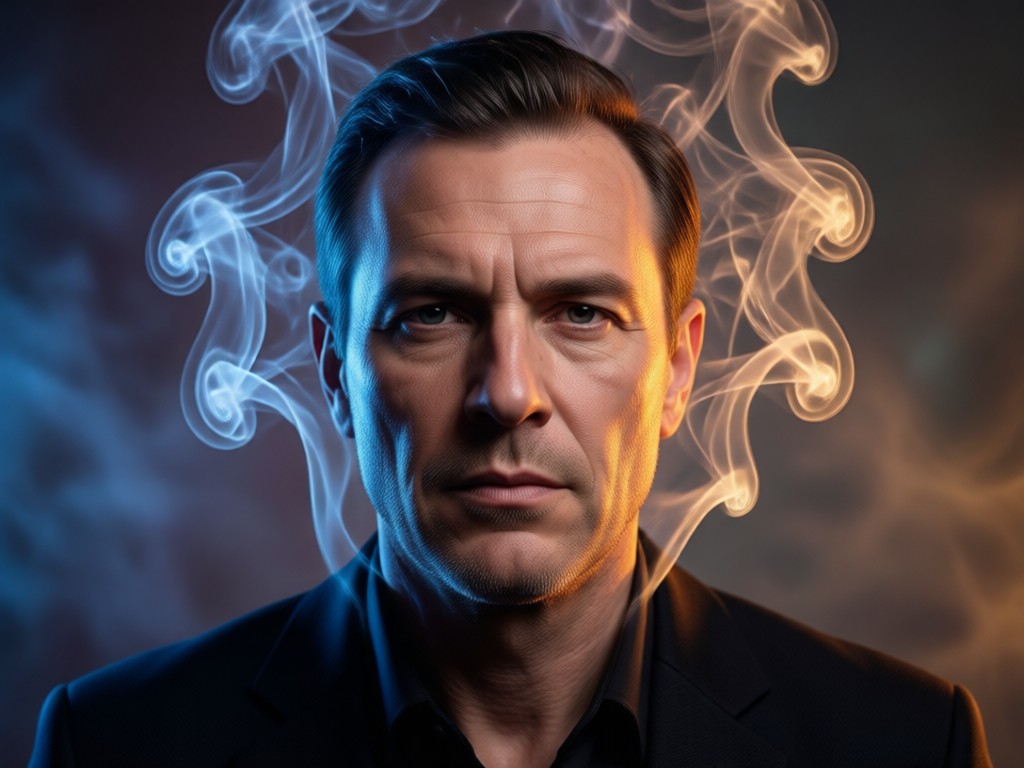
Diverse Smoke & Fog Styles
Choose from a vast library of styles. Create wispy cigarette smoke, dense mystical fog, glowing ember trails, or cold winter breath for any mood.
Diverse Smoke & Fog Styles
Choose from a vast library of styles. Create wispy cigarette smoke, dense mystical fog, glowing ember trails, or cold winter breath for any mood.
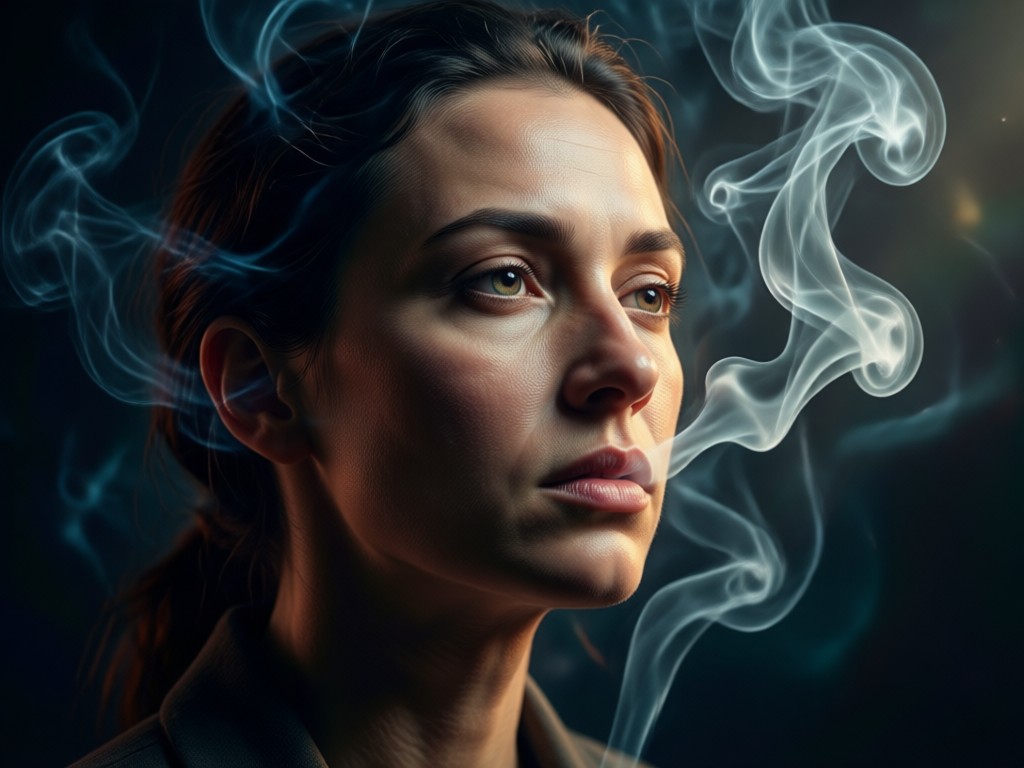
Realistic Physics & Blending
The AI intelligently wraps smoke around facial features and interacts with light and shadow. This creates depth and a truly believable, cinematic atmosphere.
Realistic Physics & Blending
The AI intelligently wraps smoke around facial features and interacts with light and shadow. This creates depth and a truly believable, cinematic atmosphere.
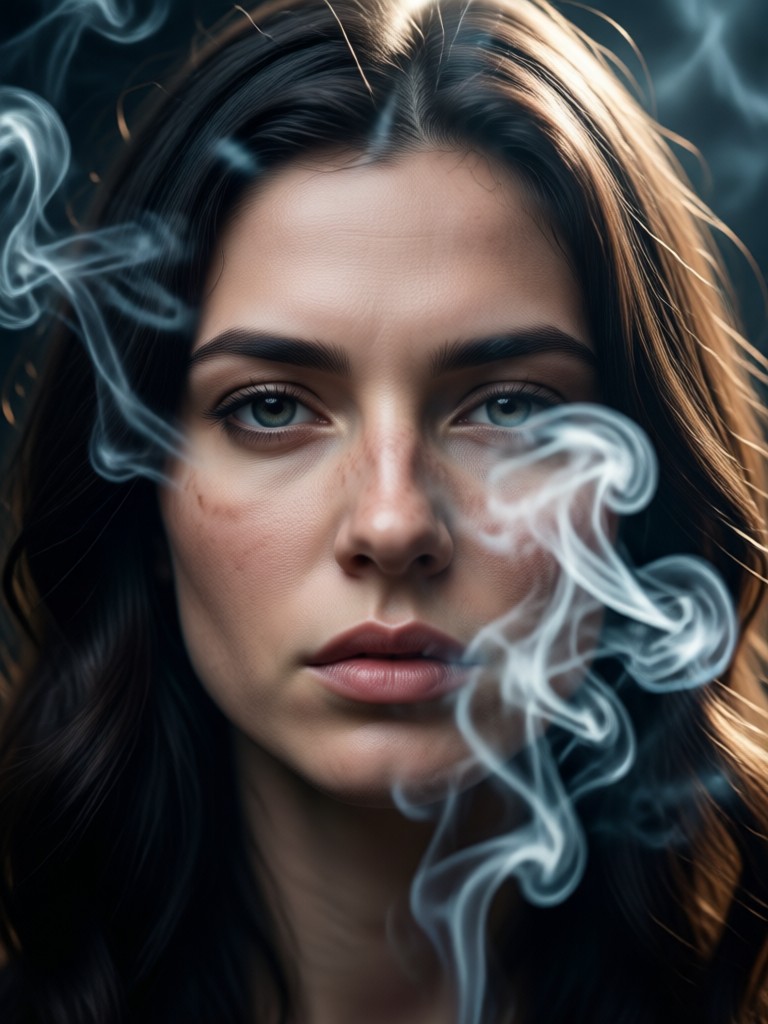
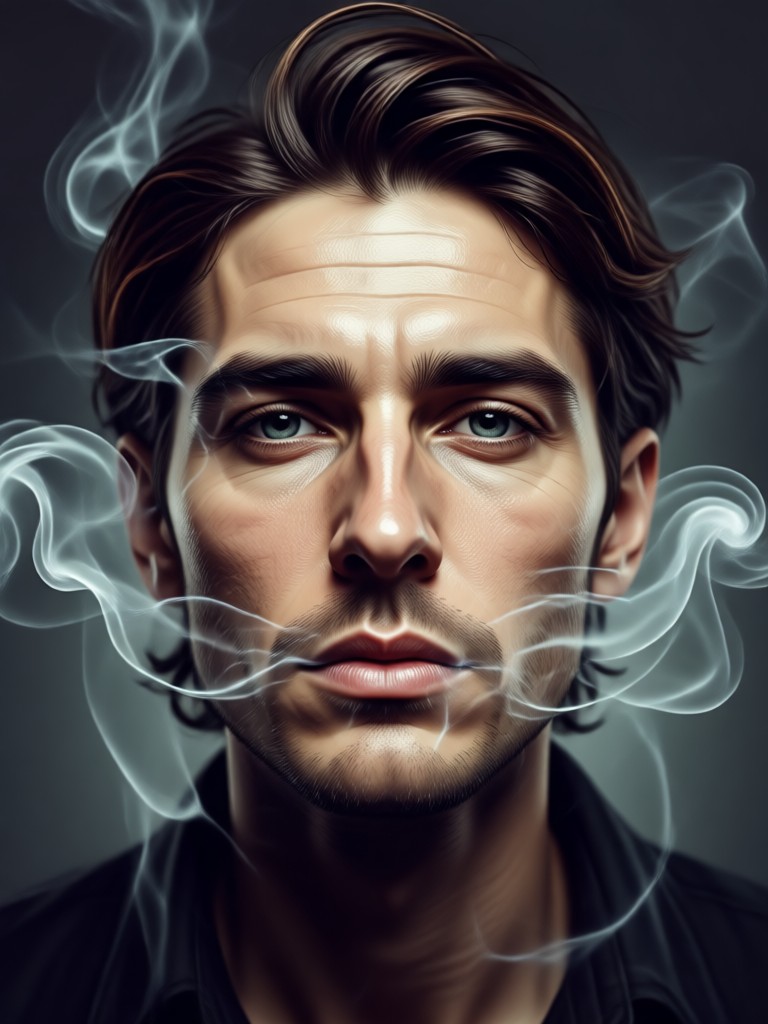
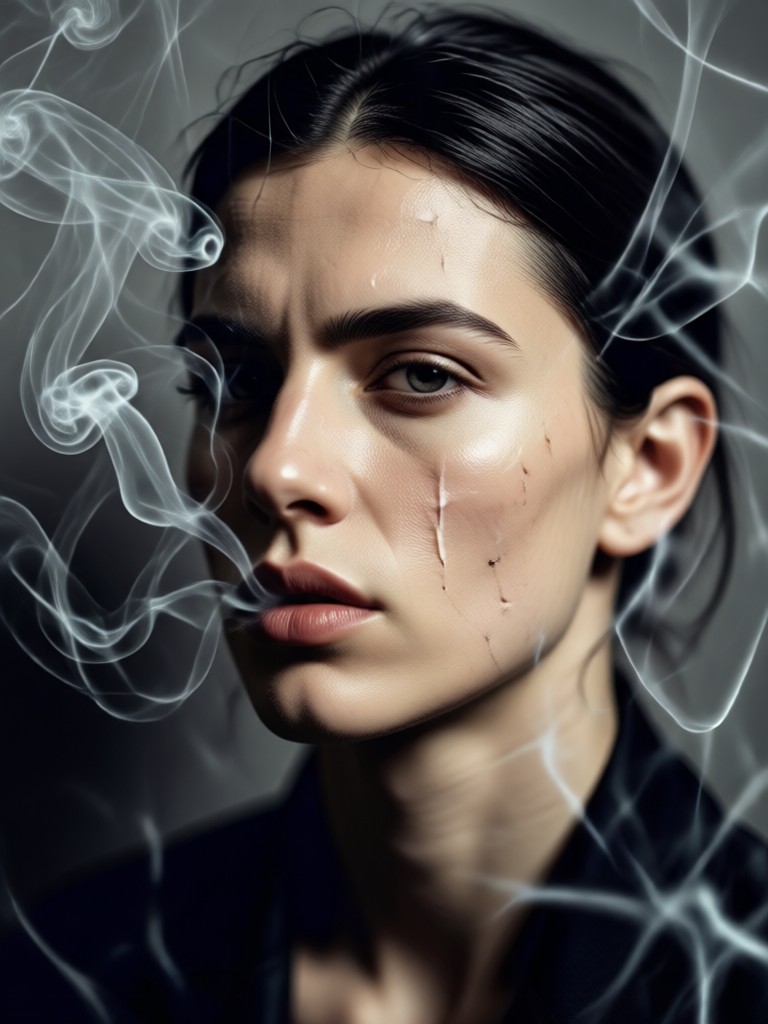
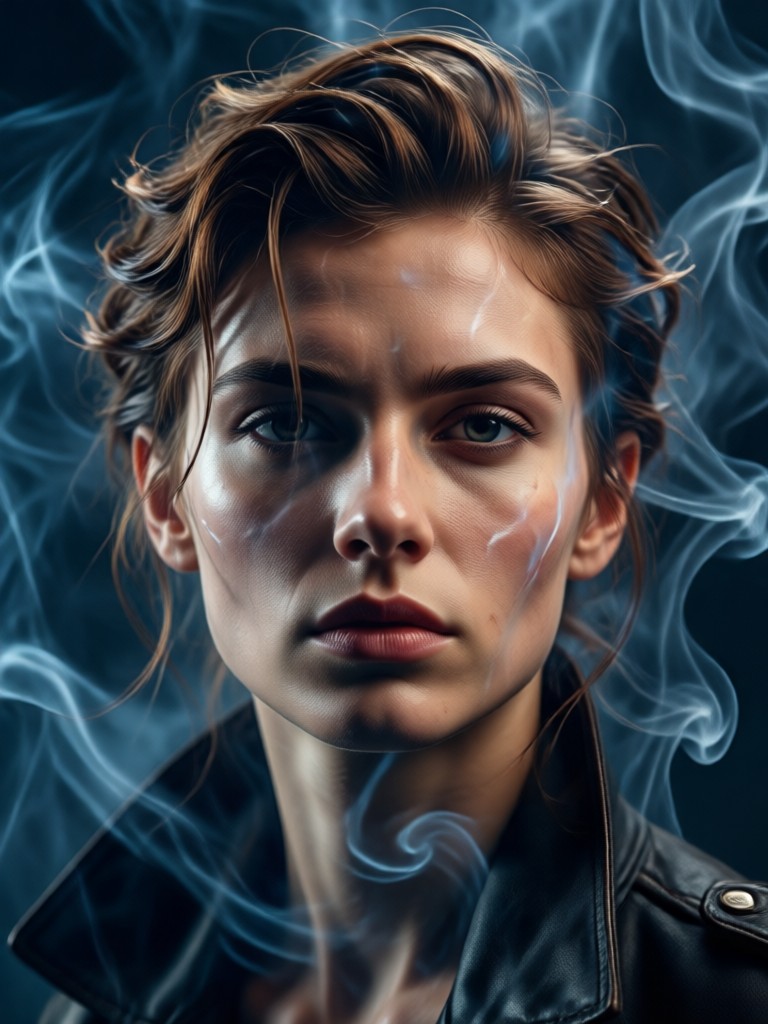
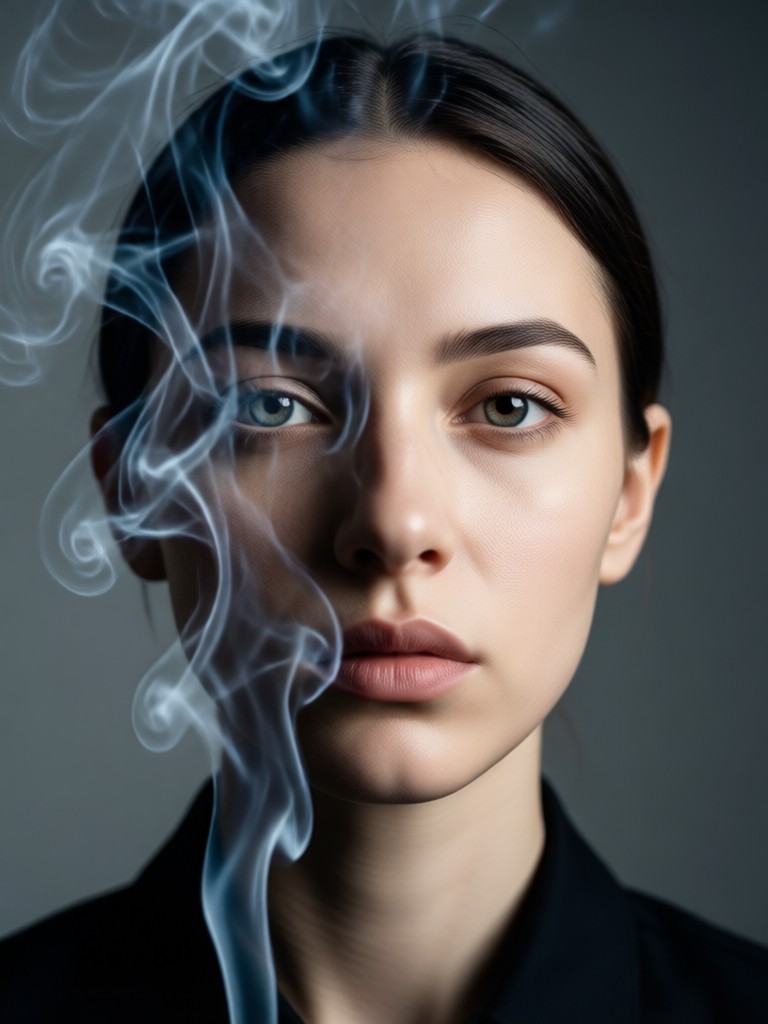
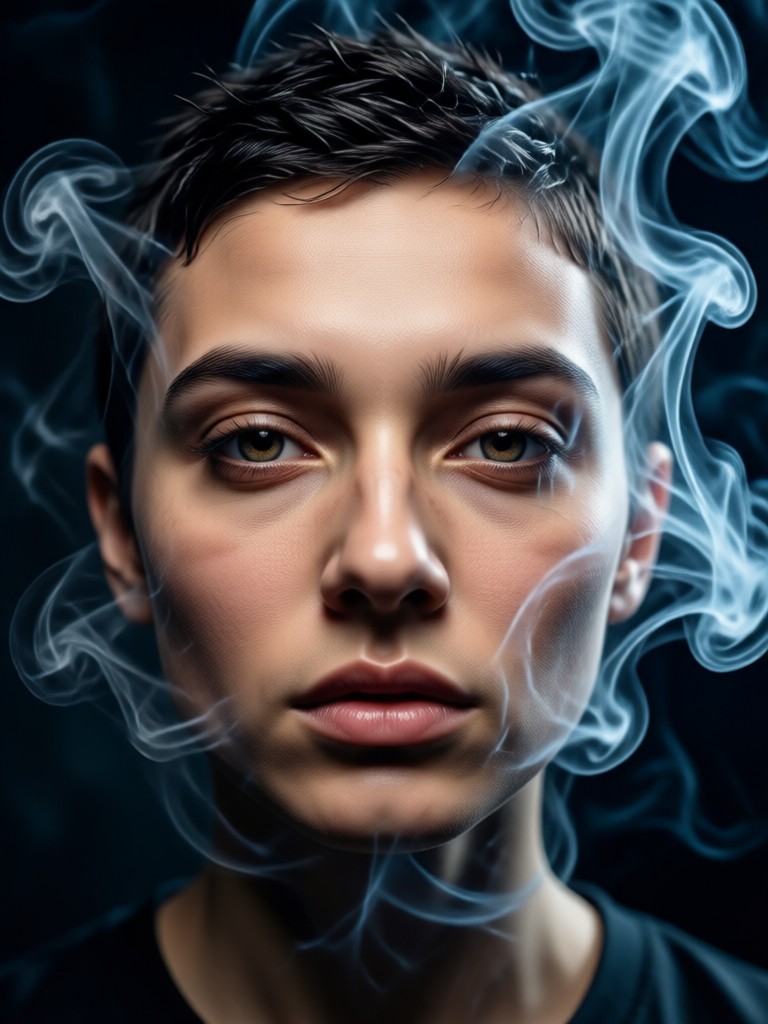
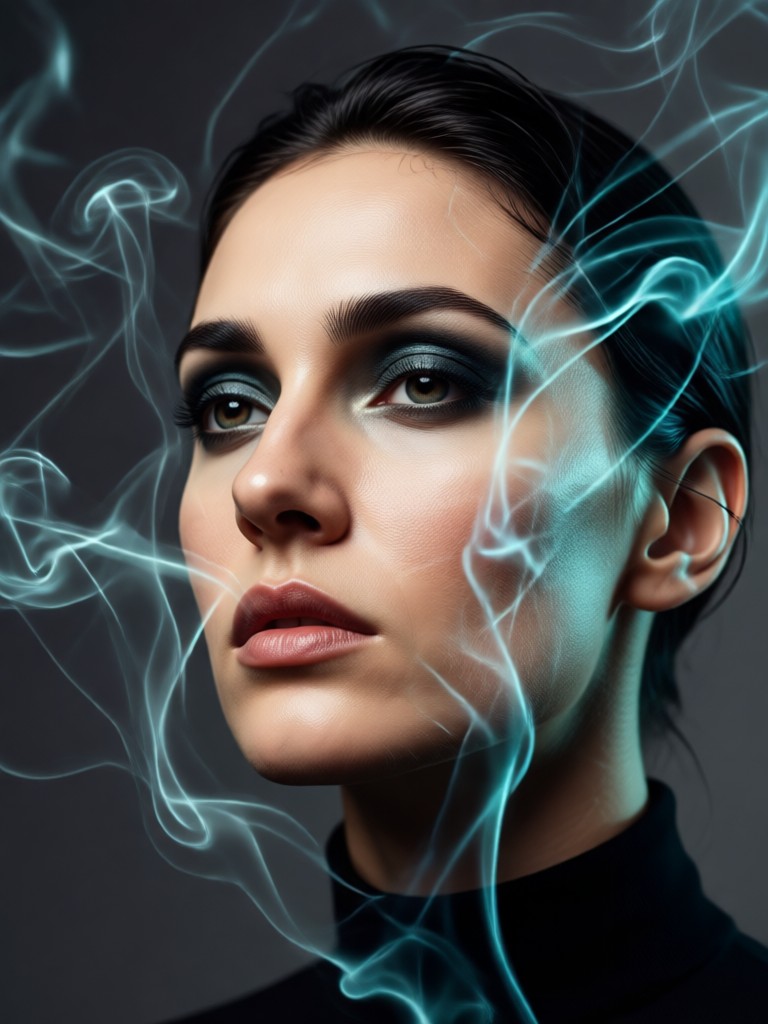
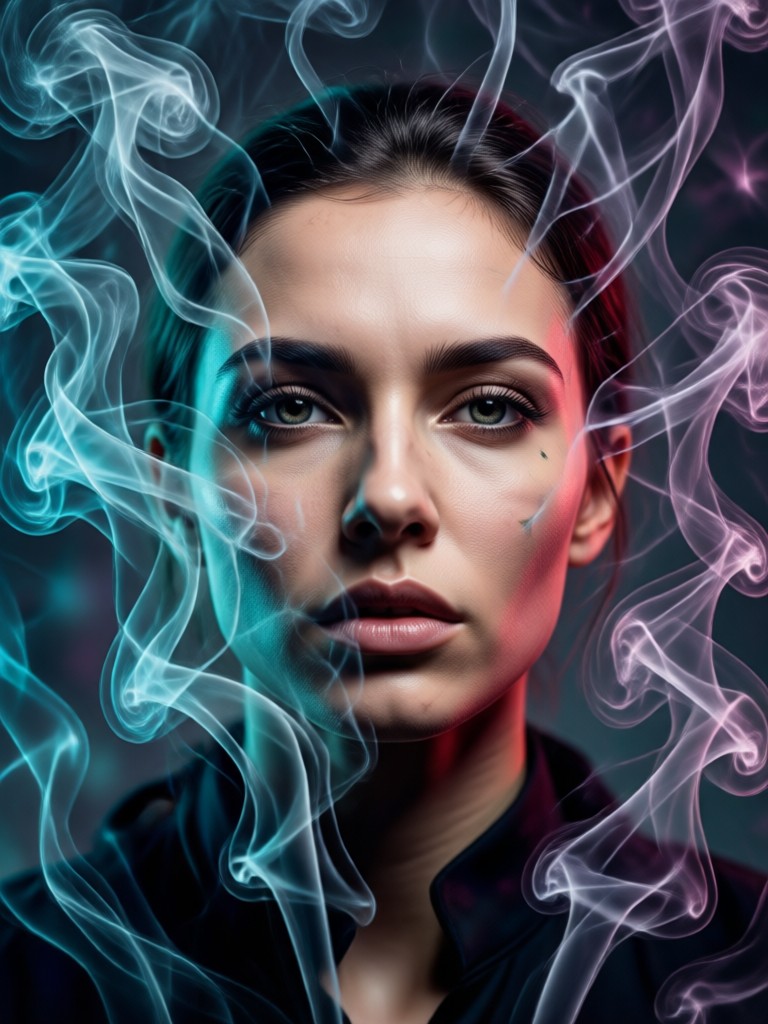
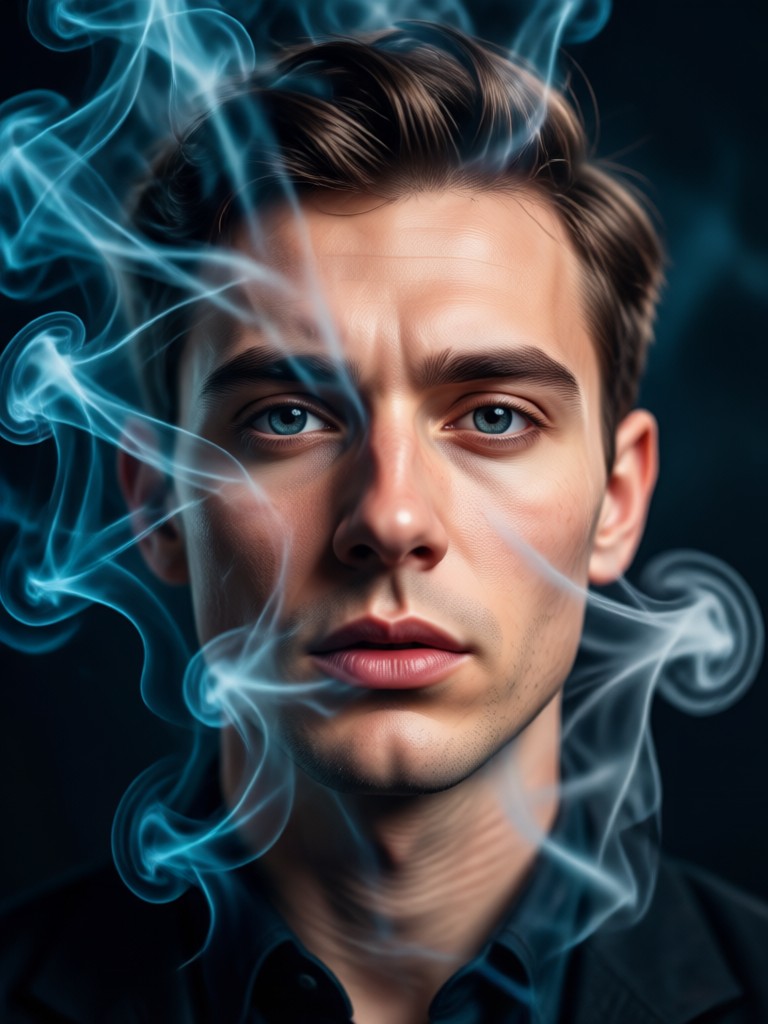
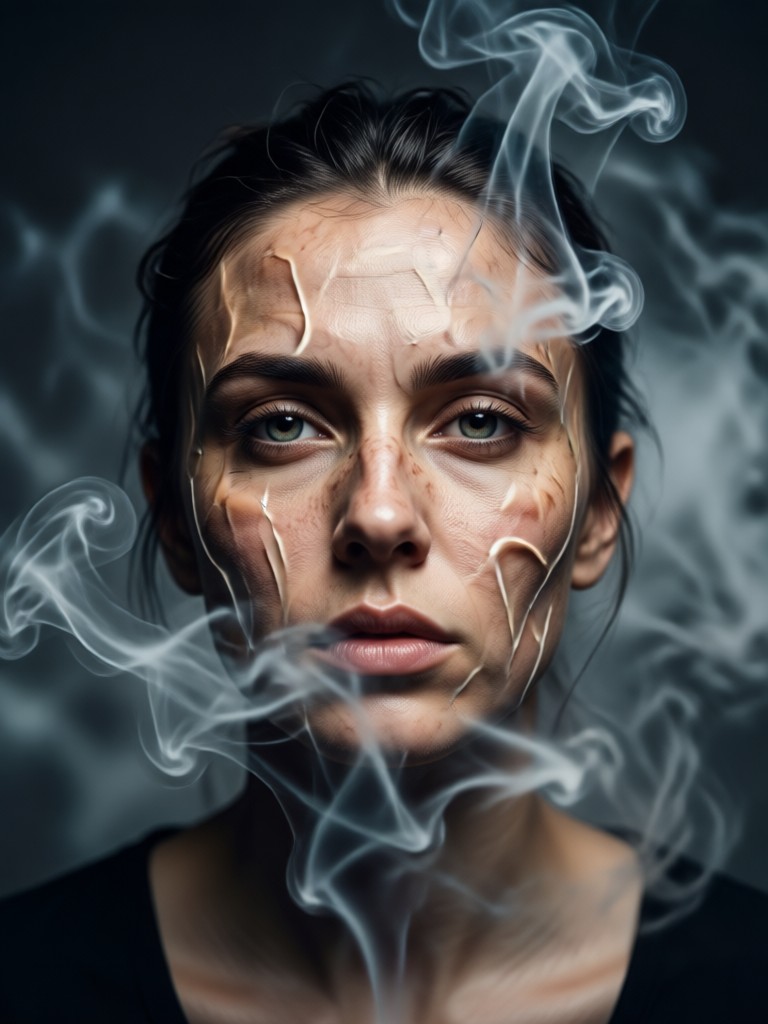
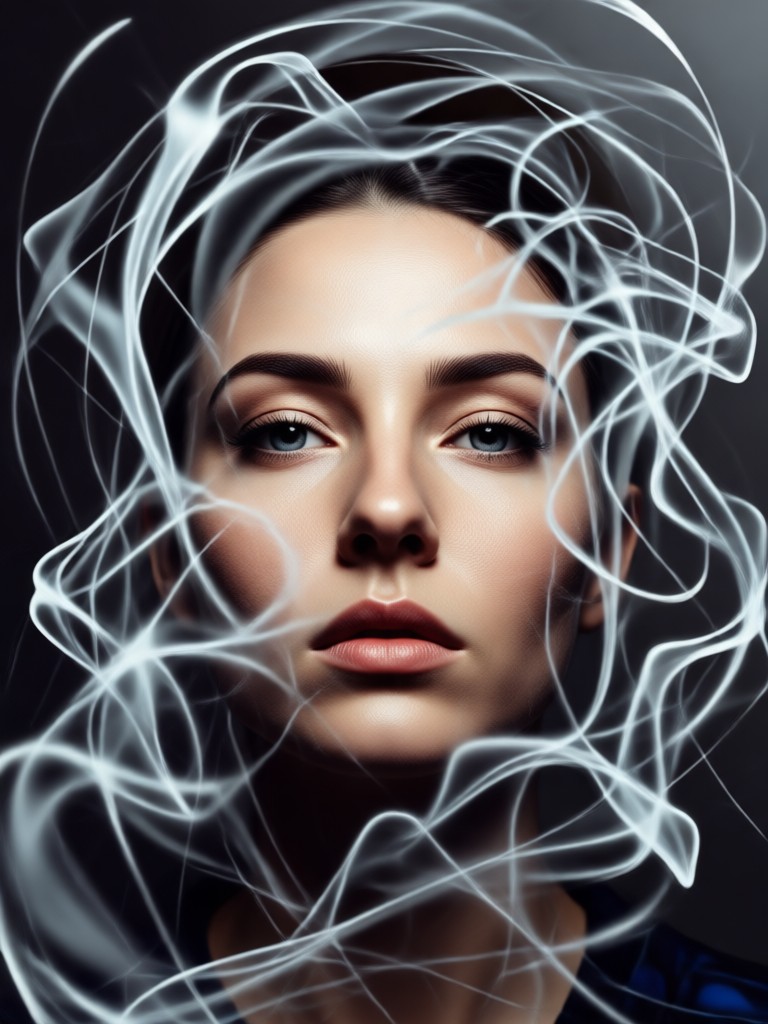
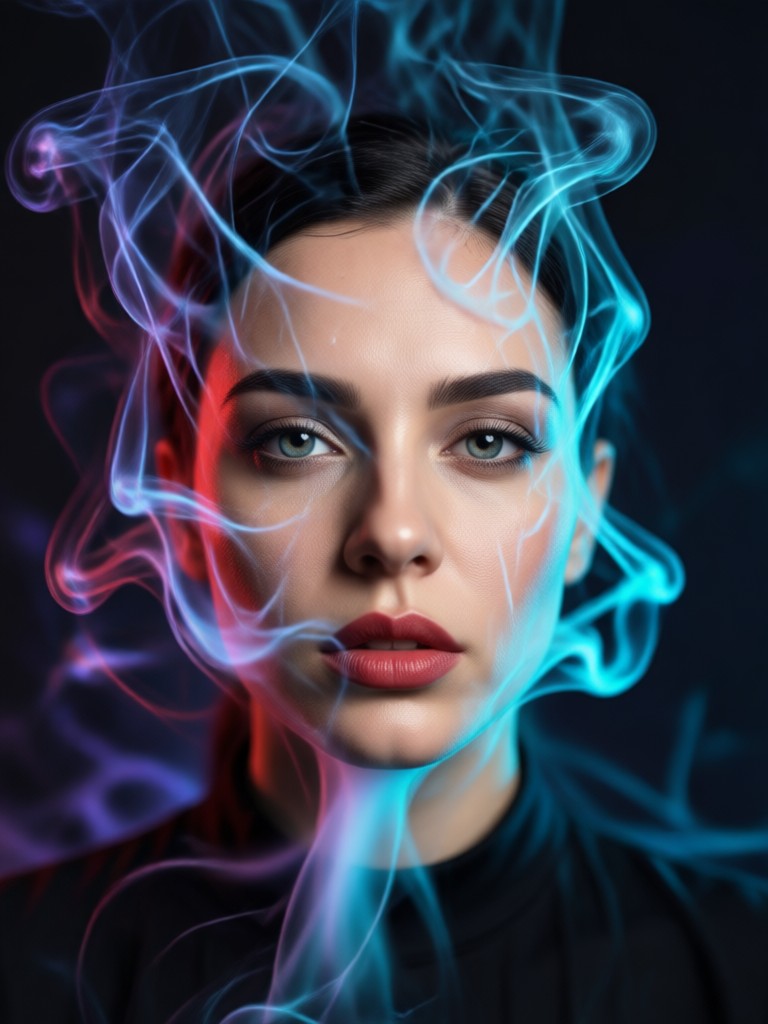
Cinematic Smoke Portrait Gallery
Get inspired by stunning examples of AI-generated smoke portraits. See how different effects can completely change the mood and story of an image.
How to Create a Cinematic Smoke Portrait
Make a stunning smoke portrait in three simple steps. No complex software or editing skills are needed.
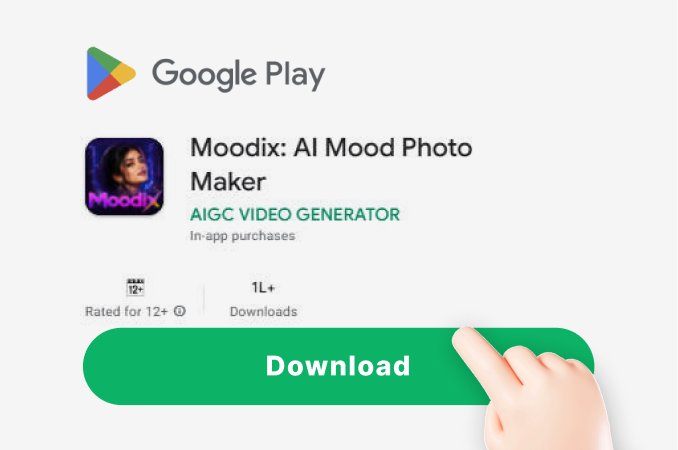
Step 01.
Download the moodix app from Google Play. It's your all-in-one mobile studio for AI photo and video creation.
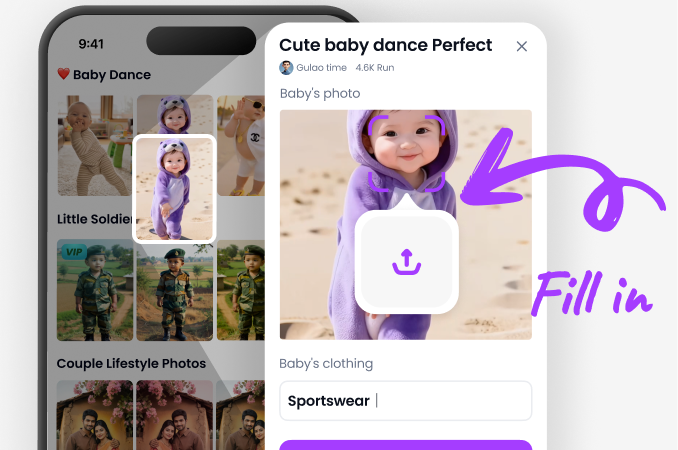
Step 02.
Open the app, upload your portrait, and browse the 'Atmospheric' or 'Cinematic' filter category to select your preferred smoke effect.
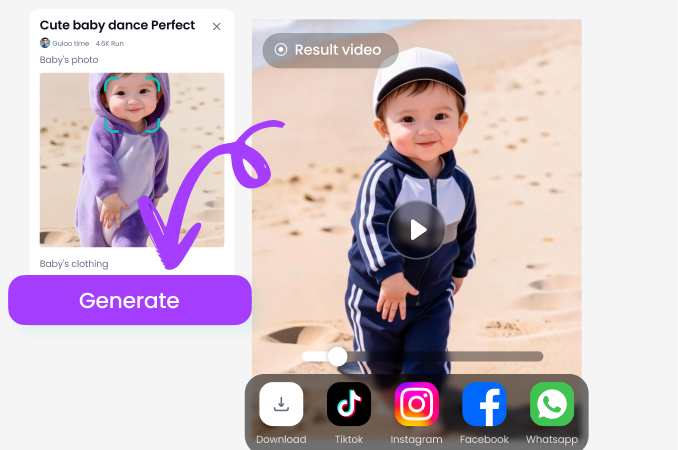
Step 03.
Generate your image, preview the result, and instantly download or share your new cinematic masterpiece on social media.
Here is What Creators Are Saying
Absolute game-changer for my photography
I shoot portrait photography and adding these smoke effects in post used to take hours. Now I can prototype looks in seconds on my phone. My clients are obsessed with the cinematic vibe.
My secret weapon for standout social content
As a content creator, I need my posts to stop the scroll. The smoke portrait generator gives my pics a professional, mysterious edge that gets tons of comments and shares. It's incredibly easy.
Brought my character art to life
I use this for my original character illustrations and role-playing profiles. The AI adds such believable, moody atmosphere that perfectly captures my character's essence. The realism is stunning.
Cinematic Smoke Portrait FAQs
Find quick answers to common questions about creating stunning AI smoke portraits and using the moodix app.
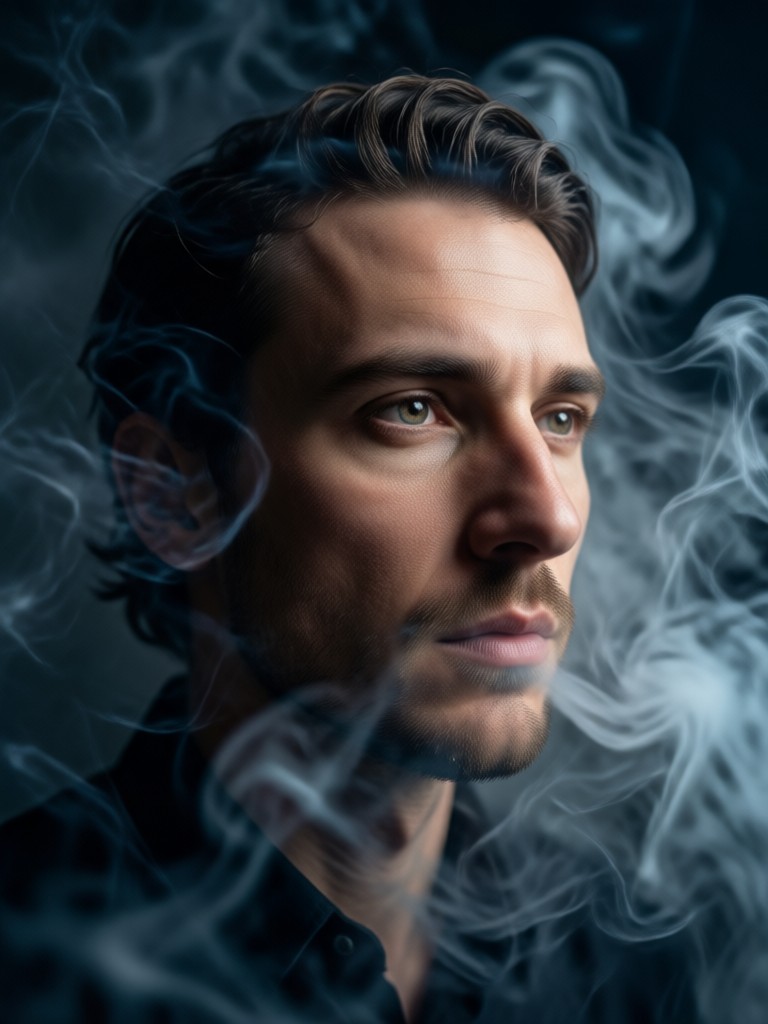
Create Cinematic Portraits On Your Phone
Turn your mobile device into a powerful creative studio. Download moodix and access the cinematic smoke portrait generator and thousands of other AI effects.

Ignite Your Creativity Today
Stop imagining and start creating. Download moodix now and transform your portraits with breathtaking cinematic smoke and atmospheric effects in seconds.
Ignite Your Creativity Today
Stop imagining and start creating. Download moodix now and transform your portraits with breathtaking cinematic smoke and atmospheric effects in seconds.