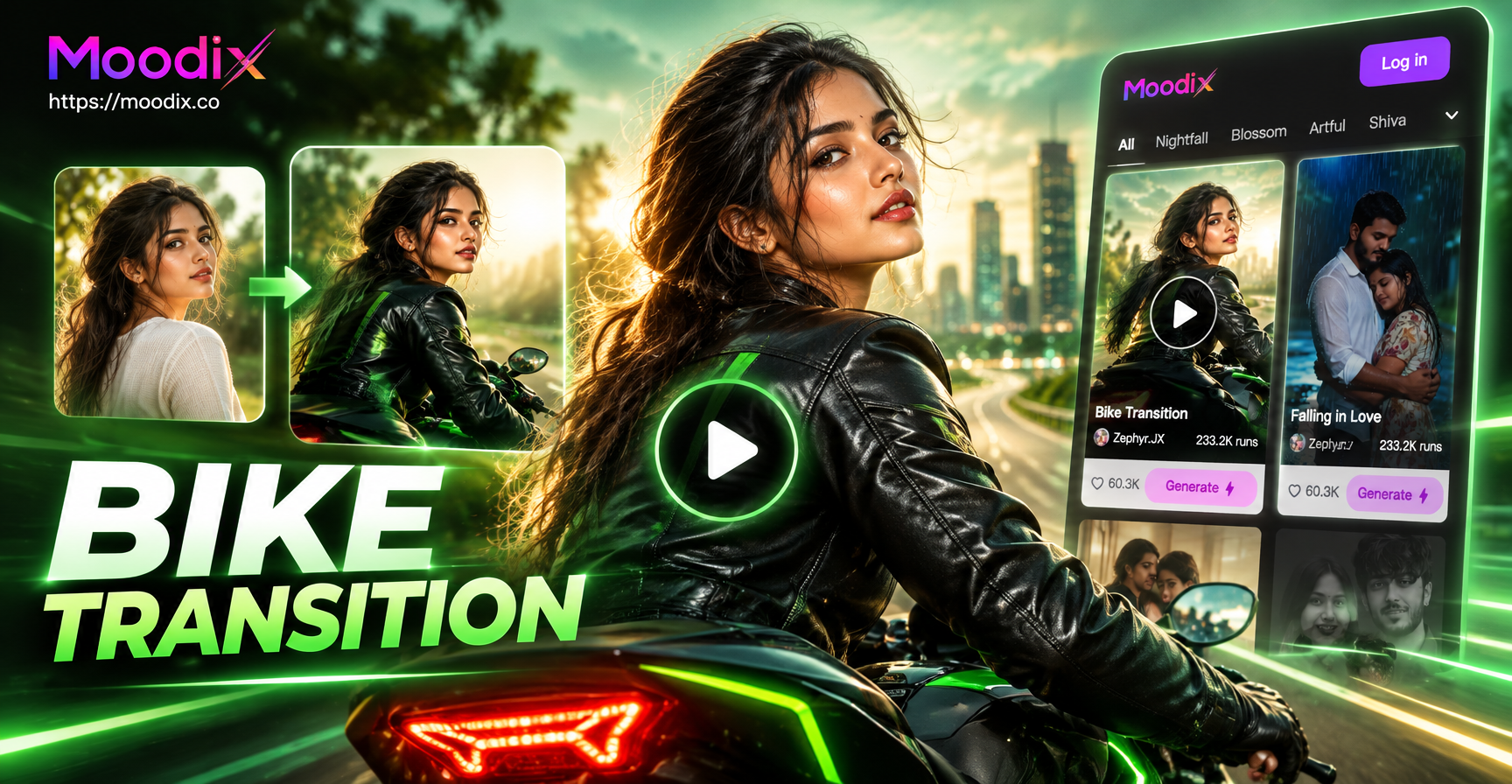
Bike transition AI video prompts are detailed instructions for generating short clips where a bicycle or cyclist creates a smooth visual bridge between two different scenes. The bike can cross the frame to reveal a new location, change weather or time, or morph into another object. These prompts work in text to video and image to video tools like moodix, and they help you produce cinematic edits without manual keyframing.
This article gives you 20 specific prompts organized by transition type. Each one is ready to copy. After the prompt list, you will find tips for adapting them, fixing weak results, and using moodix on your phone.
Why Use Bike Transitions in Short Videos and Reels
Bike transitions add momentum and visual interest to cycling content. A smooth environmental switch keeps the viewer engaged because the eye follows the bike through the frame. This technique works well for travel vlogs, sports edits, product promos, and social media challenges. Because a bike naturally moves across the screen, it provides a clear directional wipe that feels more organic than a digital transition. AI video tools can now generate these transitions from a single prompt, which saves hours of manual editing and masking.
What Makes a Good Bike Transition Prompt
A weak prompt says "a bike rides and the scene changes." A strong prompt describes the camera movement, the trigger object, the starting scene, the ending scene, the timing, and the visual style. For example:
- Weak: a cyclist rides through a city and then the forest appears.
- Strong: a cyclist rides a vintage road bike through a busy city street at golden hour, and as the front wheel crosses the center of the frame, the concrete road and buildings smoothly morph into a forest trail with pine trees and soft morning fog, seamless match cut transition, cinematic 4K.
When you write your own prompts, include the bike type, the exact transition trigger, both environments, the camera angle, and the lighting. Avoid words like cut or jump because AI video models may interpret them as hard edits.
20 Bike Transition AI Video Prompts
Urban to Nature Transitions
These prompts move a cyclist from city streets into forests, mountains, or coastlines in one continuous shot.
Prompt 1. A cyclist rides a vintage road bike through a busy city street at golden hour, and as the front wheel crosses the center of the frame, the concrete road and buildings smoothly morph into a forest trail with pine trees and soft morning fog, seamless match cut transition, cinematic 4K, realistic motion.
Prompt 2. Close up side tracking shot of a mountain bike wheel rolling over asphalt, the background changes from a graffiti covered wall to a mountain ridge with wildflowers in one continuous motion, smooth transition, natural lighting, high detail.
Prompt 3. A rider in a yellow jacket pedals through a narrow European alley, the camera pans left as the bike passes, revealing a wide Alpine valley instead of the alley end, invisible transition, stable camera, photorealistic.
Prompt 4. The handlebar view of a city commute, at the moment the rider turns a corner the entire scene shifts from downtown skyscrapers to a quiet coastal road beside the ocean, seamless spatial transition, warm afternoon light, action camera style.
Day to Night and Weather Change Transitions
These prompts shift time, light, and weather while the bike keeps moving.
Prompt 5. A woman on a city bike rides past a park fountain, as she crosses the frame the sky shifts from bright noon to deep sunset and then to night with street lamps, the bike lights turn on automatically, continuous tracking shot, cinematic color grade.
Prompt 6. Overhead drone shot of a cyclist on a desert road, the sun sets rapidly as the bike rides forward, shadows stretch and the landscape changes from orange dunes to a moonlit salt flat, time lapse transition with smooth motion, 4K.
Prompt 7. A fixed camera watches a BMX rider jump over a curb, during the jump the daylight background changes to a rainy neon lit street at night, the rider lands in the new scene, seamless weather and time transition, hyperrealistic.
Prompt 8. First person POV from a road bike handlebar, the rider enters a short tunnel in daylight and exits into a starry night village, tunnel walls pass quickly, smooth exposure change, cinematic wide lens.
Speed Ramp and POV Transitions
Use these prompts when you want the bike speed or camera acceleration to drive the scene change.
Prompt 9. A cyclist sprints down a hill, the camera speed ramps from slow motion to real time as the background changes from a green forest to a snowy mountain pass, motion blur on the wheels, dramatic transition, 4K slow motion.
Prompt 10. A fixed bike wheel close up spins at normal speed, then the video speeds up and the spokes blur, when the motion slows again the background has changed from a garage to a race track, hyperlapse style transition, clean composition.
Prompt 11. A mountain biker rides through a puddle, the splash freezes for a split second and then resumes in a completely different trail surrounded by autumn leaves, match cut on the water splash, high frame rate, cinematic.
Prompt 12. Side view of a cyclist on a bridge, the camera dollies with the bike and accelerates, the bridge railing blurs into lines and reforms as a coastal boardwalk, speed ramp transition, realistic physics, golden hour.
Match Cut and Object Morph Transitions
These prompts use the shape or motion of a bike part to transition into a new scene.
Prompt 13. The circular wheel of a bicycle rotates in a workshop, as the wheel completes one full turn it becomes the sun over a cycling race, match cut transition on the circle shape, smooth morph, symbolic, high detail.
Prompt 14. A bike chain turns around a gear, the chain links morph into a winding mountain road seen from above, seamless shape transition, macro to aerial, cinematic lighting.
Prompt 15. A bike helmet is placed on a table, the camera pushes in on the helmet vent, and the vent becomes a tunnel entrance that opens to a cyclist riding through a canyon, continuous zoom transition, photorealistic.
Prompt 16. A rider rings a bike bell, the sound wave visually ripples outward, the scene changes from a quiet park to a busy cycling peloton, transition triggered by the bell, stylized but realistic, 4K.
Drone and Aerial Bike Transitions
These prompts use aerial camera moves to reveal a new environment while following the bike.
Prompt 17. Aerial drone follows a cyclist along a winding coastal road, the camera rotates 180 degrees around the bike and when it faces forward again the coastline has changed from sunny cliffs to a tropical island beach, seamless 180 degree transition, 4K drone footage.
Prompt 18. Top down drone shot of a bike lane in a city, the cyclist crosses a crosswalk and the city blocks shift into a geometric forest pattern, continuous downward view, smooth transition, high contrast.
Prompt 19. Drone flies low behind a cyclist on a dirt path, the path splits and the rider takes the left fork, the right fork disappears and the left fork opens into a volcanic landscape, environment transition without cutting, cinematic aerial.
Prompt 20. A cyclist rides through a field of sunflowers, drone rises vertically and the field becomes a snow covered mountain ridge as the bike continues, continuous vertical camera movement, seamless location change, breathtaking.
How to Adapt These Bike Transition Prompts
Replace the bike type, starting location, ending location, and time of day with your own footage details. For example, if you have a road cycling video, change mountain bike wheel to road bike wheel and forest to desert. Keep the transition trigger phrase the same because that is what creates the smooth morph.
You can also add output specifications. Add vertical for Instagram Reels or YouTube Shorts, add 4K for high resolution, or add cinematic color grade for a film look. If you are using image to video, upload a still of your bike or cyclist and describe the movement you want around it.
Fixing Common Weak Bike Transition Results
- Hard cut instead of smooth morph. Add seamless transition, continuous camera movement, or morph in the same shot to your prompt. Remove any word that suggests cutting.
- Unrealistic lighting. Specify the exact light source, such as golden hour, overcast sky, or neon street lamps, and add consistent shadows.
- Cyclist changes identity. In image to video mode, upload a reference photo of the rider and add keep the same person throughout the video.
- Wrong bike model. Name the bike type explicitly, like road bike, mountain bike, BMX, or vintage city bike.
- Ghosting or blurry wheels. Add high frame rate, sharp focus on the cyclist, and motion blur only on the wheels.
Using moodix for Bike Transition AI Videos
moodix is a mobile AI design app available on Google Play. It includes text to video and image to video tools with a large library of style filters. You can paste any prompt from this list, choose a realistic or cinematic filter, and generate a short bike transition clip. Because the app handles prompt complexity, you do not need advanced prompt engineering skills. Download moodix, open the video generator, pick a style, and paste one of the prompts above.
With these 20 bike transition AI video prompts, you can turn ordinary cycling clips into smooth, cinematic scene changes. Start with the urban to nature prompts if you have city footage, then experiment with day to night or drone transitions as you get comfortable.